
"Slow internet" describes a symptom, not a single fault. The restriction can be the broadband service reaching the router, the Wi-Fi or cabling inside the property, one device, or one application. Test those layers in order before changing a package, buying hardware, or booking a repair.
1. Check the service you bought
Open your provider account or contract and note the package, the expected speed range, and any minimum guaranteed speed stated for your line. Compare test results with those figures rather than with the package's headline maximum. Not every provider or contract uses the same commitments. Ofcom explains the current broadband speeds code of practice and what to do when a signed-up provider cannot resolve a speed problem.
2. Establish a wired baseline
Connect a suitable laptop directly to the router with Ethernet. If practical, pause large downloads, cloud backups and streaming on other devices, disconnect any VPN, and repeat the test at comparable times. A provider's own checker or a reputable independent speed test can both be useful. Record the date, time, download, upload and latency.
The Ethernet result is the important dividing line because it removes Wi-Fi coverage, interference and most in-home radio variables. A phone test in another room cannot, on its own, prove that the incoming broadband service is slow.
3. Choose the right fault route
If repeated wired results are below the expected range or minimum guaranteed speed, check the provider's service-status page and follow its broadband fault process. Keep the wired results and router status information. The provider is the right first route for loss of service, a line or network alarm, or poor performance that also affects Ethernet-connected devices.
If the wired result is consistent with the contracted service but performance drops by room or only on wireless devices, investigate the local network. If results are mixed, do not assume either side is at fault: repeat the controlled test and let the evidence decide.
4. Diagnose the Wi-Fi and local network
- Compare rooms and devices. Test beside the router and in the problem area, then compare a second capable device. One slow device can indicate a client, software or compatibility issue rather than a coverage fault.
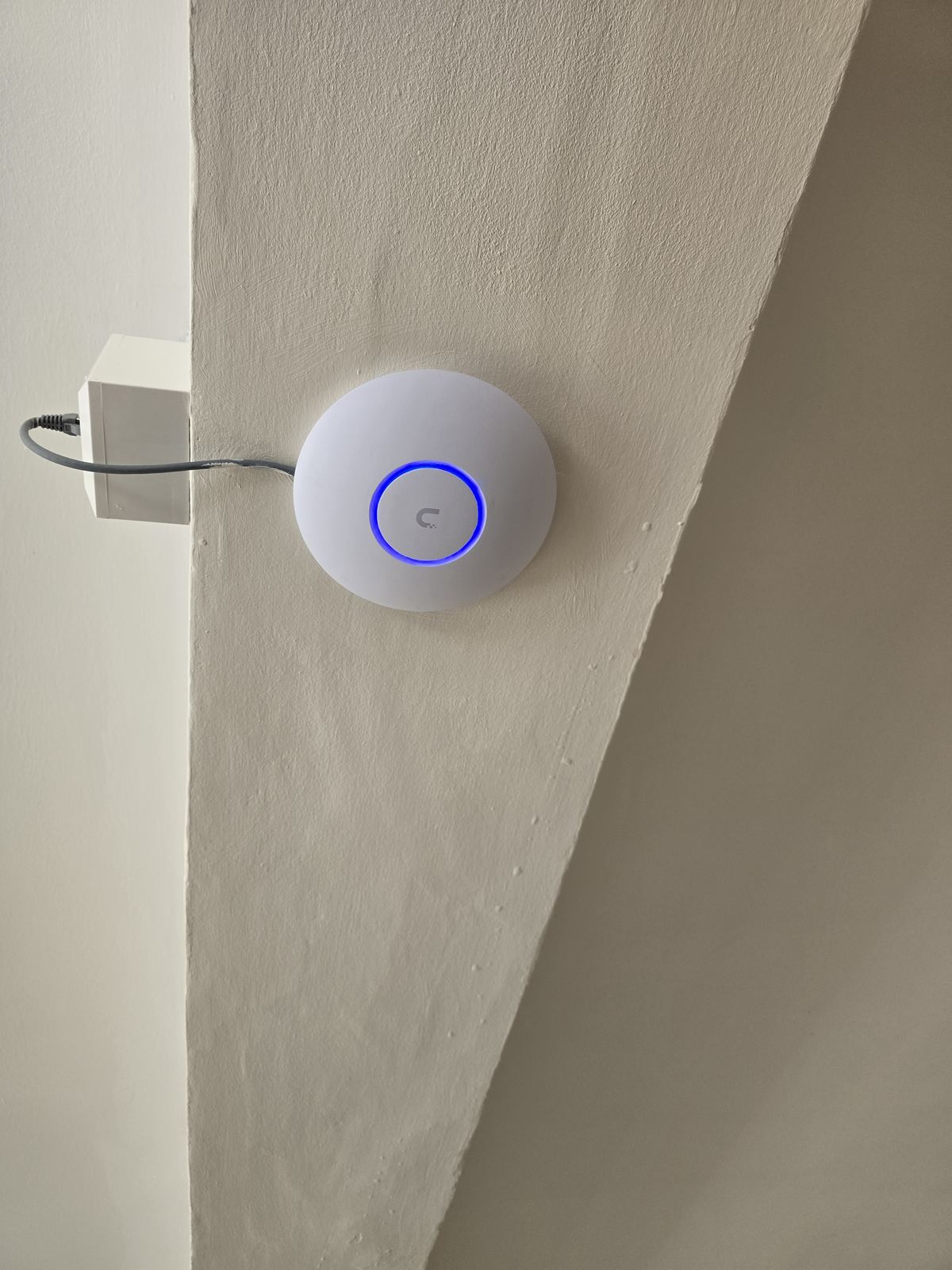
- Check router and access-point placement. Low cupboards, floor level, metal objects and the far end of a property can all reduce usable coverage.
- Consider the building. Dense masonry, foil-backed insulation, mirrors, tiled rooms, steelwork and multiple floors can weaken or reflect the signal.
- Look for interference and congestion. Neighbouring networks and other radio equipment can affect channel quality, while busy devices can consume available capacity.
- Check the backhaul. A mesh node or access point still needs a reliable route back to the router. Poor wireless backhaul can move the bottleneck without removing it.
- Separate coverage from capacity. A strong signal does not guarantee that the device, radio band, cabling or upstream connection can deliver the required performance.
5. Match the fix to the evidence
Different findings need different fixes. Provider-side underperformance belongs in the provider's fault process. A single-device problem may need an update, settings change or replacement client. Poor router placement may be corrected without new equipment. Coverage or backhaul problems may justify a better-positioned access point, a planned mesh system, or data cabling—but only after testing shows where the restriction is.
Upgrading the broadband package will not repair weak Wi-Fi coverage, and adding Wi-Fi hardware will not repair a slow incoming line. The useful answer is the smallest change that addresses the measured bottleneck.
When to ask for on-site help
If the controlled tests point to coverage, cabling or network design, see our Wi-Fi and home network service or data cabling service. We can often scope a planned installation from clear information and photographs. Where hands-on fault finding or a site visit is needed, ask what is included and whether a diagnostic charge applies before booking.
Clear written quotation before any chargeable work. Short-notice appointments may be available across Stockport, Greater Manchester and Cheshire.