
The finish you want starts with a clear plan
A straightforward wall mount
A suitable bracket and fixing method, with the viewing position agreed before drilling.
Hidden cables and connections
AV/data routes, socket position and wall finish considered together.
Media and feature walls
Bracket support, access and connection points coordinated with the build.
Soundbar and devices
Connections and compatible setup included where agreed in the scope.
One complete TV installation — not three separate trades
A basic wall mount is only one part of the job when the aim is a genuinely clean room. We can quote a complete package around the finished result you want, so the bracket, cable route, power position, AV connections and making good are planned together instead of being treated as unrelated jobs. Where fixed electrical work is needed, it is included or coordinated within the agreed scope and completed in a compliant way for the circuit and wall construction.
- Suitable wall bracket supplied or your compatible bracket fitted
- TV positioned, mounted, levelled and checked
- HDMI, optical, aerial and network cables concealed where practical
- New fixed power socket positioned appropriately where required
- Brush plates or multimedia wall plates for a tidy cable exit
- HDMI routes for Sky, games consoles, AV receivers or soundbars
- Soundbar mounting and supported ARC / eARC setup
- Plastering and making good of cable chases or access openings where included
- Final connection, basic setup and handover
See the work behind the finish
Recent TV wall mounting work
A small selection of genuine EDD wall-mounting work, showing different finished results, cable-management approaches and settings without pretending every wall or room needs the same solution.
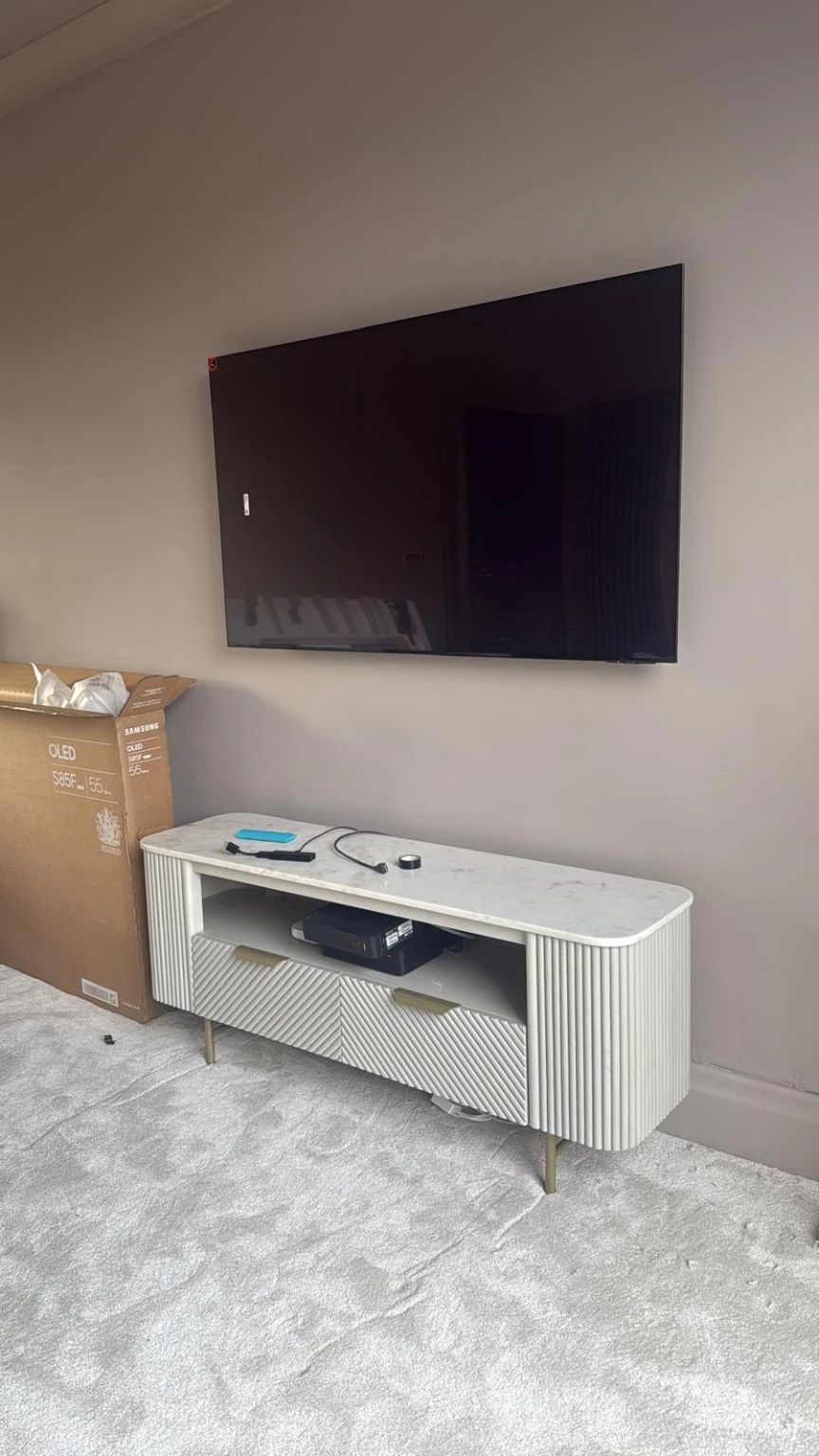
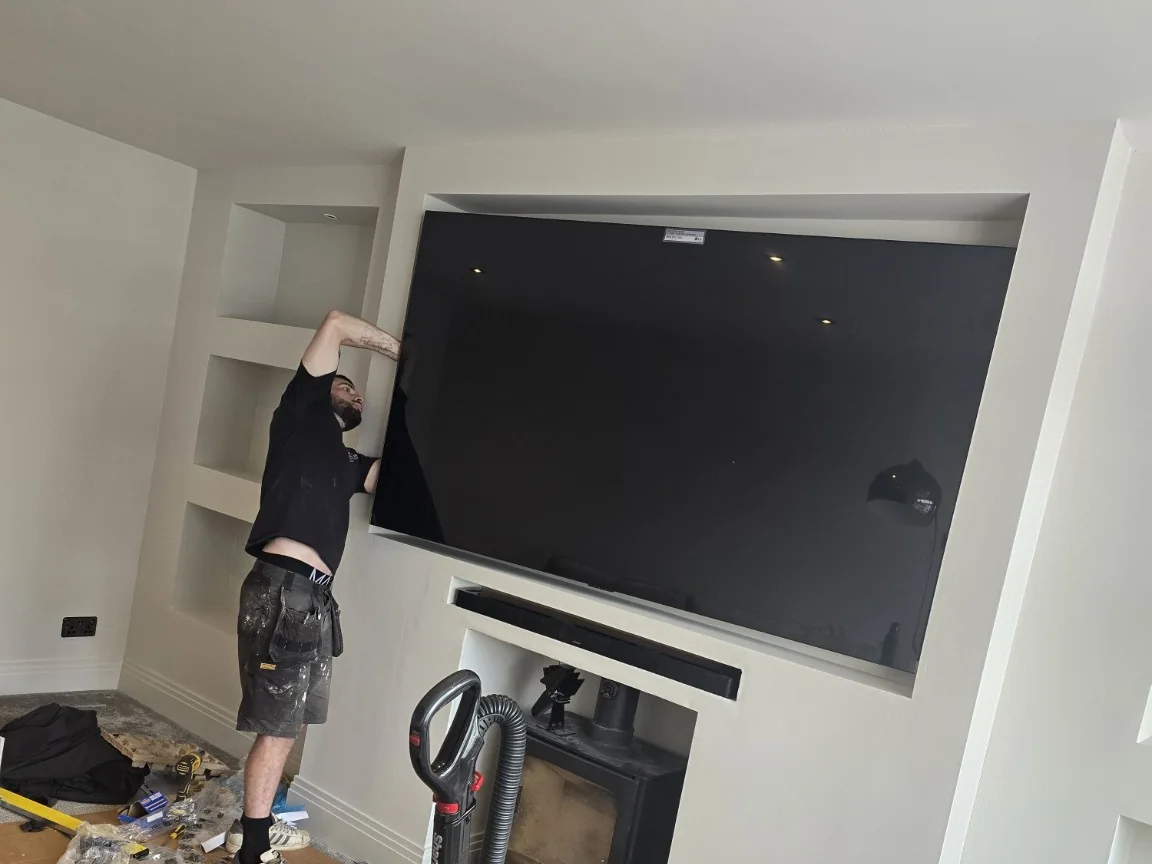
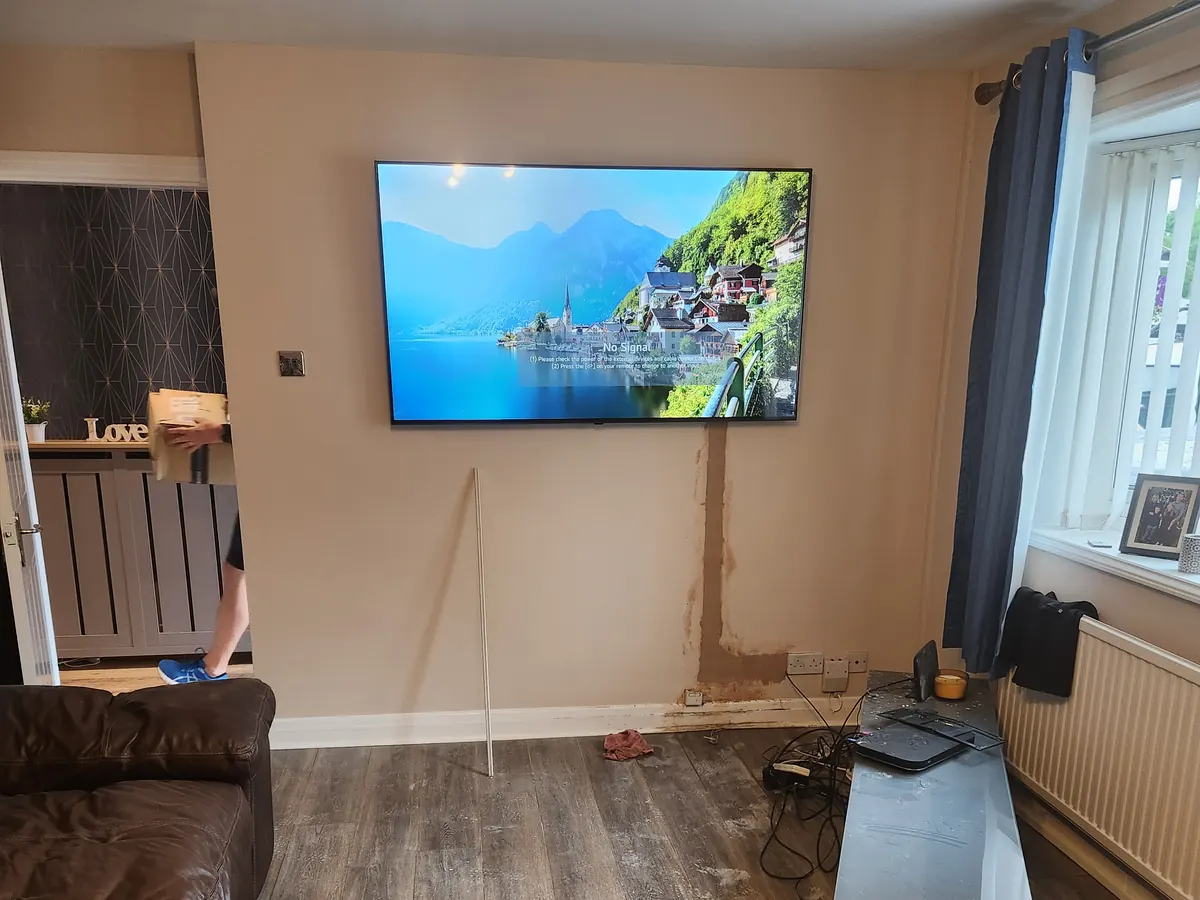
For a complete hidden-cable example, see our 65-inch WA3 Warrington TV wall mount case study, including the new socket, concealed route and plastering. You can also see more of our recent work.
Our Bamber Bridge home-gym TV installation combined concealed TV cables with a new Cat6 data cable and aerial feed in Preston.
For a different wall construction, see how we approached a 75-inch TV wall mount on porcelain-tiled plasterboard in Preston, where protecting the finished tiles and choosing the mechanical fixings were the main challenges.
From your wall photos to the final checks
A practical mounting process
- 01Share the room
Send the TV model, wall photo and the equipment you want connected.
- 02Agree the position
Confirm wall support, viewing height, cable route and the quoted scope.
- 03Mount and connect
Fit the agreed bracket and connections, with making good where included.
- 04Check together
Check the picture, supported audio and finish, then explain the setup.
Choose a cable route that suits the wall
Three ways to plan the cable route
Neat surface route
Containment keeps low-voltage leads organised where opening the wall is not practical.
Concealed route
A suitable cavity or planned chase can hide AV/data cabling. Wall construction decides the method.
Plan before closing the wall
On a media wall, agree support, access and cable exits with the other trades before the finish goes on.
These illustrations show low-voltage AV/data routes only. Mains power needs a separate suitable fixed socket or other compliant arrangement. Making good and decorating are agreed separately.
Hidden TV cables — what can actually be concealed
The neatest route depends on the wall rather than the size of the television. On suitable stud or plasterboard walls, low-voltage AV cabling can often run through the cavity. Dot-and-dab walls may provide usable voids in some areas but can still need carefully planned openings or a chase. Solid brick, block or stone may need a chased route if the finish is being made good afterwards. If an in-wall route would be unsafe, excessively destructive or impossible to access, we explain that before starting and use a neat surface option instead.
- HDMI, optical, aerial and Cat6 / Ethernet routes
- Brush plates, recessed plates and suitable multimedia outlets
- Conduit where future cable replacement is worth planning for
- Separate routes for mains power and low-voltage AV/data cabling
- Surface containment only where concealed routing is not sensible
Power sockets, HDMI & multimedia points behind the TV
A clean installation works best when the connections end where the equipment actually needs them. We can plan a suitable fixed power socket behind or beside the television, plus HDMI, aerial, Ethernet/data and other low-voltage connections. Depending on the setup, that can be a simple brush plate, separate faceplates or a combined multimedia arrangement. Flexible TV mains leads are not simply buried in the wall; fixed power is treated separately and completed using an appropriate compliant method.
- Power socket positioned for the TV and bracket clearance
- HDMI links to a media unit, games console, Sky box or AV equipment
- Aerial / Freeview point relocated behind the screen where required
- Cat6 / Ethernet connection for smart TV or streaming equipment
- Multimedia / brush plates to keep cable entry and exit points tidy
Check the wall and viewing position
Agree the position before drilling
- 1Sit where you normally watch and agree a comfortable screen position.
- 2Check furniture, soundbar space, sockets and access behind the TV.
- 3Confirm the proposed position with you before fixing the bracket.
There is no single correct mounting height. Start with the normal seat, then consider the screen, furniture, viewing distance and any fireplace or bracket movement.
Plasterboard, dot-and-dab & difficult walls
A plasterboard wall is not automatically a problem and a heavy TV is not automatically safe just because somebody has found a cavity fixing. We check the board, studs or noggins, cavity depth, wall build-up, TV weight and bracket type before choosing the support method. A full-motion arm creates much more leverage than a slim fixed bracket, so the fixing strategy can change even when the television itself stays the same. Dot-and-dab and media-wall constructions are assessed in the same way: find the real structure first, then decide how the load and cable routes should be handled.
Our Manchester city-centre apartment TV installation shows both sides of a hollow wall: a useful cavity for concealing low-voltage AV cables, and a mounting method that needed to suit the plasterboard construction. The bracket and fixings were selected to distribute the television's load across the wall.
Fireplace & chimney breast TV mounting
Mounting above a working or decorative fireplace needs more than simply finding a solid fixing. The bracket and substrate must suit the TV load, the proposed height needs to remain comfortable enough for the room, and a working fire must not expose the television to temperatures outside the manufacturer's permitted operating conditions. We assess the wall construction, mounting position and practical cable route; if heat at the proposed screen position is a concern, we recommend a different height or location rather than relying on a universal temperature rule.
- Brick, stone or suitable structural support confirmed before mounting
- Heat and manufacturer clearance considered on working fires
- Power and AV routes planned separately and appropriately
- Soundbar mounted neatly below where wanted
Plan the finishing work and equipment
Plastering & making good after hidden-cable work
If the chosen cable route needs a chase or access opening, plastering and making good can be included in the same quoted scope. The aim is to leave the wall structurally tidy and ready for the agreed finish rather than leaving the customer to find another trade just to close the route back up. Final painting or decorating is only included where it has been specifically agreed, so the quote is clear about exactly where our scope finishes.
Media walls and feature walls
For a new media wall or feature wall, the cleanest result starts at first fix. We agree the TV position, VESA and weight, structural support for the bracket, conduit routes and the required power, HDMI, aerial and data positions before the frame is closed. The relevant parts of the installation can then be completed in the right order, with the TV, soundbar and AV equipment fitted and tested once the finished wall is ready.
For a finished-room example, our Prestwich media wall and UniFi Wi-Fi case study shows how a full-motion TV mount and a dedicated access point addressed both the display installation and weak living-room coverage.
Soundbar installation & pairing
We can mount a compatible soundbar below the TV or position it on a shelf, route the supported audio connection neatly and configure ARC / eARC and HDMI-CEC where the TV and soundbar support them. Surround speakers, subwoofers and room-calibration features depend on the particular ecosystem, so we set up the features available on the equipment rather than assuming every soundbar works the same way.
One conversation about the complete job
Get one quote for the complete finished result
For many wall-mounting jobs we can work out a sensible scope from clear photos before arranging anything. Send the TV make/model or size, a straight-on photo of the wall, a wider photo showing the furniture and sockets, and tell us what equipment needs to connect to the TV. If you want hidden cables, new power, HDMI, aerial/data points, a soundbar or plastering included, say that at the start and we can quote the combined job rather than adding pieces afterwards.
What affects the cost
A quote or non-invasive site assessment is free. Once the scope is agreed, the quoted price is fixed for that scope. Cost depends on the TV and bracket, wall construction, cable route, access and whether additional AV, aerial, data, making-good or separately compliant power work is needed. Most quotations can be discussed from the TV details and clear photos of the wall — ring the office on 0161 399 1757 or send a WhatsApp. We review enquiries during opening hours and come back personally about the next sensible step.