
Quick answer
There are four main ways to hide cables on a wall-mounted TV: neat surface trunking, routing low-voltage cables through a suitable wall void, creating a chased or conduit route, or planning the cables inside a purpose-built media wall. The best option depends on the wall construction, the finish you want and how many HDMI, aerial, Ethernet and audio cables the setup needs now and later.
Getting the TV safely onto the wall is only half the job. A screen with a bundle of power, HDMI, aerial and soundbar cables hanging underneath can look less finished than it did on a stand.
The cleanest solution is not always the most invasive one. On some walls a carefully positioned length of paintable trunking is the sensible answer. On others, there is a usable void or a planned media-wall route that can leave practically nothing visible. The important bit is deciding the cable plan before the final TV position and bracket make access difficult.
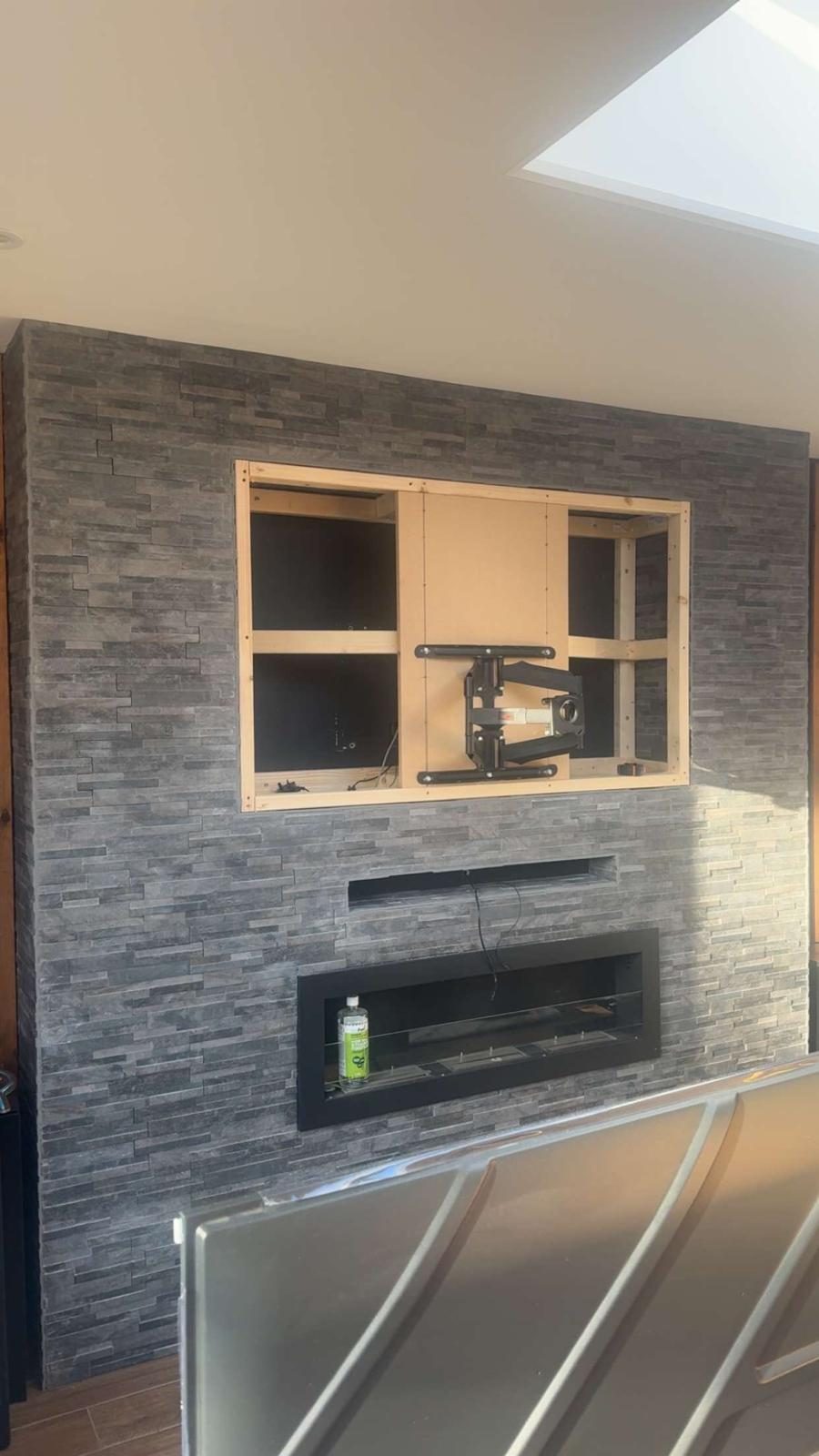
Before cutting or drilling: inspect the route
Do not cut, chase or drill until the proposed route has been inspected. The wall may conceal live electrical cables, pipes, structural elements or a fire-resisting construction, and the visible surface does not reveal whether the route is safe or suitable. If the construction or services cannot be established confidently, use a non-invasive route or involve the appropriate competent trade.
The HSE's electrical-safety guidance for building work says refurbishment work must be planned around the building's electrical system and specialist electrical work should be carried out by trained, competent people. In England, Approved Document P explains the electrical-safety requirements for dwellings.
The main TV cable-hiding options compared
Option 1: surface trunking
Trunking is sometimes treated as the cheap compromise, but a short, straight run in the right colour or a paintable finish can look far better than an unnecessarily destructive cable chase. It also keeps the cables accessible if a Sky box, console, soundbar or television is replaced later.
It is particularly useful on solid masonry, difficult external walls, rented properties or rooms where chasing and redecorating would be disproportionate to the job.
The difference between tidy and ugly trunking is usually planning: use the shortest sensible route, align it with the TV or furniture and avoid an assortment of separate plastic channels for every cable.
Option 2: hiding low-voltage cables inside a suitable wall void
Some plasterboard and stud walls have a usable route behind the finished surface. If the wall construction and obstructions are understood, low-voltage signal cables such as HDMI, Ethernet or aerial coax can sometimes be routed between suitable entry and exit points.
That does not mean every plasterboard wall is an empty cavity from floor to ceiling. Timber or metal studs, noggins, insulation, dot-and-dab adhesive, fire barriers, pipes and electrical cables can all change what is possible.
Our guide to mounting a TV on plasterboard explains why identifying the actual wall construction matters before drilling or cutting anything.
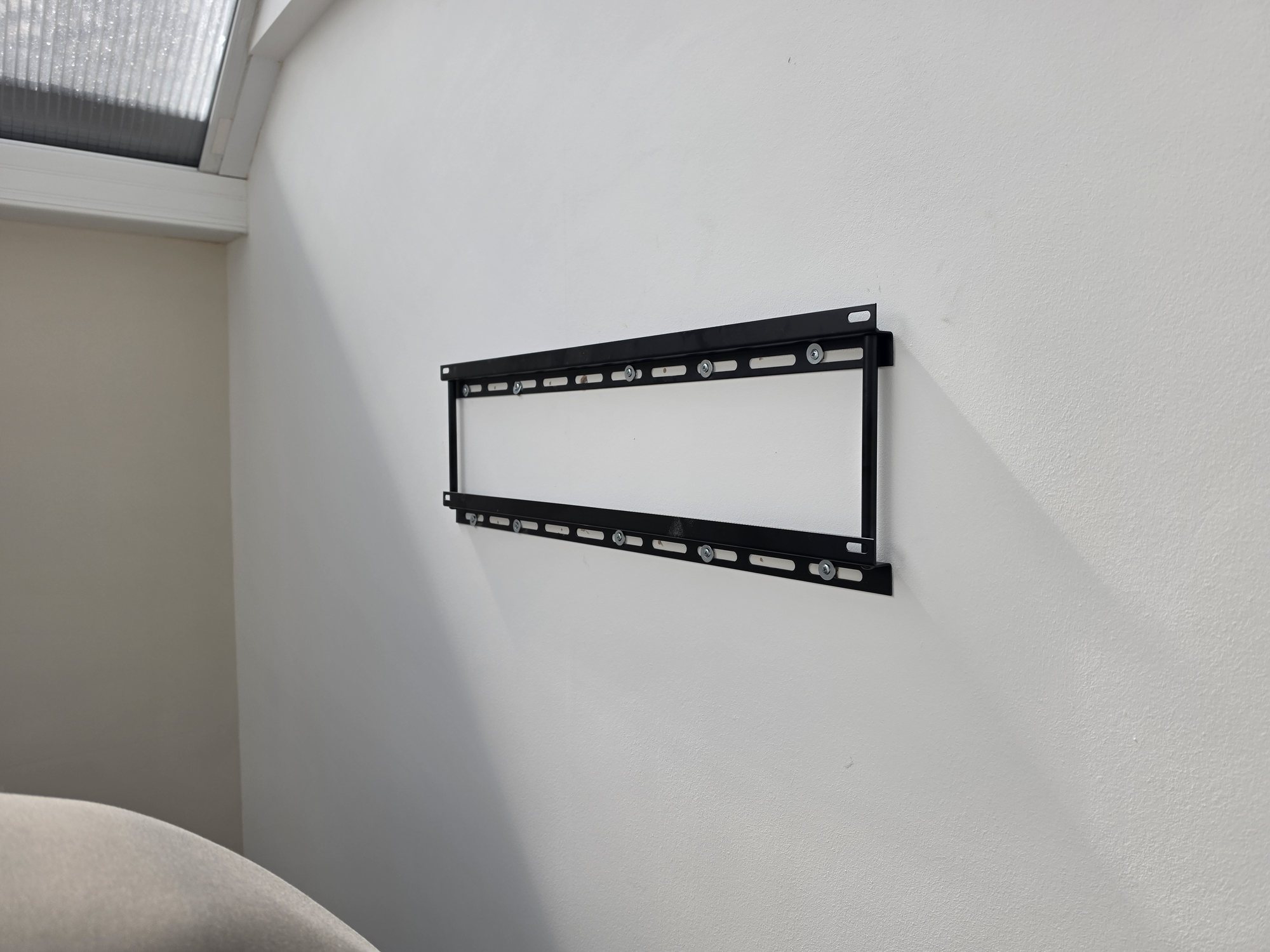
In our Manchester apartment TV wall-mounting project, low-voltage AV cables were fished through a usable cavity behind the plasterboard, reducing visible leads between the screen and media unit. The mounting method was selected around the hollow wall at the same time.
Option 3: chasing or installing conduit in a solid wall
If the goal is a concealed finish on brick or blockwork, a route can sometimes be created in the finished wall and made good afterwards. Where the room is already being decorated, that can be the right time to plan TV cabling properly.
Conduit can be valuable because HDMI standards, device requirements and cable ends change over time. A concealed cable that cannot be replaced may look wonderfully tidy on day one and become a nuisance when the television or source equipment is upgraded.
The route has to be planned around the construction and other services in the wall. We do not advocate cutting channels blindly because a drawing says the cable should go straight down.
Option 4: plan everything during a media-wall or renovation build
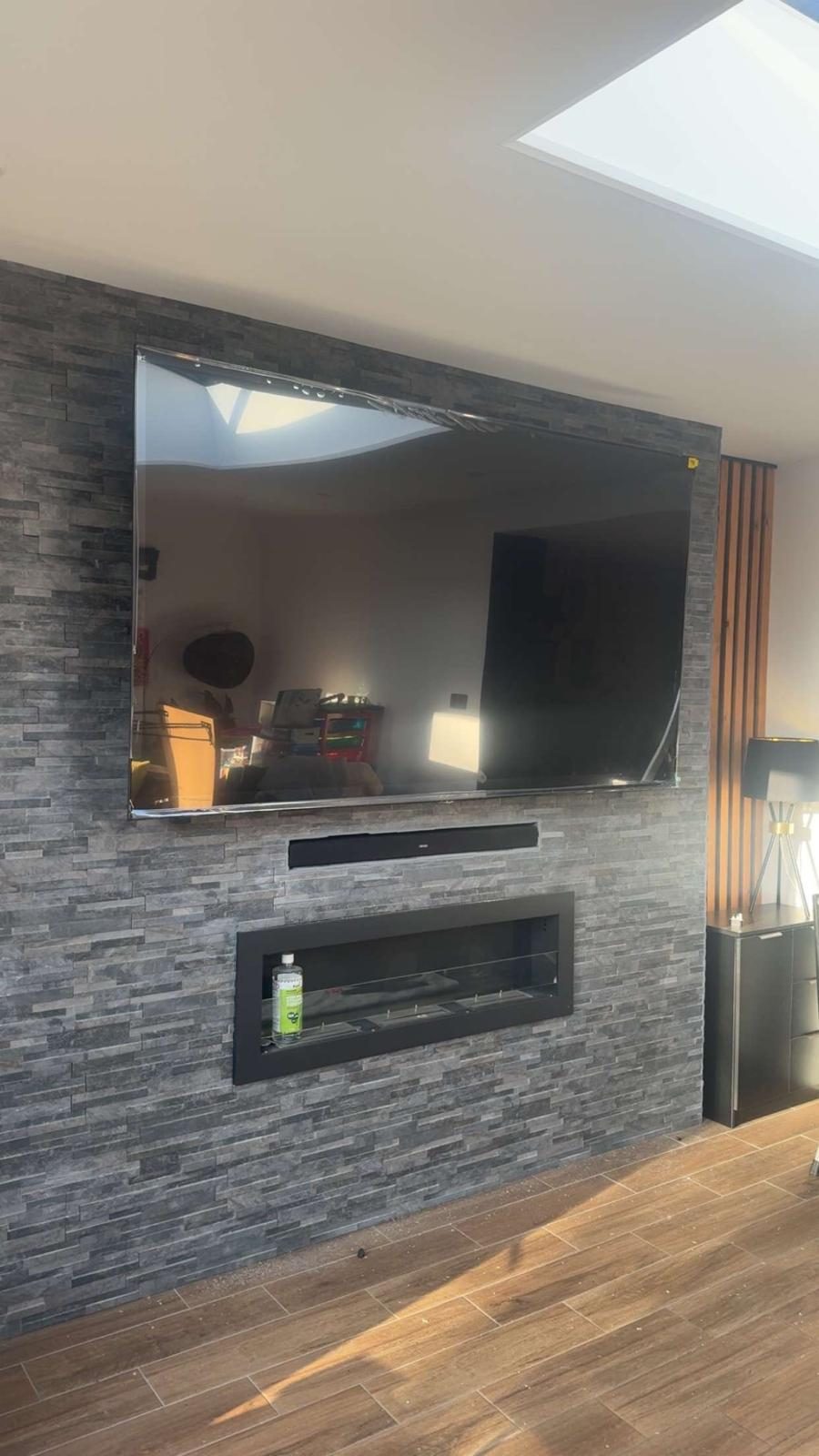
A new media wall or major renovation gives you the best opportunity to decide where every connection should emerge before plasterboard and decoration hide the infrastructure.
That does not mean fitting every cable you can think of. It means deciding where the television, soundbar, source equipment and network connection will live, then providing sensible routes and access for those devices.
Which cables should you plan for?
A wall-mounted TV can need far more than one power lead. Before hiding anything, list every device that will connect to the screen and where that device will physically sit.
- HDMI: Sky, games consoles, streaming boxes, AV receivers and other sources.
- Aerial or satellite coax: where the TV or connected equipment still uses an RF feed.
- Ethernet: useful where you want a wired network connection rather than relying entirely on Wi-Fi.
- Audio: including HDMI eARC/ARC or other connections required by the soundbar or audio system.
- USB or service cables: only where the actual equipment needs them.
If you are planning Ethernet as part of the room, our data cabling service can route that as part of the wider installation rather than adding another visible patch cable later.
Do not forget where the Sky box, console or other equipment will go
Hiding the TV cables is much easier if the source equipment has an intentional home. A floating unit below the screen, a nearby cupboard, a media cabinet or another room can all work, but the cable route and control method need to match that choice.
Long or distributed HDMI runs need more thought than simply buying an unusually long passive cable. Where equipment is remote or feeds several displays, see our guide to HDMI over Cat6 vs coax for the different distribution approaches.
What about the TV power cable?
Treat mains power differently from low-voltage signal cables. A loose extension lead or ordinary mains flex should not simply be dropped into a wall cavity as a shortcut to a hidden installation.
If the finished design needs a mains outlet in a different position, the electrical work should be designed and carried out appropriately for the property by a suitably competent person. The TV mounting and cable plan should allow for that rather than improvising around it afterwards.
Should HDMI cables be permanently plastered into the wall?
Think carefully before making any signal cable impossible to replace. HDMI equipment changes, connectors can be damaged and a future television may need a feature or bandwidth that the current cable was never selected for.
Where the construction permits it, a serviceable conduit or accessible route can be more future-friendly than permanently burying a cable with no replacement path.
Can you hide cables behind a dot-and-dab wall?
Sometimes, but dot-and-dab is not the same as a conventional stud cavity. The gap behind the plasterboard can be shallow and interrupted by adhesive dabs, and the masonry behind it still matters for both the bracket and cable route.
This is a good example of why we inspect the wall first instead of promising "all cables hidden" before understanding the construction.
How we plan a clean TV wall-mounting job
- Agree the final TV height and horizontal position.
- Identify the wall construction and choose the bracket/fixing approach.
- List the connected devices and where each one will live.
- Choose the least disruptive cable route that delivers the finish the customer wants.
- Keep future access and cable replacement in mind.
- Mount, connect and test the complete setup rather than treating the bracket as the whole job.
That is the approach behind our TV wall mounting service across Stockport, Greater Manchester and Cheshire.
What is the best way to hide TV cables?
The best method is the one that suits the actual wall and the finish you care about. Surface trunking is often the cleanest low-disruption answer. A proper void, conduit or first-fix route can create a more concealed installation where the construction allows it.
Whatever route you choose, plan the HDMI, aerial, Ethernet, audio, equipment position and power requirements together. A cable-free-looking TV only stays tidy if the rest of the system has somewhere sensible to go.
Frequently asked questions
How do you hide cables on a wall-mounted TV?
Common options are neat surface trunking, routing suitable low-voltage cables through an appropriate wall void, creating a chased or conduit route, or planning the cables inside a media wall. The wall construction and equipment determine which method is sensible.
Can TV cables be hidden inside a plasterboard wall?
Sometimes. A stud wall may provide a usable route, but noggins, insulation, services and other construction details can block it. Dot-and-dab walls are different again and often have a much shallower interrupted gap.
Is trunking okay for a wall-mounted TV?
Yes. A short, well-positioned trunking run can be a neat, accessible and low-disruption solution, especially where chasing the wall would be disproportionate or the construction does not provide a safe concealed route.
Should I put HDMI cables in conduit?
A serviceable route can be useful because HDMI requirements and equipment change. Where the construction allows it, conduit can make future cable replacement easier than permanently burying a cable with no access path.
Can you hide the power lead inside the wall with the HDMI cable?
Mains power needs to be treated differently from low-voltage signal cables. Do not simply drop a loose extension lead or ordinary mains flex into a wall cavity. If a new outlet is required, the electrical work should be designed and carried out appropriately by a suitably competent person.
Clear written quotation before any chargeable work. Short-notice appointments may be available across Stockport, Greater Manchester and Cheshire.