
What we install
From a quick mesh upgrade to a fully wired-and-meshed home with Ethernet sockets in the rooms that actually need them. We recommend what's proportionate for the property and usage rather than defaulting to the most expensive kit.
- Mesh Wi-Fi (TP-Link Deco, Asus, eero)
- Wi-Fi 6 / Wi-Fi 6E routers
- Hard-wired Ethernet wall sockets
- Network switches & PoE
- Smart home device setup
- Home office and Wi-Fi calling fixes
Honest diagnosis first
A lot of Wi-Fi problems don't need a complete new system. Sometimes the router is badly placed, the channels are crowded, a mesh node is in the wrong position or one problem room only needs a better-placed access point. We'll explain what is actually causing the issue and what the proportionate fix is before recommending equipment.
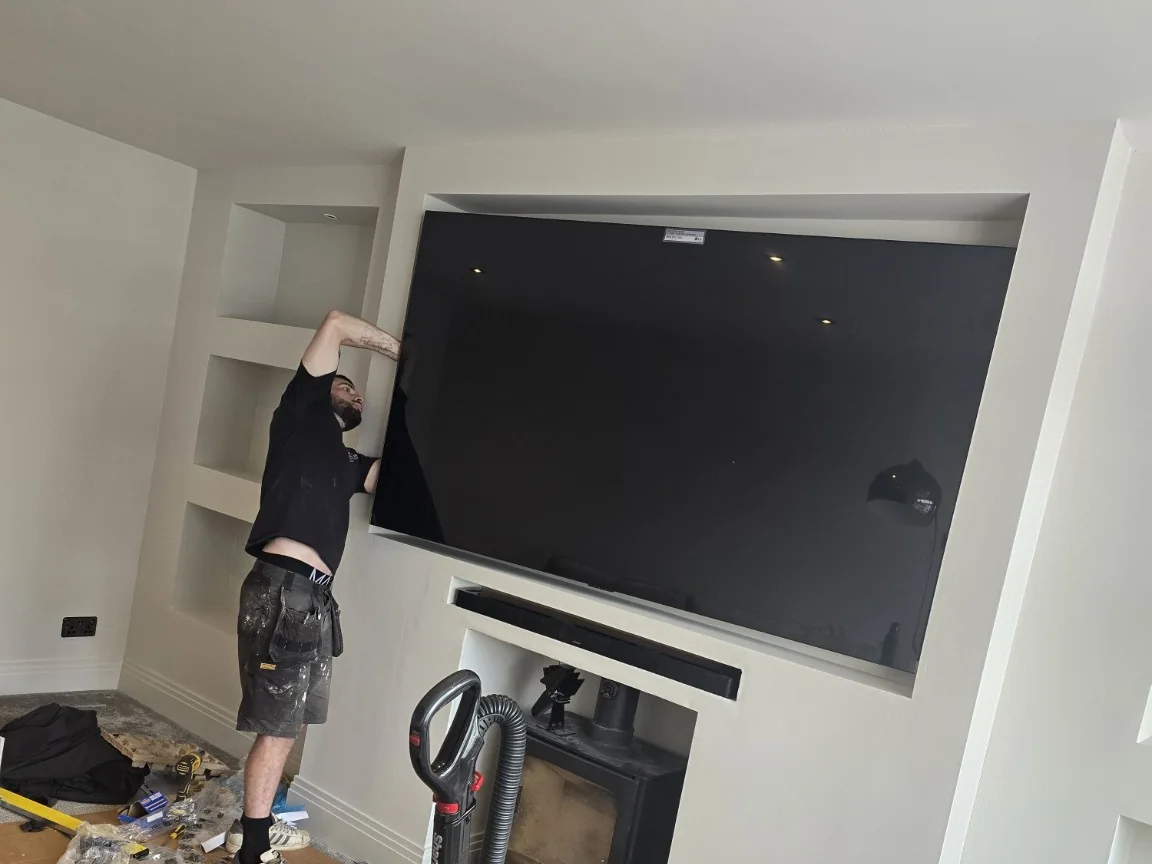
In our Prestwich media wall and UniFi Wi-Fi project, poor living-room coverage was addressed with a dedicated access point closer to the room, alongside the TV installation.
Mesh Wi-Fi installation — whole-house coverage
Mesh can be a very good answer when one router cannot cover the property cleanly. Two or three coordinated nodes give one network name and can improve coverage across floors and extensions. Placement and backhaul matter more than the number of boxes: where practical we wire nodes with Ethernet so they are not relying on a weak wireless link between each other.
The incoming internet connection and indoor Wi-Fi need planning together. In our Alderley Edge Starlink and mesh Wi-Fi project, we routed the satellite connection into the loft and integrated it with the home's mesh network as part of the same installation.
- Pack size matched to the property
- Node placement based on actual coverage
- Ethernet backhaul where practical
- Old router Wi-Fi retired or coordinated correctly
- Room-by-room performance checks on handover
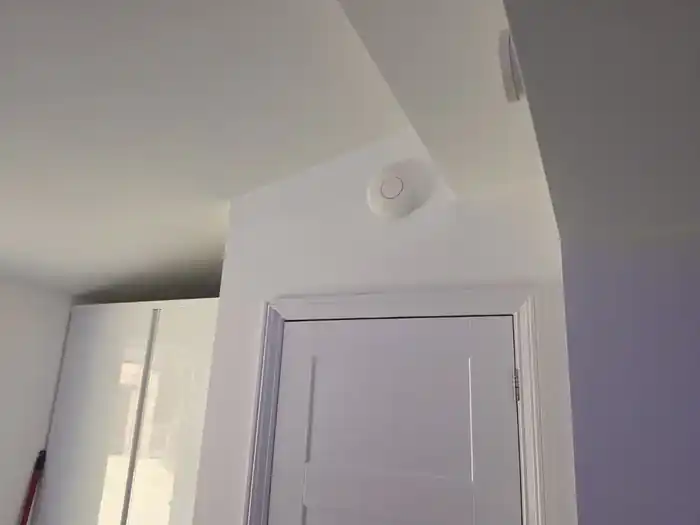
Ceiling-mounted access points for larger homes
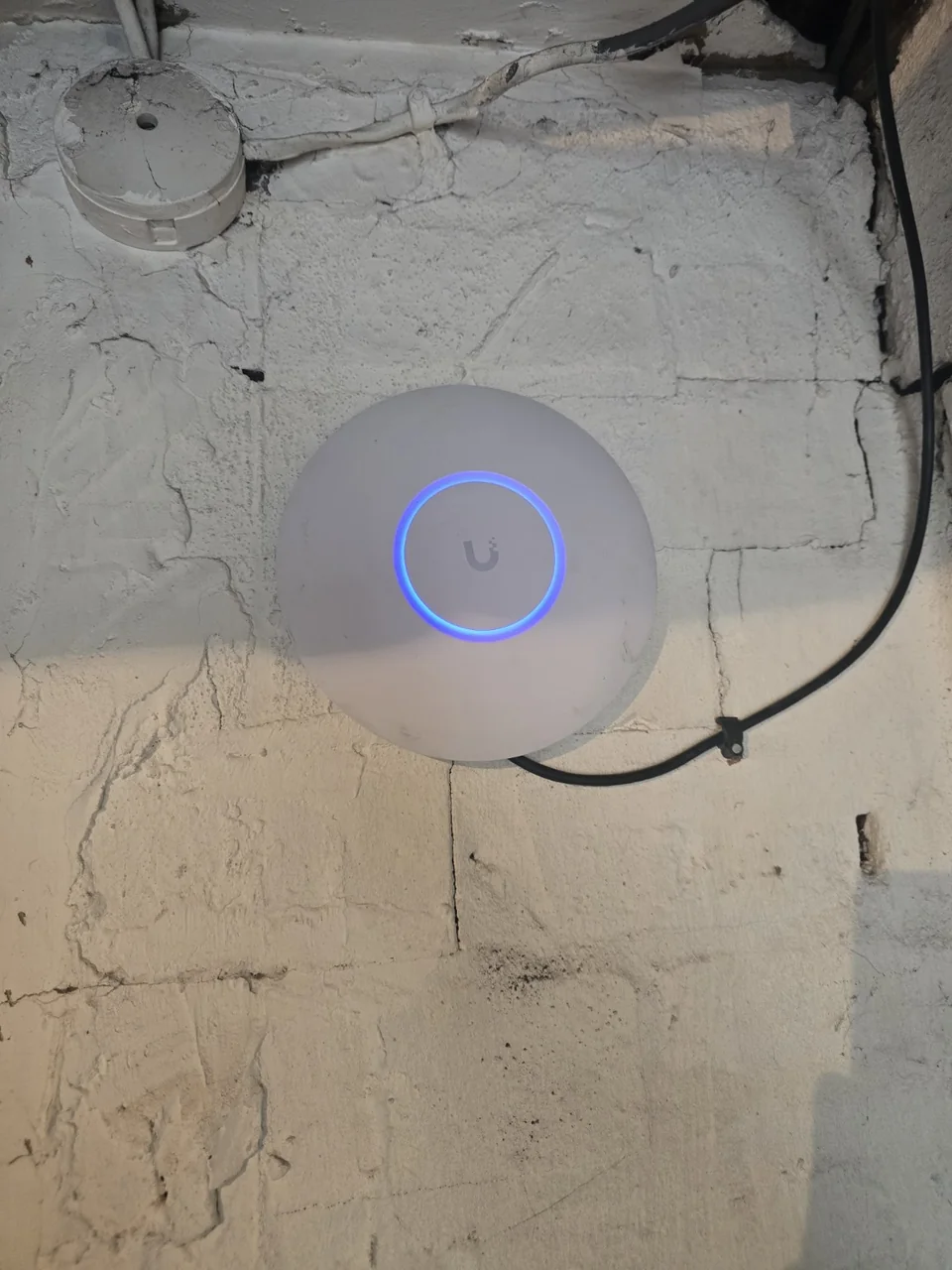
For bigger properties, extensions, garden offices or anywhere wireless mesh backhaul struggles, a hard-wired ceiling-mounted access point can be the cleaner fix. A cable runs back to the router or PoE switch and the access point is positioned where the signal is needed rather than where a plug socket happens to be.
Wired backbone, wireless reach
The strongest home networks usually combine both. Ethernet gives access points, TVs, games consoles, work PCs and CCTV a predictable wired path, leaving Wi-Fi for the devices that genuinely need to move around the house.
Wi-Fi survey & coverage assessment — find out what you actually need
For a planned installation, we can carry out a non-invasive Wi-Fi survey and coverage assessment as part of working out the right quote. We check where coverage drops, how performance changes room-to-room and whether the sensible fix is a node move, a mesh upgrade, a wired access point or new cabling. If deeper hands-on fault diagnosis is needed before the scope can be confirmed, we'll explain any charge before diagnostic work starts.
- Existing router, mesh positions and usable cable routes reviewed
- Priority rooms, devices and recurring weak spots identified
- Proportionate options explained before equipment is recommended
- Agreed coverage areas checked again when the installation is handed over
Seamless roaming, single SSID — done properly
A well-planned Wi-Fi system should let devices move around the property without forcing you to swap between different network names. Where the equipment supports it, we configure roaming and channel settings so access points work together rather than competing with each other.
VLANs, IoT and guest networks
Larger home networks and home offices can benefit from separating trusted devices, guests, CCTV and IoT equipment rather than putting everything on one flat network. We can configure VLANs and access rules where the equipment and use case justify it, keeping the setup understandable rather than adding complexity for its own sake.
- Trusted devices — phones, laptops and work equipment
- IoT network — smart-home devices where separation is useful
- Guest network — isolated from private devices
- CCTV network — separated where the system design calls for it
- Traffic prioritisation where supported and useful
Router & firewall setup for managed home networks
For home offices and larger properties that need more control than the ISP router provides, we can handle router and firewall installation alongside the Wi-Fi. That can include sensible firewall rules, VLAN separation for work, guest, IoT and CCTV devices, and remote management on supported equipment. We keep it proportionate to the property rather than turning a straightforward home network into an unnecessary enterprise project.
In our Cheadle managed UniFi network rebuild, we retained tested Cat5e cabling and brought the gateway, PoE switching and whole-home Wi-Fi into one managed system.
Why extenders and powerline are not always the best fix
Wi-Fi extenders and powerline adapters both have situations where they can help, but their performance is less predictable than a properly placed access point or wired backhaul. Extenders need a good signal themselves and can add another wireless hop; powerline performance depends heavily on the property's electrical layout and electrical noise. We treat them as options to assess, not automatic fixes.
Cabling to the AP — where consistency comes from
Wiring an access point or mesh node removes the wireless backhaul as a bottleneck and usually gives much more consistent performance under load. We route Cat6 through lofts, cupboards, floor voids and existing conduits where practical. Where cabling genuinely is not sensible, we choose wireless equipment around the actual layout rather than pretending a cable is always possible.
What affects the cost
A quote or non-invasive site assessment is free. Once the scope is agreed, the quoted price is fixed for that scope. If hands-on fault diagnosis is needed before the scope can be confirmed, we'll explain any charge before diagnostic work starts. Cost depends on the scope of work, equipment, access and any cabling route. Most planned installations can be discussed from a short description and photos before deciding whether a site visit is useful.
Common Wi-Fi problems we help with
Most Wi-Fi jobs start with one of a handful of symptoms. If any sound familiar, the linked guides explain the likely causes before we visit: Wi-Fi slow upstairs, Wi-Fi dead spots, UniFi vs mesh, mesh vs access points and why your internet feels slow.
Need Wi-Fi for an office or business premises?
This page is the home Wi-Fi route. For wireless coverage, wired access points and guest access in a workplace, see Business Wi-Fi Installation. For the whole wired and wireless infrastructure, use our Commercial Network Installation page, where Wi-Fi is planned alongside switching, cabling, firewalls, guest/staff separation and the wider business network.
Often combined with
Home Wi-Fi work pairs naturally with data cabling, CCTV installation and TV wall mounting — often handled together on the same project. On larger residential projects it can form the network foundation of a complete smart home automation system.
Real Wi-Fi projects
Two examples where the job was bigger than adding another mesh node and the network had to be planned around the site.
Wi-Fi troubleshooting guide
A useful first read when a mesh system keeps dropping out or moving devices between nodes badly.
Home Wi-Fi & Network Installation near me — Stockport & Greater Manchester
Searching for home wi-fi & network installation near you? Our engineer is based in Stockport (SK6) and covers the whole borough plus surrounding Greater Manchester, north-Cheshire and High Peak areas. Short-notice appointments may be available depending on location, workload and the work required.
- Stockport
- Cheadle
- Heaton Chapel
- Offerton
- Edgeley
- Davenport
- Bramhall
- Hazel Grove
- Marple
- Romiley
- Woodley
- Bredbury
- Compstall
- Poynton
- Hyde
- Gee Cross
- Oldham
- Rochdale
- Macclesfield
- Buxton
Jump straight to your town
Additional service areas & regional projects
Coverage varies by distance and scope. Nearby Greater Manchester areas can suit the full service range, while farther regional work is weighted toward substantial planned projects. We confirm the postcode and scope before a visit is arranged.
- Preston
- Blackburn
- Blackpool & Fylde
- Macclesfield
- Congleton
- Chester
- Glossop
- New Mills
- Whaley Bridge
- Bolton
- Bury
- Wigan