
Connecting more than the Starlink dish
For a property where workshops, guest areas or separate buildings also need a reliable local network, see Remote Site Connectivity. It assesses the permanent customer-owned site infrastructure across suitable incoming services, alongside the Starlink mounting, cabling and integration work.
More than just sticking the dish on a pole
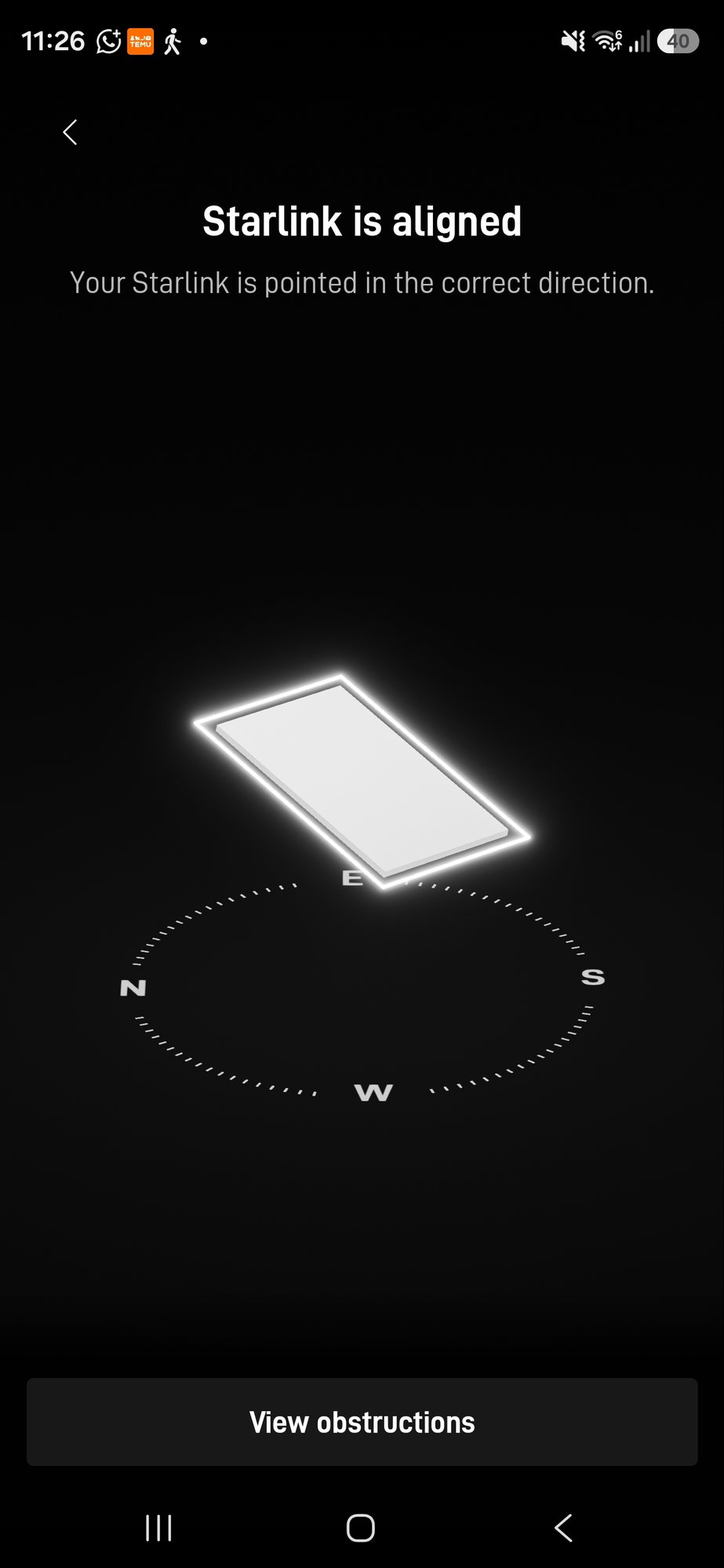
Where Starlink ends up affects performance — obstructions, mounting position and cable routing all matter. We use the Starlink app to assess the sky view before drilling, choose a sensible mounting position for the property and route the cable with future access and weather exposure in mind.
What's included
Full installation from mounting to a working local network. If you've already bought the Starlink hardware, we'll install your equipment; if you'd rather us handle it, we can order suitable hardware as part of the quoted project where appropriate. Starlink subscription plans, service availability and provider charges remain separate from our installation work.
- Sky-view assessment using the Starlink app
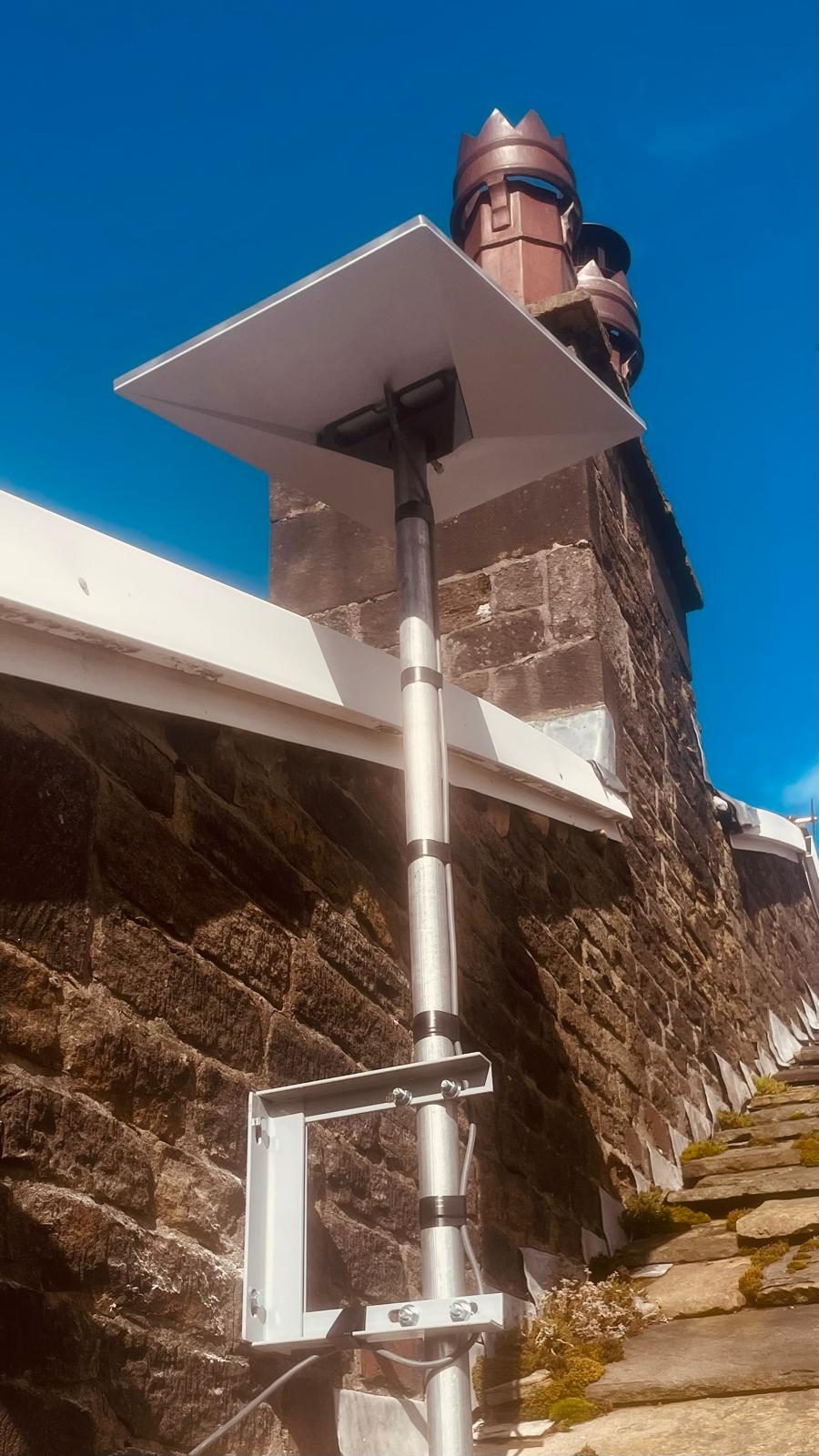
- Suitable pole, wall, chimney or roof mounting
- Bespoke mounting where the property needs it
- Cable entry planned and sealed appropriately
- Router placement and network setup
- Connection test and handover
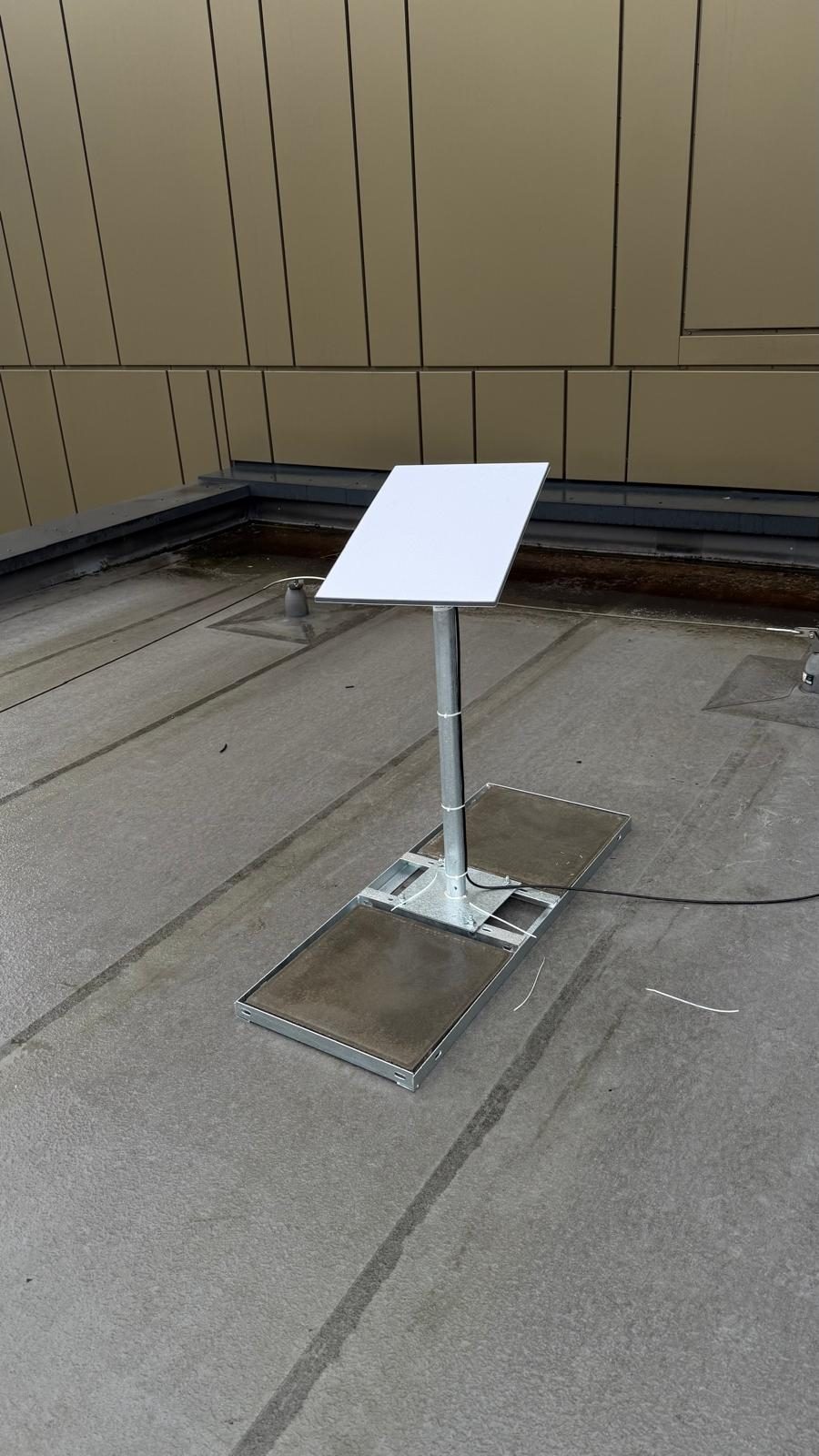
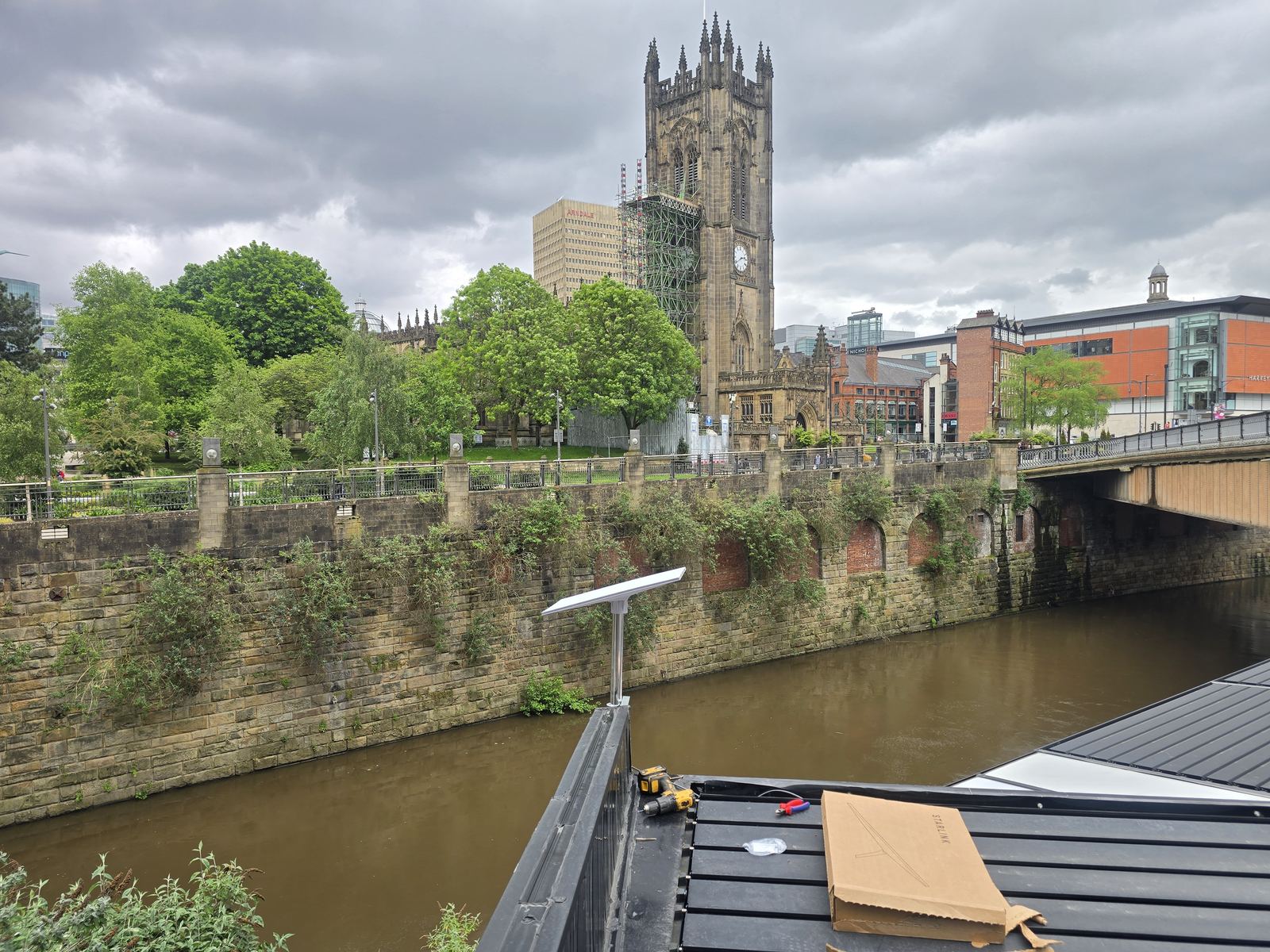
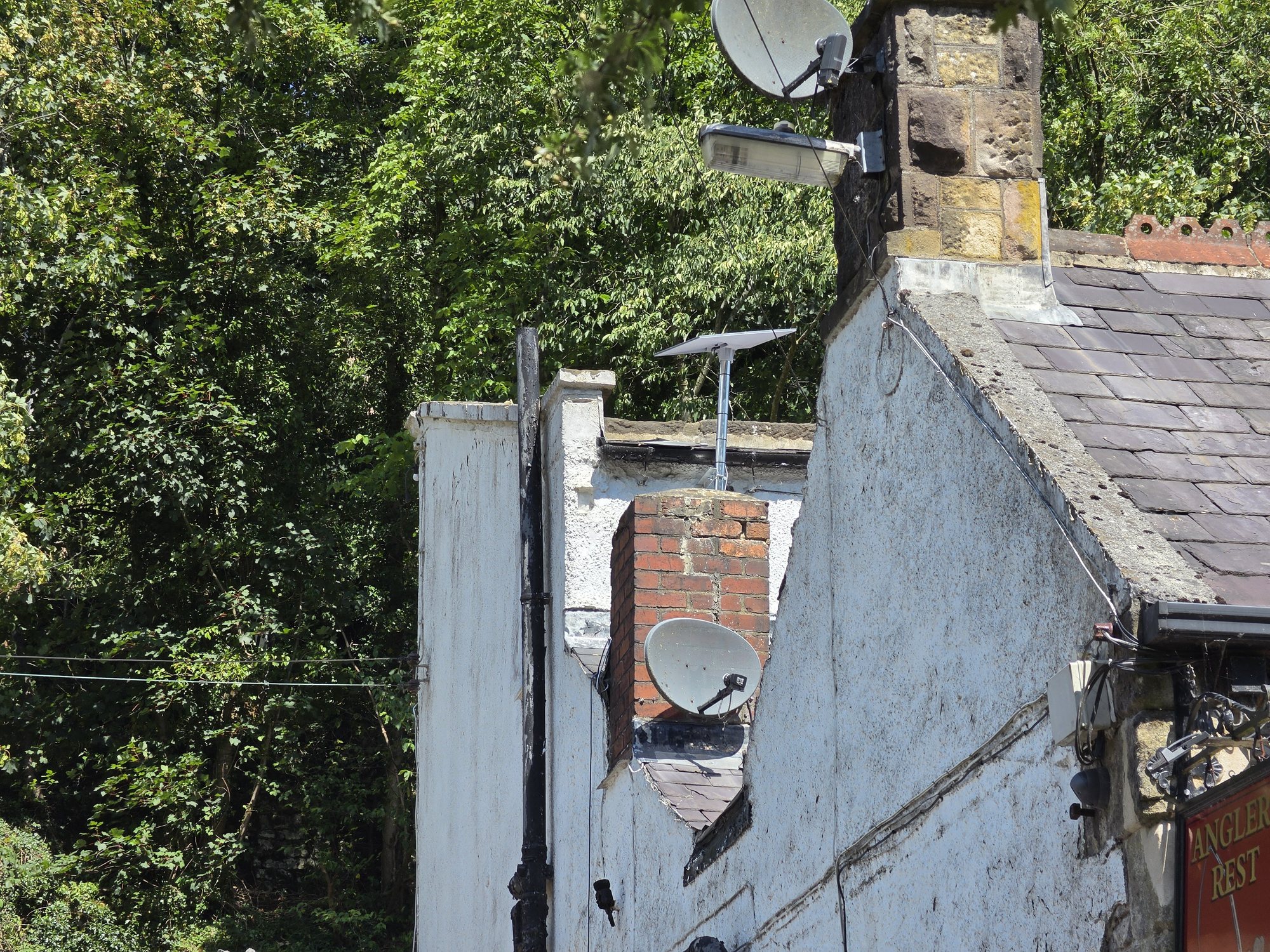
Recent Starlink installations — Stockport, Manchester & Cheshire
A snapshot of real Starlink jobs across Stockport, Manchester and Cheshire — chimney, gable and pole mounts, commercial installs, and rural pub failover. See the full write-ups in our rural pub Starlink & Wi-Fi case study and remote care office Starlink case study.
Want the dish kept discreet? Our Congleton Starlink installation case study shows how a concealed roof valley and a weighted, non-penetrating mount gave one homeowner an alternative to a prominent chimney position.
Our Alderley Edge hidden Starlink and mesh Wi-Fi project brings the wider connection into focus: a discreet roof-valley installation, cable routed into the loft, account setup assistance and integration with the home's mesh network.

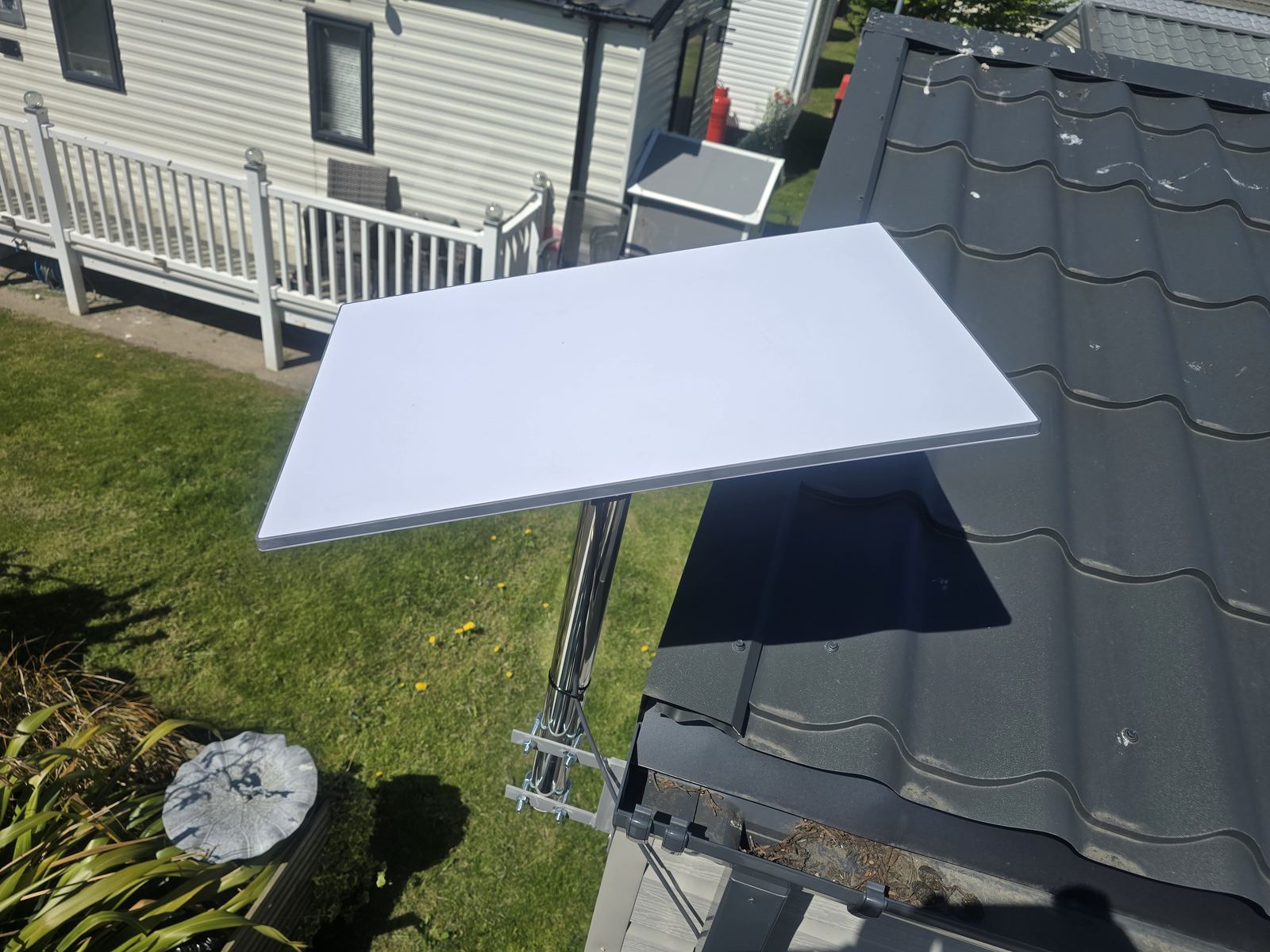
Local Starlink coverage around Stockport, South Manchester & Cheshire
The installation scope stays on this Starlink service page: sky-view assessment, mounting, cable routing, router setup and network integration. The local area hubs below add the wider location context — Wi-Fi, cabling, local project evidence and the surrounding engineering coverage — without creating a separate duplicate Starlink landing page for every town.
Bespoke mounting
Standard Starlink mounts do not suit every UK property. Chimneys, gable walls, flat roofs, outbuildings and rural sites can all need a different approach. We choose or fabricate mounting arrangements where appropriate so the dish ends up with a suitable sky view and a maintainable cable route.
Pole, chimney and roof mounting
We regularly install Starlink on ground poles, chimney lashings, gable brackets and suitable flat-roof mounting systems. The right option depends on the structure, access, exposure, sky view and the cable route back into the property, so we do not force every site into the same mounting method.
- Ground-pole installations for rural properties
- Non-penetrating options where suitable for flat roofs
- Chimney lashing kits for appropriate stacks
- Gable and wall brackets where they give the better position
- Bespoke mounting where standard accessories are unsuitable
Rural broadband & properties with poor fixed-line options
Starlink can be a practical option for rural homes, farms, workshops and edge-of-network properties where fixed-line broadband is unavailable or unsuitable. We also consider 4G/5G where mobile coverage is strong enough, because the right answer is the connection that fits the property and the job rather than whichever technology sounds newest.
Cable entry — plan the route before drilling
Starlink cable and connector requirements vary by hardware generation, so the route is planned around the actual kit rather than assumptions. We avoid crushing, sharp bends and unnecessary weather exposure, choose an appropriate property entry, and retain sensible access for future maintenance. Where a specific official cable or accessory is required, we confirm the kit before the install.
- Cable route planned around the actual Starlink generation
- Avoid hard bends, pinching and vulnerable door/window routes
- Weather-conscious external routing and property entry
- Future access considered before the cable is fixed in place
- Correct replacement cable or accessory confirmed before ordering
Router placement and integration with your own network
The Starlink router may be enough for some smaller properties. On larger homes, offices or sites with an existing network, it can make more sense to integrate Starlink with a third-party router, mesh system or wired access points. Where the Starlink hardware supports the required Ethernet or bypass arrangement, we configure the handoff and make sure the internal network is doing the job it was designed for.
Failover and resilience
Starlink can also sit alongside fibre or another fixed connection as a resilience link. A suitable dual-WAN router can monitor both connections and move traffic according to the configured failover policy when one becomes unavailable. For a commercial design, our business continuity and commissioned failover service covers the policy, controlled outage test, priority applications and handover limits—not just the secondary connection. Existing sessions may still need to reconnect when the WAN path or public IP changes.
Business & rural Starlink installs
We provide permanent customer-owned Starlink installations for rural businesses, farms, holiday accommodation, suitable site offices and remote workshops across Greater Manchester, Cheshire and the Peak District fringe. Uses include primary internet where fixed-line options are poor, an installed interim connection before a fixed service is ready, and backup connectivity where appropriate. We do not currently offer equipment hire, event-connectivity packages or project-end removal and redeployment packages.
- Farms, stables and equestrian centres
- Holiday parks, glamping and self-catering lets
- Customer-owned installations at suitable site offices
- Rural cafes, pubs and restaurants
- Permanent installations for workshops and remote premises
- Home offices needing a second connectivity option
Areas we install Starlink across
Our regular Starlink work covers Stockport, Greater Manchester, Cheshire and the Peak District fringe, including rural and hard-to-reach properties around Marple, Mellor, Disley, High Lane, Bramhall, Poynton, Wilmslow, Alderley Edge and the surrounding villages. If you're further out, send the postcode and the job scope and we'll tell you whether the visit makes sense.
For a property elsewhere in the UK, NextWave’s Starlink installation service explains how the dish, incoming connection and wider property network can be planned together.
What affects the cost
A phone discussion, quote or non-invasive site assessment is free. Once the scope is agreed, the quoted price is fixed for that scope. Cost depends on access, mounting, parts, cable routing and any network work required. If hands-on fault diagnosis is needed before the scope can be confirmed, we'll explain any diagnostic charge before that work starts.
Already have Starlink and it isn't working?
If the system is already installed but has gone offline, keeps dropping out, has cable or mounting damage, or works at the router but not around the property, see our Starlink repairs and diagnostics service instead. We fault-find the installation and internal network before recommending replacement parts.
Pair it with proper Wi-Fi
If the Starlink connection is good but coverage around the property is not, we can integrate it with a mesh Wi-Fi or wired access-point setup rather than blaming the satellite connection for an internal network problem.
“This is a great company. I rang up to have a star link fitted because of my terrible internet speeds. They came round and fitted it and I was very pleased with my new internet speeds. The lad who came round was very polite and explained everything in full detail. Would highly recommend.”
Genuine Starlink work by area
See real EDD Starlink installations on the local pages where the supplied photographs establish the location and installation context.
Useful Starlink guides
Use these before booking if you are still choosing the connection type or trying to work out whether the dish or the internal Wi-Fi is the real problem.
Starlink Installation near me — Stockport & Greater Manchester
Searching for starlink installation near you? Our engineer is based in Stockport (SK6) and covers the whole borough plus surrounding Greater Manchester, north-Cheshire and High Peak areas. Short-notice appointments may be available depending on location, workload and the work required.
- Stockport
- Cheadle
- Heaton Chapel
- Offerton
- Edgeley
- Davenport
- Bramhall
- Hazel Grove
- Marple
- Romiley
- Woodley
- Bredbury
- Compstall
- Poynton
- Hyde
- Gee Cross
- Oldham
- Rochdale
- Macclesfield
- Buxton
Jump straight to your town
Additional service areas & regional projects
Coverage varies by distance and scope. Nearby Greater Manchester areas can suit the full service range, while farther regional work is weighted toward substantial planned projects. We confirm the postcode and scope before a visit is arranged.
- Preston
- Blackburn
- Blackpool & Fylde
- Southport
- Macclesfield
- Congleton
- Chester
- Glossop
- New Mills
- Whaley Bridge
- Bolton
- Bury
- Wigan