
Starlink and full-fibre broadband solve different problems. The useful comparison starts with what can actually be ordered at your address, what your current service is contracted to deliver and what the connection needs to support. A town-level coverage claim or headline speed is not enough to make that decision.
1. Check the fixed-line options at the exact address
Start with the address rather than the postcode area. Check the Openreach fibre checker, the CityFibre availability checker where relevant, and the packages that providers will actually sell to that property. Availability can differ between neighbouring addresses and a build plan is not the same as a service that is ready to order.
Compare the expected busy-time performance, upload speed, contract term, installation requirements and any minimum guaranteed speed supplied for the chosen package. If an existing fixed-line service is underperforming, test it by Ethernet at the router and follow the provider fault process before assuming a different technology is required.
2. Assess Starlink at the proposed installation position
Check current availability, service-plan terms and equipment directly with Starlink. Plans and performance can change, so we do not base a recommendation on an old national speed or price figure.
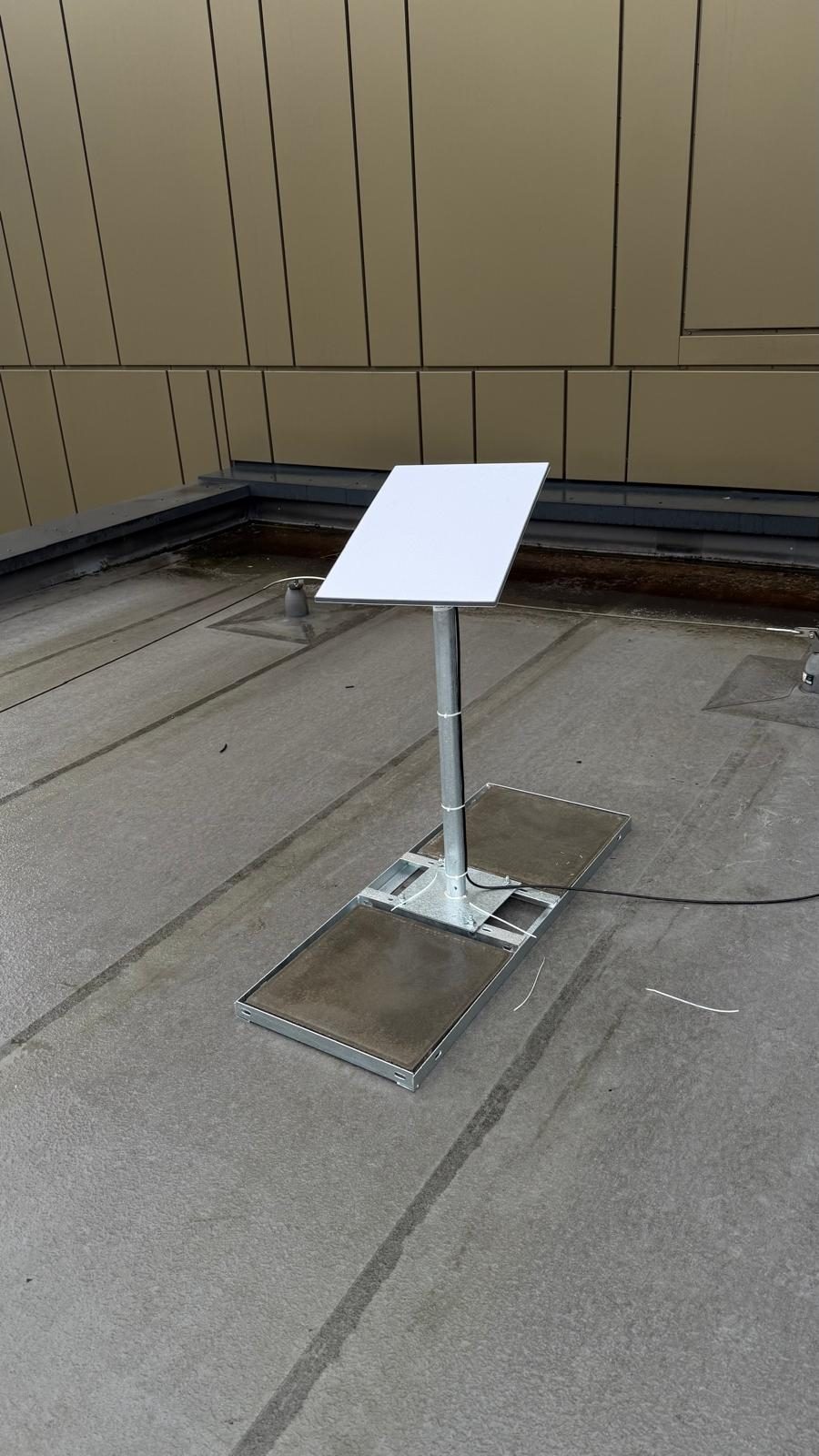
The proposed dish position also matters. Use the Starlink app to check the sky view for obstructions, then consider a secure mounting position, the cable route, power and how the Starlink router or Ethernet connection will join the rest of the property network. Trees, roofs and chimneys in the required field of view can interrupt service even when Starlink is available at the address.
Activation and backup readiness are separate checks
Equipment delivery does not establish that a Starlink connection can go live that day. Readiness depends on the current service and account being activated, the correct equipment being present, a usable obstruction result, a safe mounting and cable route, power, and the router and local network being configured for the site. We confirm those dependencies instead of publishing a fixed activation time.
A second connection is not proven backup until the failover policy is configured and changeover and reconnection are tested with the services that matter. Existing calls, VPNs, card-payment sessions or other connections may need to reconnect when the WAN path or public IP changes. Suitability and usable backup capacity remain site-specific; this page makes no claim about how many local businesses use Starlink.
3. Compare the requirements, not just download speed
- Upload: check the actual package information if the connection will carry cloud backups, CCTV access or regular large-file transfers.
- Latency and consistency: video calls, remote work and interactive services need a stable connection, not only a strong headline download figure.
- Resilience: a business may value two genuinely independent connection paths more than either service used on its own.
- Contract and installation: compare what can be ordered now, the committed term, installation constraints and the equipment each option needs.
4. Keep the internal Wi-Fi decision separate
A good incoming connection can still feel poor in distant rooms if the router, access-point placement or wireless backhaul is the bottleneck. Test the service at the router first. If that result is healthy but performance falls by room or device, investigate the internal network rather than replacing fibre with Starlink — or Starlink with fibre — to solve a Wi-Fi coverage problem.
When fibre is normally the sensible first choice
If a suitable full-fibre package is available to order and meets the property's performance, contract and resilience needs, there is usually no reason to replace it simply because Starlink is newer or more visible. Keep the fixed service and improve the internal network if Wi-Fi is the real problem.
When Starlink deserves serious consideration
Starlink can be a strong option where the available fixed-line service does not meet the requirement, where extending a fixed line to a remote site is impractical, or where a separately routed backup connection is valuable. It still needs a suitable sky view and a network design that gets the connection to the devices that need it.
What a proper Starlink installation considers
We survey the usable sky view, choose a secure and maintainable mounting position, plan the cable route and weather protection, and decide how Starlink should connect to the property's router, Wi-Fi or failover setup. The goal is a proportionate installation built around the site, not a promise that satellite broadband is automatically better.
The honest verdict
Use the best fixed-line service available at the address when it meets the requirement. Use Starlink where the fixed option falls short, the site is difficult to serve, or independent resilience justifies it. Then design the internal Wi-Fi separately so the chosen connection is not wasted inside the building.
If the available fibre reaches the property but the remaining work is inside a business site, see our fibre-optic network cabling service. For satellite scope, read our Starlink installation page, or use the Starlink speed and bottleneck guide for the factors that affect real-world performance. You can also call 0161 399 1757 to talk through the property and available options.
Clear written quotation before any chargeable work. Short-notice appointments may be available across Stockport, Greater Manchester and Cheshire.