
Quick answer
There is no single honest "Starlink speed" for the UK. Performance varies with the service plan, location, time of day, network demand, sky visibility and the network inside the property. Checked on 4 September 2026, Starlink's UK contract summary listed the Residential 100 Mbps plan at 80–100 Mbps download and Residential Max at 50–300 Mbps download during peak hours, with both listing 15–35 Mbps upload and 25–50 ms latency. Plan names, availability and stated ranges can change, and stated speeds are not guaranteed.
A screenshot from somebody else's Starlink tells you less than it appears to. Two terminals on the same hardware can perform differently because the customer is on a different plan, the local cell is busier, the dish has a different sky view, the test was taken at a different time, or the phone's Wi-Fi is the bottleneck rather than Starlink itself.
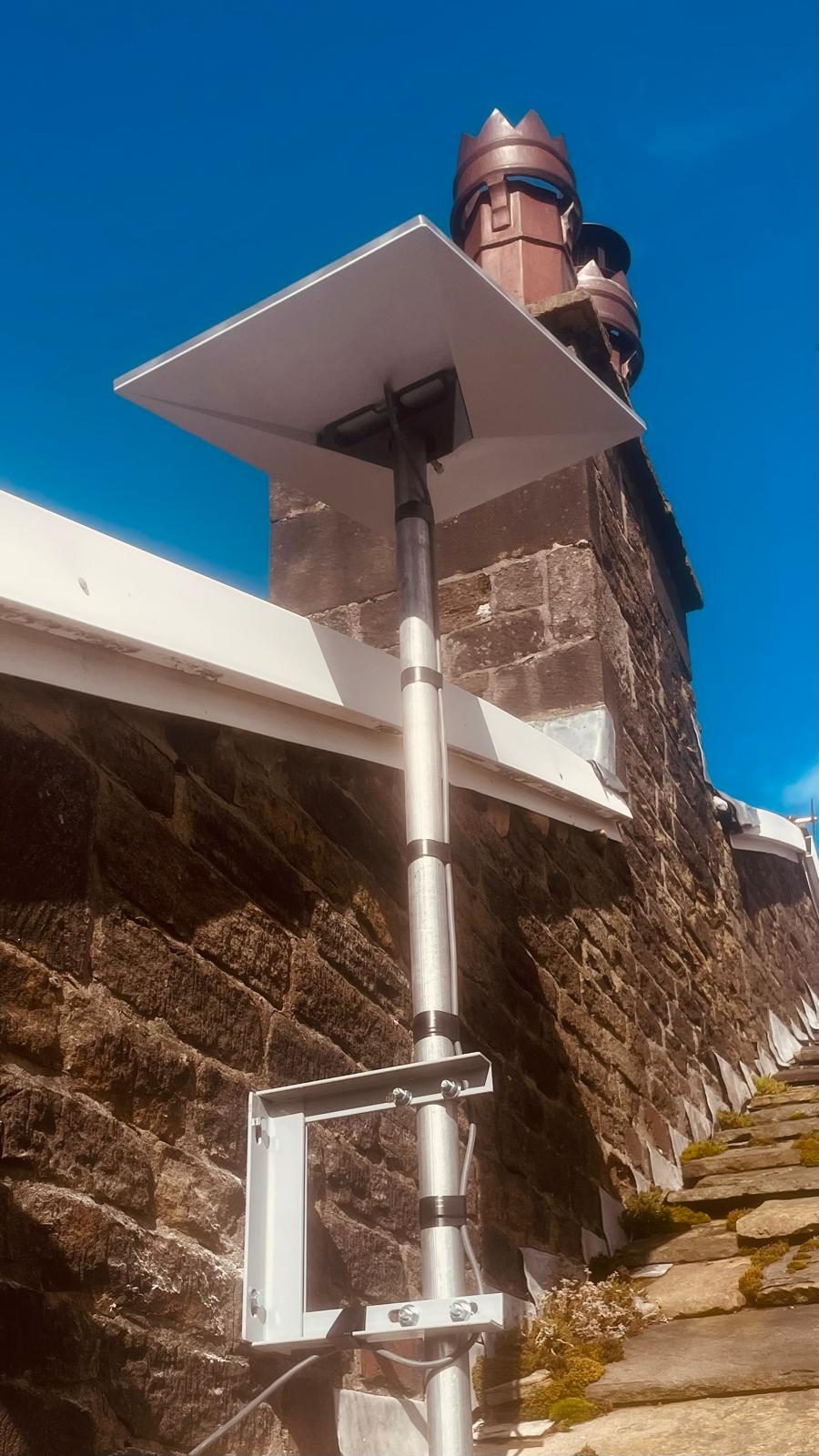
Current Starlink UK speed expectations
Starlink changes its plans and performance targets over time, and availability can differ by service address. At the time this guide was published, Starlink's current UK contract summary gave the following peak-hours expectations for its three residential fixed plans:
Those are Starlink's published expectations, not an EDD guarantee. Starlink also states that actual performance can be lower during high usage and varies with location, time of day and service plan. Plan names and availability can change, so check the current Starlink contract summary and the plans available at your service address before treating any older article as current.
A real EDD installation result: Hope Valley
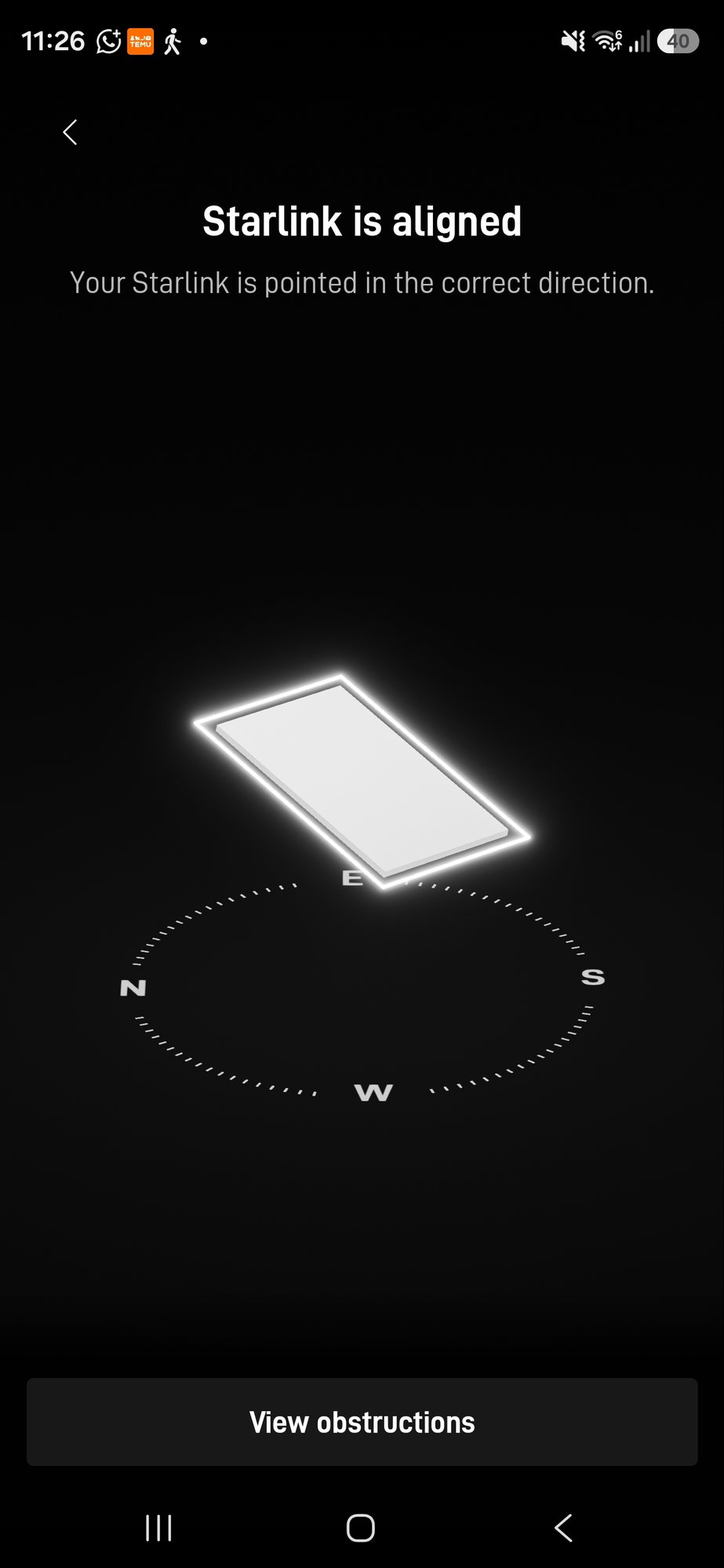
We have one installation where the commissioning figures were photographed and can be stated as a specific result. During a Starlink installation in Hope Valley, an early speed test recorded 78 Mbps download, 16 Mbps upload and 23 ms latency. At that stage the Starlink app was still calibrating and gathering obstruction data, and alignment was being checked as part of commissioning.
Hope Valley commissioning snapshot
One real installation, measured during commissioning. It is evidence of what that installation did at that moment, not a promise of what every Starlink system will do.
Across installations more generally, our practical experience is that first tests can move around while a new system settles. On the 100 Mbps residential tier we commonly see a healthy installation end up close to the package ceiling — often around the mid-to-high 90s — but we treat that as field experience, not a controlled benchmark. The important test is whether the customer's own system is performing sensibly for its plan and conditions.
Why can Starlink speed change after installation?

The service plan
Some plans have an explicit download ceiling while higher tiers have a wider expected range. Always compare the test with the plan actually active on the account, not with somebody else's headline result.
Network demand and time of day
Starlink is a shared network. Its own terms explain that performance can reduce at busy times. A morning test and an evening test do not have to be identical for the system to be working normally.
Obstructions and sky visibility
Trees, buildings and other obstructions can interrupt the terminal's view of the satellites it needs to track. The Starlink app's obstruction data is therefore more useful than guessing from a single photograph of the dish position.
The Wi-Fi inside the property
A fast satellite link can still feel slow if the Starlink router is at one end of a thick-walled property and the customer is testing at the other. The result on a phone is the result of Starlink plus the local Wi-Fi path. If the service is healthy at the router but poor around the building, see our guide on fixing slow Starlink Wi-Fi.
The device and test method
Older phones, crowded Wi-Fi bands and testing through an extra wireless hop can all cap the number you see. When diagnosing a genuine performance problem, compare like with like and keep a note of where and how the test was taken.
Is Starlink fast enough for normal home use?
For many rural properties, the practical question is not whether Starlink beats the fastest urban fibre package. It is whether it provides enough consistent capacity for the work the property needs: video calls, streaming, cloud services, gaming, CCTV access and multiple users. Starlink's own performance guidance describes the service as suitable for normal household uses including streaming, video calls and online gaming, but the experience still depends on the active plan and local conditions.
How to tell whether your Starlink speed problem is actually Starlink
Starlink versus fibre or 4G/5G
Starlink is not automatically the best broadband technology where good fixed fibre already exists, and a strong 4G/5G service can also be a sensible rural option. Compare what is genuinely available at the property rather than choosing from headline speeds alone. For the fixed-line comparison, see our Starlink versus fibre broadband guide.
Frequently asked questions
What speed should Starlink get in the UK?
There is no single UK figure. Compare your result with the current expected range for the service plan on your account. Starlink's published ranges can change, and performance also varies by location, time of day and network demand.
Is 78 Mbps a bad Starlink speed?
Not automatically. Our photographed Hope Valley commissioning test recorded 78 Mbps down, 16 Mbps up and 23 ms latency while the system was still being commissioned. Whether 78 Mbps is normal for another installation depends on its plan and conditions.
Why is my Starlink faster or slower at different times?
Starlink is a shared satellite network. Demand, service-plan priority, local conditions and the device/Wi-Fi path used for the test can all change the measured result.
Does Starlink speed improve after installation?
It can change during and after commissioning, but there is no guaranteed automatic increase. Check alignment and obstruction data, then compare repeated tests with the expected range for the active plan.
Can slow Wi-Fi make Starlink look slow?
Yes. A phone speed test includes both the Starlink connection and the Wi-Fi path between the phone and router. Test close to the router and compare locations before blaming the satellite link.
Clear written quotation before any chargeable work. Short-notice appointments may be available across Stockport, Greater Manchester and Cheshire.