
"Mesh" and "access point" are not opposites. A consumer mesh system can use wireless or Ethernet backhaul, while a dedicated access-point system normally uses a wired backhaul and central management. The useful comparison is between the complete architectures, the property and the devices that will use them.
Architecture 1 — mesh with wireless backhaul
The main mesh unit connects to the router or modem and satellite units relay traffic over Wi-Fi. This can be practical where cabling is not available, but the backhaul shares radio capacity and must cross the same walls and floors as the client signal. Results depend on node position, radio bands, interference, channel use, hardware and whether a satellite is reached directly or through another node.
There is no universal rule that every wireless hop halves speed. Treat that as a warning about shared airtime, not a promised percentage. Test the actual path at busy times and reposition or reduce hops when the backhaul is weak.
Architecture 2 — mesh with Ethernet backhaul
Many mesh products can connect compatible units by Ethernet. Traffic between wired units then uses that cable instead of relying solely on the wireless link, subject to the product's supported topology and operating mode. That removes one major wireless constraint while retaining the consumer mesh app, shared network settings and coordinated nodes.
Ethernet backhaul does not guarantee the full broadband speed at every device. The Ethernet link, node radio, channel width, interference, client capability, server and internet service can each become the limiting point.
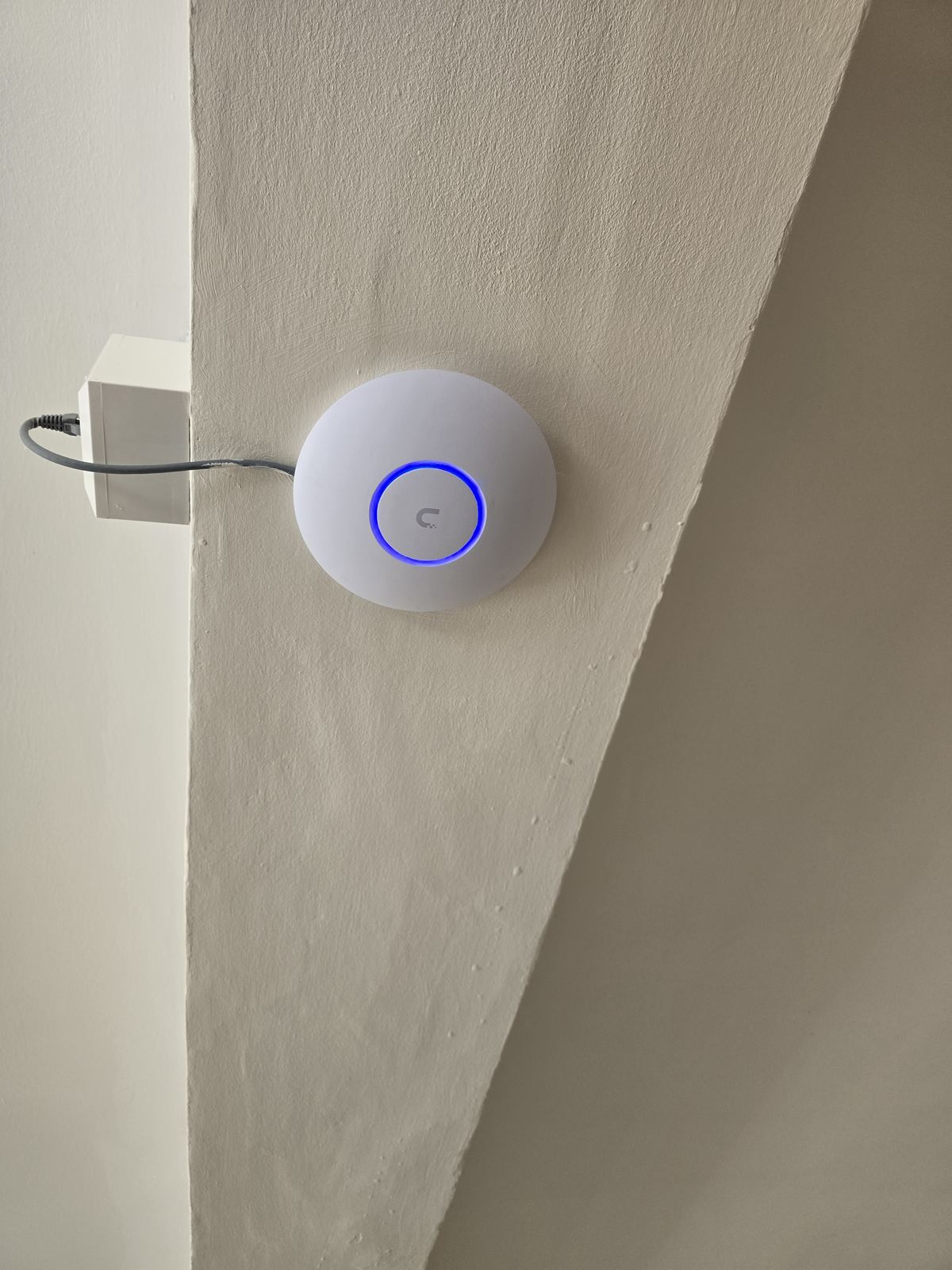
Architecture 3 — dedicated wired access points
Dedicated access points are cabled to a router or switch and are often powered by PoE. They can suit larger properties, demanding networks and installations that need planned coverage, managed channels, VLANs or clearer diagnostics. The design may be easier to extend and support, but only when the cabling, switching, PoE budget, controller and radio plan are appropriate.
A wired access point does not automatically beat a well-designed Ethernet-backhaul mesh. Compare the required features, client load, support model and measured coverage rather than choosing by the product label.
Roaming is influenced by both the network and the client
Access points or mesh nodes can advertise one network name and use features such as 802.11k, 802.11v and 802.11r where supported. Those features can help compatible clients discover neighbours or shorten parts of the handover, but the phone, tablet, laptop or other client still applies its own roaming thresholds and compatibility rules. "Seamless roaming" is therefore a design and testing objective, not a guarantee.
Good roaming also needs suitable overlap without excessive interference, consistent security settings and a client that has a usable next connection. Test calls, streaming and real devices while moving through the property instead of relying only on the controller display.
Which design normally fits?
- Wireless-backhaul mesh: useful for a proportionate improvement where cable cannot be installed and suitable node positions have a healthy upstream signal.
- Ethernet-backhaul mesh: useful where consumer controls are preferred and cable can remove the weak wireless link between compatible nodes.
- Dedicated wired access points: useful where coverage, capacity, segmentation, PoE devices, diagnostics or future support justify a designed managed network.
How we choose
We first separate broadband performance from Wi-Fi, review the layout and construction, check existing cable routes and identify the devices and areas that matter. The proposal should then state the backhaul method, equipment positions and testing scope. Read more on our Wi-Fi and home network page, or call 0161 399 1757 to discuss the property. If you are diagnosing one weak room, landing or garden area rather than comparing systems, start with our broader Wi-Fi dead-spots diagnosis guide.
Clear written quotation before any chargeable work. Short-notice appointments may be available across Stockport, Greater Manchester and Cheshire.