
Slow upstairs Wi-Fi can come from two different places: the broadband service reaching the router, or the wireless network carrying that connection around the property. Check those layers separately before changing a package or buying more equipment.
This guide starts with a wired baseline at the router, then works through placement, building materials, interference, client devices and backhaul. That order helps match the remedy to evidence instead of assuming every upstairs speed problem has the same cause.
First establish the broadband baseline
Connect a suitable computer to the router by Ethernet, pause heavy traffic where practical, and repeat the test. Compare the result with the expected range and any minimum guaranteed speed supplied for the package. If the wired result is also poor, check the provider's service status and use its fault process before treating the problem as Wi-Fi. Ofcom explains the current broadband speed information customers should receive.
If Ethernet at the router is healthy but performance falls upstairs, the restriction is more likely to be within the property: coverage, interference, backhaul, cabling or a particular device. That comparison is more useful than assuming either the provider or the Wi-Fi is at fault from one wireless speed test.
The seven real causes of slow upstairs Wi-Fi
1. The router is in the wrong place
Routers often start near the incoming socket or ONT, which may put them at one edge of the property or inside furniture. That can restrict the useful radio path upstairs. Where the cabling and equipment allow it, compare results with the router in a more open, elevated position before deciding that extra hardware is required.
2. Thick walls, chimney breasts and foil insulation
Dense masonry, chimney breasts, foil-backed insulation, mirrors, metalwork and some coated glazing can all attenuate or reflect Wi-Fi. The effect is installation-specific: it varies with material, thickness, frequency, angle and the positions of the access point and device. Measure the actual route rather than applying a universal dB loss or assuming a downstairs router cannot serve the space.
3. Distance and floor construction
Floor construction, pipework, heating layers and the diagonal distance between rooms can all affect the link. Concrete and foil layers can be especially difficult, but timber floors are not automatically problem-free. Compare signal and throughput at several positions so the design reflects this property rather than a house-type rule.
4. Channel congestion and neighbours' Wi-Fi
Nearby networks and non-Wi-Fi devices can increase contention or interference, particularly in busy 2.4 GHz environments. Automatic channel selection may help, but it is not always optimal at every time and location. A survey can compare channel use, noise and performance; any manual channel plan should be checked afterwards rather than promised to deliver a fixed improvement.
5. Old router, old device, or 2.4GHz only
Router and client capabilities can limit performance, but age, brand or Wi-Fi generation alone does not prove the cause. Check supported bands, channel width, negotiated link, software, power-saving behaviour and results from a second capable device before replacing either end. A 2.4 GHz connection may be slower in some conditions but can remain the more usable link at longer range.
6. Devices "sticking" to the wrong band
Many networks present one name across multiple bands or access points, while the client device still makes the final roaming and band-selection decision. Some clients remain associated with a distant radio longer than expected. Controller settings and careful access-point design can encourage better roaming, but compatibility and behaviour must be tested with the devices that matter.
7. The extender you bought last year is making it worse
A plug-in extender can help a modest dead spot when it receives a usable link from the router. A single-radio repeater shares airtime between backhaul and clients, so throughput may fall, and a separate network name can make roaming less convenient. Placement and hardware design matter: an extender installed inside the existing weak area cannot create a strong upstream path.
Wi-Fi dead zones — what actually causes them
A "dead zone" is a place where the connection is no longer usable for the intended task. Distance, obstruction, interference, backhaul and client capability can overlap. Common patterns worth testing include: For the broader cause-and-fix route covering dead spots anywhere in the property, use our Wi-Fi dead-spots fix guide.
- Back bedroom over the kitchen — extension roof + boiler + microwave in the line of sight
- Loft conversion — foil-backed insulation acts as a Wi-Fi shield
- Home office in the garage conversion — cavity wall + garage door lintel
- En-suite and dressing room — mirrored walls, tiled surfaces, sometimes underfloor heating mats
- Garden office or summerhouse — external walls and distance can make an indoor access point unsuitable
The pattern narrows the investigation, but signal strength alone is not the answer. Check throughput, latency, packet loss, interference, backhaul and the client device before choosing equipment.
Router placement — the free fix worth trying first
Before spending a penny, try this:
- Move the router as centrally in the house as the phone line / ONT will allow (a short flat Ethernet cable along the skirting is fine)
- Get it up high — on top of a bookcase or shelf, not on the floor and not inside a cupboard
- Keep it clear of the TV, Sky box, cordless phone base and baby monitor — all sources of 2.4GHz interference
- Don't put it behind a mirror, a fish tank or a large metal filing cabinet
- After any change, repeat comparable tests beside the router and in the problem room
If placement improves the result, you have useful evidence before spending money. If it does not, restore the safe practical position and continue the checks.
Mesh Wi-Fi — when it can be the proportionate answer
Mesh systems use coordinated nodes to extend one network around a property. They can be a proportionate option where node positions have a reliable path back to the main unit and the required capacity is realistic. Roaming is still client-dependent, and property size or bedroom count alone is not enough to choose the number or position of nodes.
Mesh often benefits from Ethernet backhaul because a wireless backhaul shares radio capacity and must cross the same building materials as client traffic. The effect is not a universal 50% loss: it depends on radios, bands, hop count, interference and traffic. Test the final node and its backhaul against the agreed requirement. Full detail on the differences is in our Mesh Wi-Fi vs access points guide.
Wired access points — the honest fix for bigger and older houses
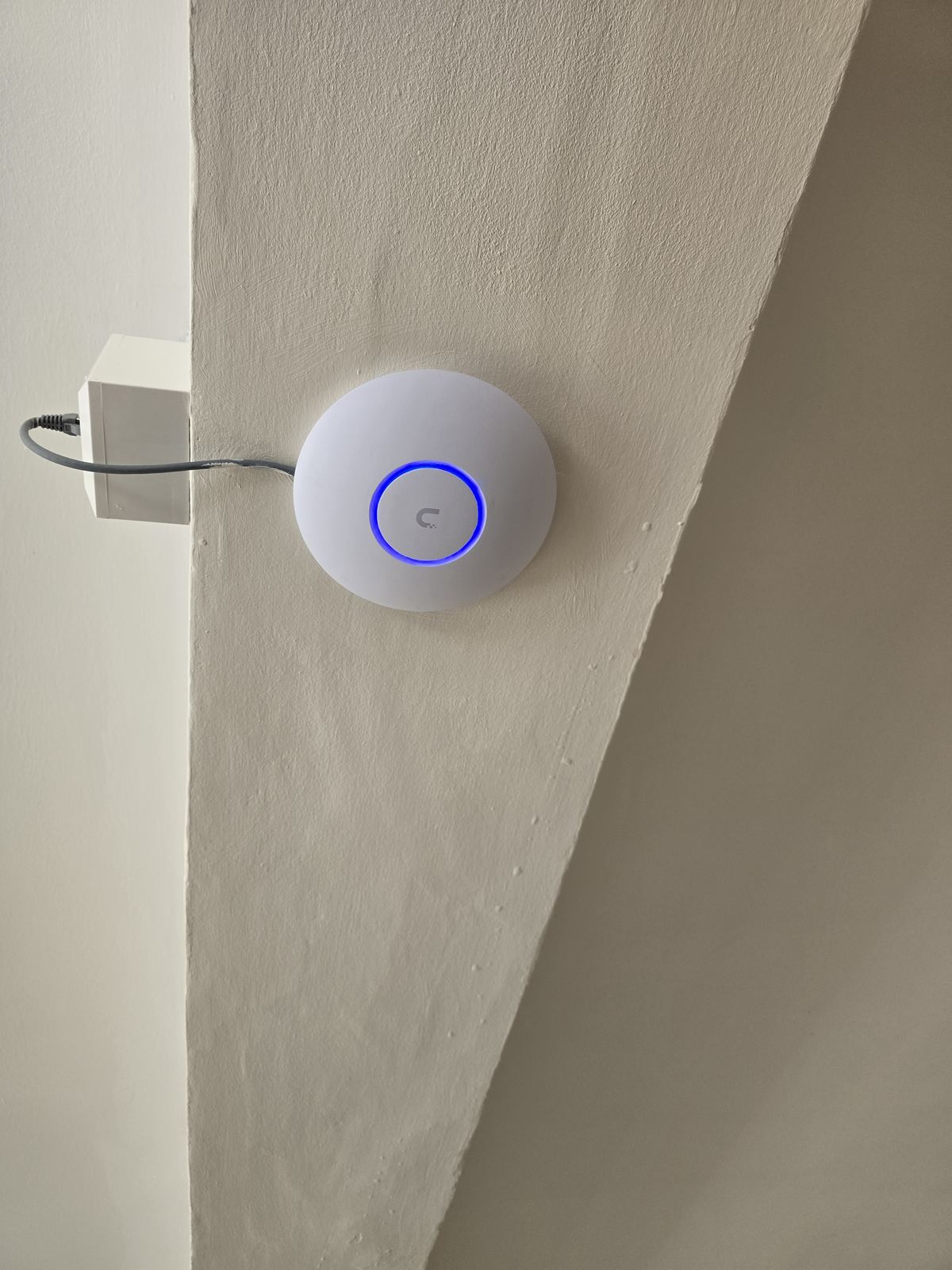
Wired access points can suit larger, denser or higher-demand properties because each radio has a cabled path back to the network. The count and positions come from layout, construction, capacity and survey evidence—not a one-per-floor rule. Wired backhaul removes a wireless relay hop, but device speed, roaming and service life still depend on the complete design and the clients in use.
Wi-Fi extenders — when they help and when they don't
A plug-in extender may be adequate for a modest requirement when it can be placed where the router signal is still usable. Repeating over the same radio can reduce available throughput, but the amount is hardware- and environment-dependent. Compare that result with a correctly positioned mesh node or wired access point before deciding.
Professional Wi-Fi survey — what we actually do
The survey scope should match the property and the problem. It may include a wired baseline, measurements in important rooms, channel and interference checks, backhaul testing, device comparisons and review of possible cable routes. Before chargeable work starts, we explain the scope and the evidence or recommendation it will produce:
- A clear map of where signal is strong, weak and dead
- An honest verdict on whether the fix is a router move, mesh, wired APs or a full re-cable
- A clear quote agreed before chargeable work
- Recommendations on kit that matches your usage and budget, not the most expensive on the shelf
A planned, non-invasive quotation or site assessment may be free. Hands-on diagnosis, specialist access or extended testing can be chargeable; we explain that before diagnostic work begins. Our Wi-Fi & home network installation page covers everything we fit.
Which fix is right for your house?
- Small terrace / 2-bed flat, one bad spot: move the router, or add a single mesh node.
- Typical house with several weak rooms: compare a correctly positioned mesh design with one or more wired access points.
- Larger or higher-demand property: survey access-point positions, capacity and wired backhaul rather than choosing by bedroom count.
- Dense, listed or foil-lined construction: measure candidate positions and favour wired backhaul where radio paths are unreliable.
- Garden office or annex: outdoor-rated AP or a fibre / Cat6 run out to the office. See our garden office Wi-Fi page.
What it costs
A planned quotation or non-invasive site assessment may be free. If hands-on diagnosis is needed before the scope can be confirmed, we explain any charge first. Once an agreed scope is quoted, that price is fixed for that scope; hidden or changed work may need a revised quotation. Ring the office on 0161 399 1757 or send a WhatsApp with a rough description of the property, the broadband package and where the problem occurs.
Frequently asked questions
Why is my Wi-Fi fast downstairs but slow upstairs?
First compare Ethernet at the router with Wi-Fi beside it and in the problem room. If the wired result is healthy, placement, building materials, interference, backhaul or the client device may be restricting upstairs performance. The evidence determines whether a router move, mesh or wired access point is appropriate.
Will a better router fix my upstairs Wi-Fi?
Sometimes, but age or an ISP logo does not prove the router is at fault. Compare its capabilities and wired and wireless results with a second suitable device. Building layout may mean that better access-point placement or wired backhaul matters more than replacing one router.
Are Wi-Fi extenders worth buying?
They can help a modest dead spot when installed where the upstream signal is still usable. Single-radio repeating can reduce throughput, and some products create a separate network name. Compare the tested result with mesh or a wired access point instead of assuming one product type is always right.
What's the difference between mesh Wi-Fi and access points?
Mesh coordinates several nodes and may use wireless or Ethernet backhaul. Wired access points each use a cable back to the network. Wired backhaul avoids a wireless relay hop, but neither approach guarantees full speed or seamless roaming without a suitable design and compatible clients.
How much does a proper Wi-Fi installation cost in Stockport?
Depends on the size of the house and the kit needed. A two-pack mesh install is at the affordable end. A full wired-and-meshed setup for a large detached home costs more but is a one-time job. After the free survey, we give a fixed quote for the agreed scope. If hands-on diagnosis is needed, we explain any charge before diagnostic work starts.
Do you offer a free Wi-Fi survey?
A planned, non-invasive quotation or site assessment may be free. If the problem needs hands-on diagnosis, extended testing or specialist access, we explain any charge before that work begins.
Will foil-backed loft insulation block Wi-Fi?
Foil-faced insulation can attenuate or reflect Wi-Fi, but the effect depends on the complete radio path. Measure from candidate positions; the result may support an access point or mesh node inside the converted space, preferably with suitable backhaul.
Can I run Ethernet through my house without ripping up floors?
Often there is a practical route through lofts, cupboards, floor voids, suitable conduits or discreet surface containment, but access, fire stopping, structure and finishes must be checked first. See our data cabling page for the options.
Book a free Wi-Fi survey in Stockport
Start with the wired baseline, then compare the rooms and devices that matter. Evolution Data & Digital can investigate the broadband handoff, Wi-Fi, backhaul and cabling, explain what the evidence supports and quote the agreed scope. Call 0161 399 1757, send a WhatsApp, or contact us online with the property and symptoms. We'll come back to you during normal opening hours.
Clear written quotation before any chargeable work. Short-notice appointments may be available across Stockport, Greater Manchester and Cheshire.