The problem: plenty of cabling, but no single network
This residential property in Cheadle, SK8 already had extensive fixed Cat5e cabling. Those cables were useful infrastructure reaching different parts of the home, including a professional office on the ground floor. A wholesale recable was not the starting point.
The difficulty was understanding and supporting what had been connected to that cabling. Equipment had been added at different times, without a clear map of the complete network. Evolution surveyed the existing installation before specifying the rebuild, looking at the incoming connection, fixed links, switching, Wi-Fi and office requirements together.
A network that had grown in layers
The provider router was on an upper floor, with an unmanaged 24-port switch used for central distribution. A downstream office switch served a PC, printer and access point. Elsewhere in the setup, at least one existing UniFi AP could not operate because its local switch did not supply the Power over Ethernet (PoE) it needed.
Mixed equipment, loose patching and multiple power adapters reflected a network that had evolved over time. With Cat5e destinations not properly mapped, a fault could involve a switch, patch lead, socket or access point without an obvious way to narrow it down. The task was to give those parts a clear place in one system.
Recovering the existing Cat5e instead of replacing it
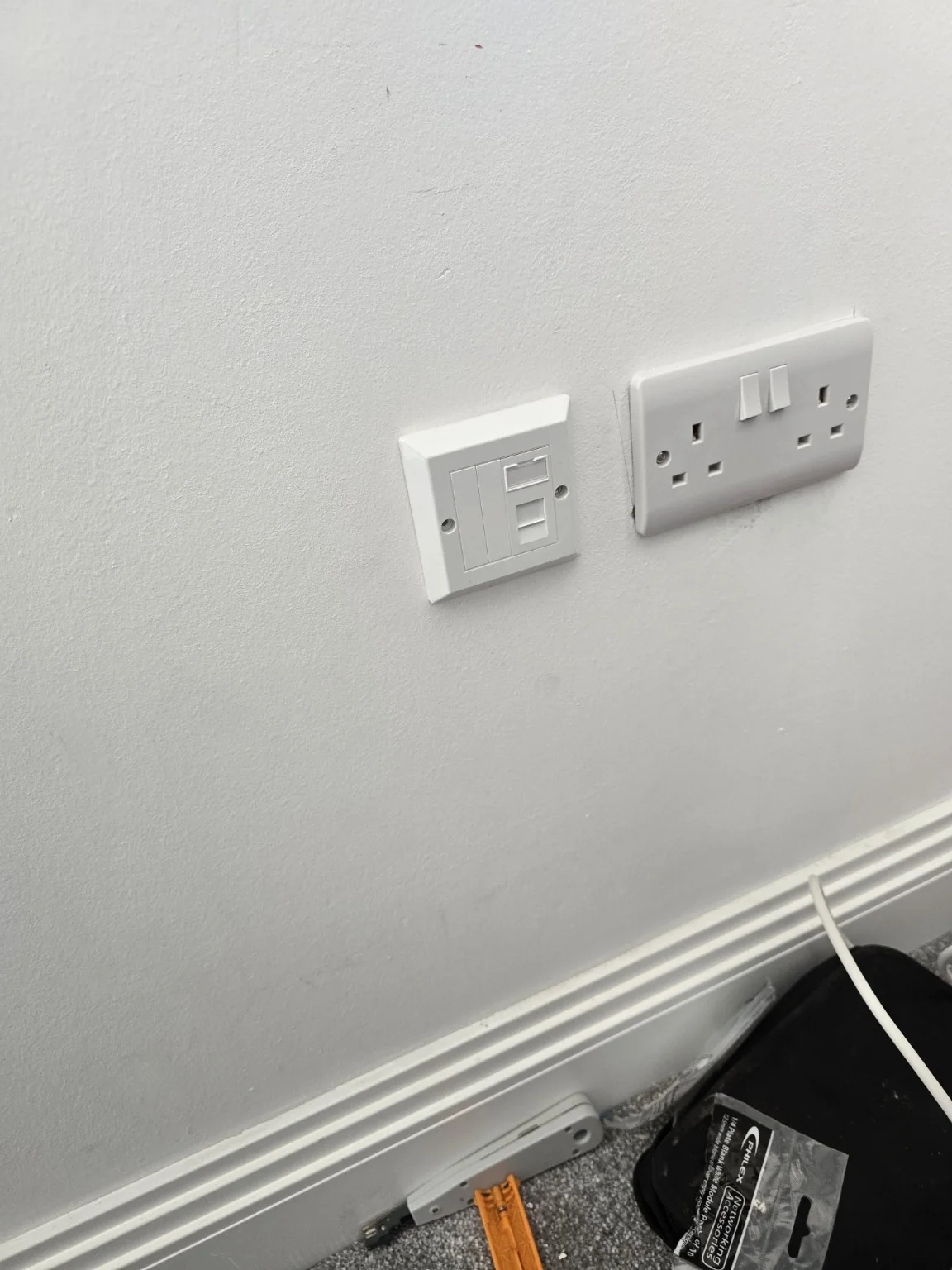
We traced the existing routes, identified their destinations and tested the installed links. Serviceable existing Cat5e was retained and integrated after testing. Accessible termination and socket issues were addressed where needed, rather than treating every cable as either automatically good or automatically due for replacement.
That recovered the value of infrastructure already inside the building. Our data cabling and Ethernet work includes assessing what can be reused as well as installing new links when the requirement justifies them. Here, mapping the useful cables was a necessary foundation for the new active network.
Rebuilding around a managed UniFi core
A UniFi Cloud Gateway Max formed the new gateway, with a UniFi Standard 24 PoE managed switch for central distribution and a UniFi Lite 8 PoE switch in the office. Superseded active equipment was removed from service so the rebuild simplified the layout instead of adding another layer of boxes.
Gateway, firewall and DHCP configuration were brought into the managed design. The switches were adopted and their ports identified, linking the physical cable map to the equipment that could be managed centrally. PoE provision was planned with the access points it needed to power. This is the system-level approach behind our managed network installations.
Five coordinated access points instead of separate Wi-Fi islands
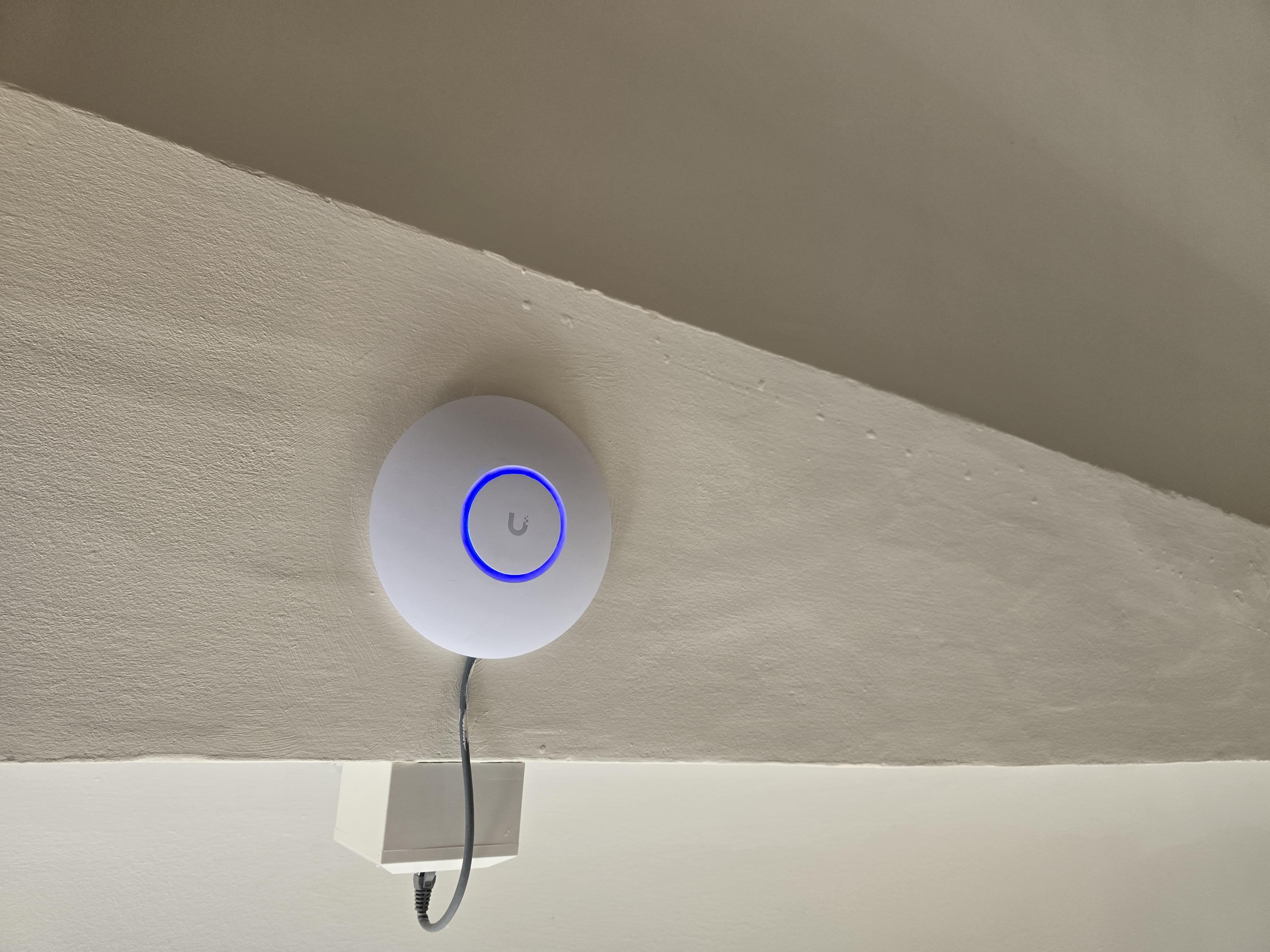
Five UniFi U7 Lite access points provided the coordinated wireless layer across the agreed areas. Their placement and adoption formed part of commissioning, with the wired network carrying the connections back to the managed switching.
SSIDs, the guest network and radio, channel and power settings were configured as parts of that same system. Wired testing and Wi-Fi commissioning checked the installation across the agreed areas. The aim was a network that could be understood and adjusted together, with one management platform for the access points. Our whole-home Wi-Fi and network service starts with the building and its existing infrastructure in the same way.
Giving the professional office proper priority
The ground-floor office needed wired connections for the PC and printer as well as local Wi-Fi. The managed Lite 8 PoE switch gave those devices and the office AP a defined place in the overall network, with the required AP power available locally.
The accepted design allowed office, home, guest and IoT traffic to be separated where appropriate to the devices and how they were used. The configuration needed to respect those different uses while keeping the office's everyday connections practical. The office was treated as a priority network area throughout the rebuild.
Cleaning up the network so it can actually be supported
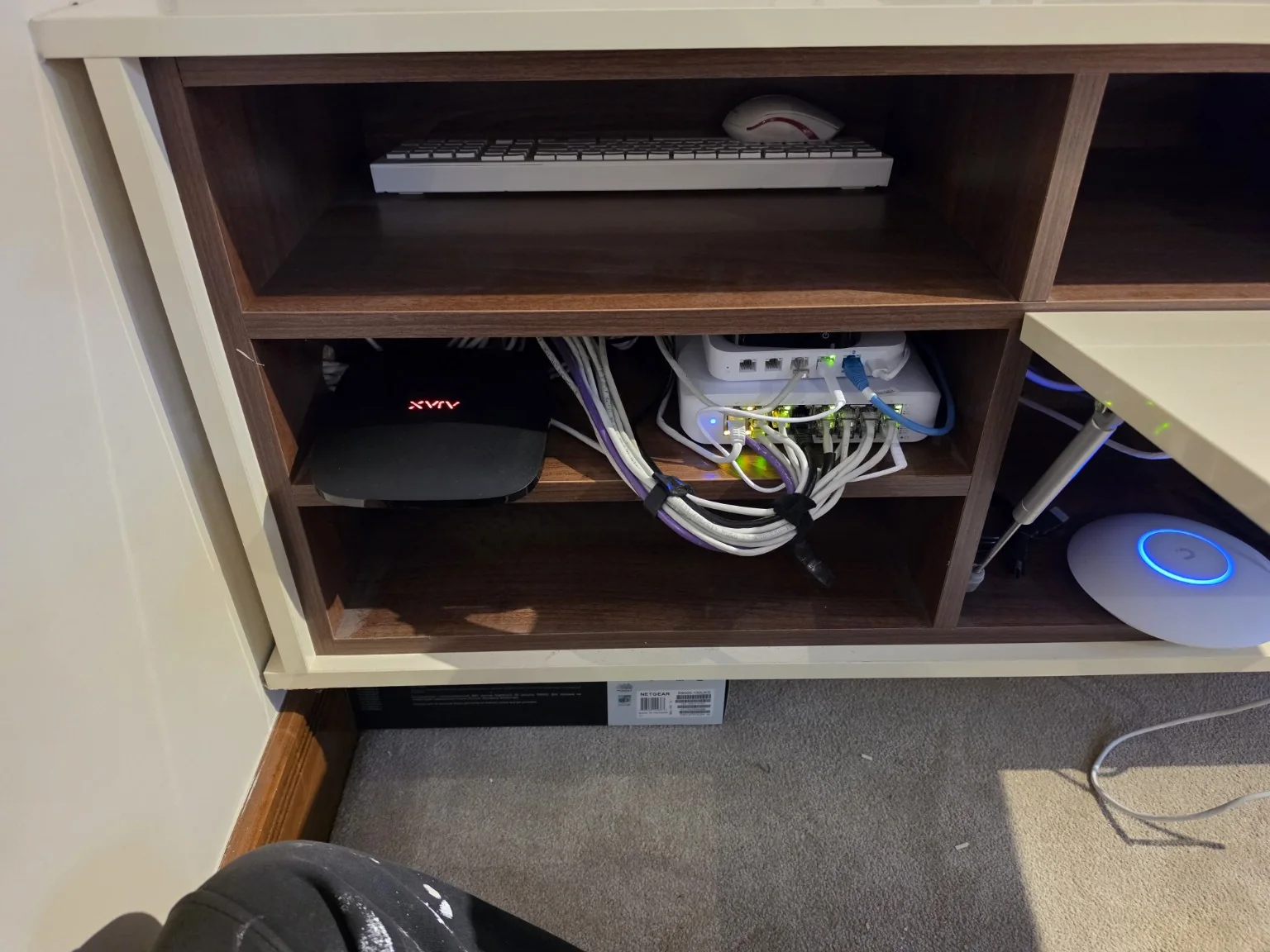
The physical installation was reorganised alongside the configuration. Redundant active equipment came out of service, patching was tidied and the working connections were labelled and documented. The finished photograph shows the more deliberate equipment and cable layout.
A tidy network is useful when it makes the next fault easier to investigate. Knowing which connection serves which area, and which managed device is responsible for it, means support can begin with a known layout instead of first reconstructing the installation.
The result: one network, one management platform, one support route
The completed project brought the property's serviceable Cat5e, managed gateway, PoE switching, five access points and professional office into one documented system. The improvement was in the structure and ownership of the network as a whole.
- Serviceable existing Cat5e retained after tracing and testing
- Managed UniFi gateway and PoE switching
- Five coordinated U7 Lite access points
- Professional office integrated as a priority area
- Simplified active equipment and documented connections
- 12 months Managed Network Support included in the agreed scope
Evolution completed the handover and documentation, leaving one route back to the team that understood the installation. The agreed managed support formed part of this project; our business network support service explains how ongoing support can be arranged for professional network requirements.
Similar Wi-Fi and network projects
This Cheadle project shows why an existing network should be assessed before recommending replacement. For help with a similar property, explore our Internet and Wi-Fi services in Stockport or more genuine EDD case studies. We look at what is worth keeping, what is causing the difficulty and who will support the finished system.