
Quick answer
Yes. A correctly installed, standards-compliant Cat5e channel can support Gigabit Ethernet. You do not need to replace working Cat5e simply because Cat6 exists. Upgrade when the installed cable is damaged or poorly terminated, a new route is being installed, testing shows the link cannot meet the required performance, or the network plan needs more headroom than the existing cabling can provide.
Cat5e is regularly blamed when a wired device only connects at 100Mbps or an internet speed test falls short of expectations. Sometimes the cable is involved, but the category printed on the sheath is only one part of the link. Terminations, patch leads, damaged pairs, switch ports, device ports and the broadband service can all set the final speed.
The sensible approach is to identify what the existing cabling actually supports before committing to a rewire.
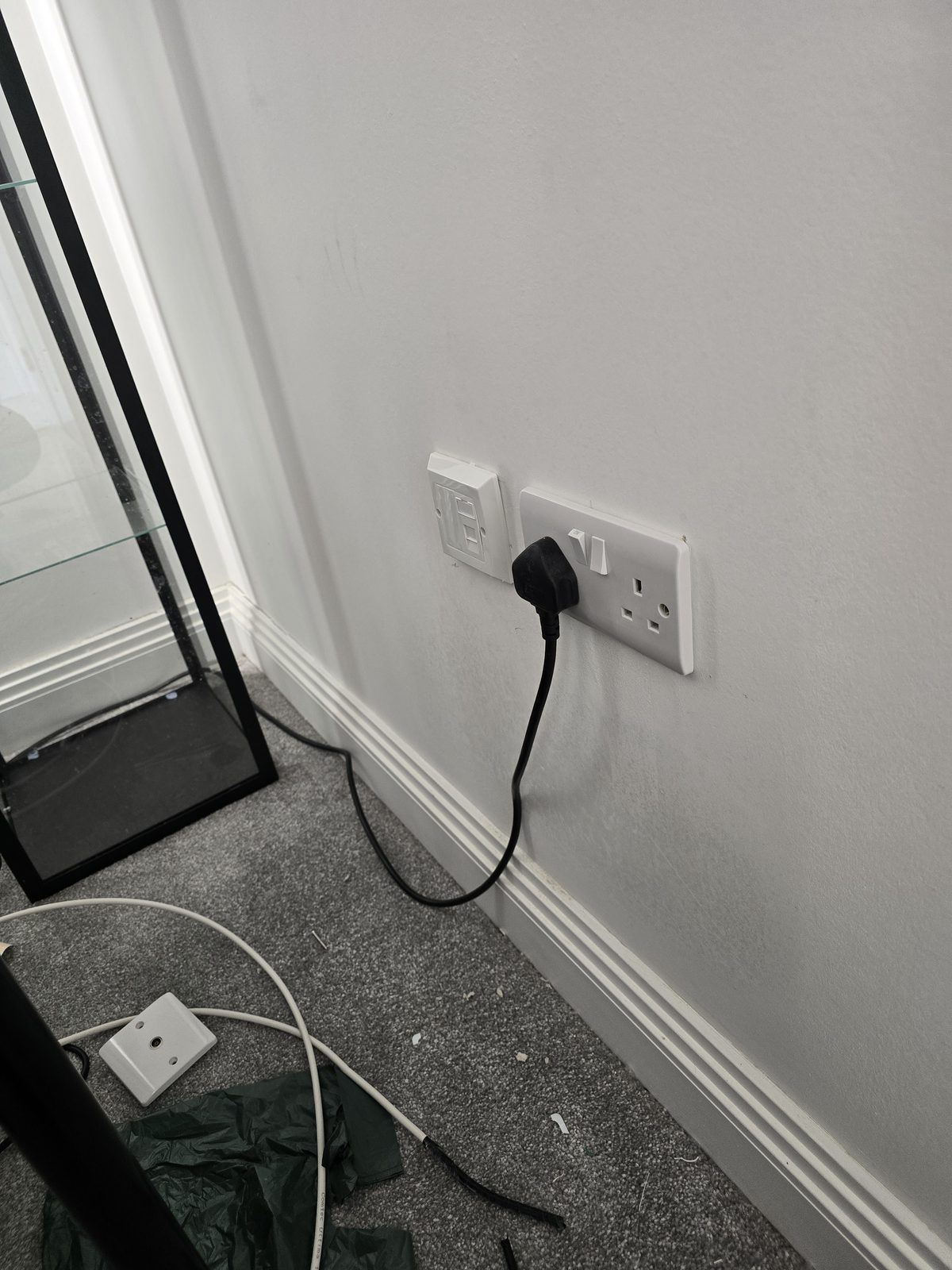
Can Cat5e run Gigabit Ethernet?
Cat5e was specified to support 1000BASE-T Gigabit Ethernet over a compliant copper channel within its design limits. A standard channel can be up to 100 metres including the permanent cable and patch leads. Gigabit uses all four twisted pairs, so one damaged, split or incorrectly terminated pair can prevent the link from negotiating at 1Gbps.
“Cat5e” on the jacket is not proof that the finished installation is compliant. Poor-quality cable, copper-clad aluminium sold as network cable, tight kinks, crushed sections, excessive untwisting at the socket or an unsuitable route beside electrical interference can all undermine performance. The correct question is whether the complete channel passes the checks appropriate to the job.
Cat5e vs Cat6: what is the practical difference?
Will replacing Cat5e with Cat6 make the internet faster?
Not if the existing Cat5e link already negotiates at Gigabit, transfers data reliably and is faster than the broadband service or device port. A 300Mbps broadband connection will not become faster merely because the cable changes from Cat5e to Cat6.
Cat6 can provide more margin and a better upgrade path, which matters for new installation work, high local-network traffic and some future plans. But it does not create speed beyond the slowest part of the route: broadband, router, switch, cable, network adapter and destination all take part.
Why is my Cat5e connection only running at 100Mbps?
Fast Ethernet can operate with two pairs, while Gigabit Ethernet needs all four pairs working correctly. A link that stops at 100Mbps often points towards a termination or pair fault, but check the complete chain before replacing the permanent cable.
- Check both device ports. An older television, printer, switch or adapter may only have a 100Mbps Ethernet interface.
- Replace the patch leads temporarily. A damaged or two-pair lead can limit the link even when the cable in the wall is fine.
- Inspect the negotiated link speed. The operating system, managed switch or router may show whether the connection is at 100Mbps or 1Gbps.
- Check both terminations. Every pair must be correctly and consistently terminated; re-terminating one end without checking the other can preserve the fault.
- Test the permanent link. A continuity tester can find basic wiring faults, while qualification or certification testing provides stronger evidence of performance.
When should you keep existing Cat5e?
Keep it when the route is in good physical condition, all required devices negotiate at the intended speed, testing is stable and the network requirement fits its demonstrated capability. Reusing sound cabling can avoid unnecessary disruption, especially where routes are concealed in finished walls.
If only one outlet is slow, compare it with other outlets and swap the patch lead and device first. A local termination repair may be all that is needed.
When is upgrading to Cat6 worthwhile?
- You are installing a new permanent cable. Labour and access usually dominate the disruption, so building in sensible headroom at that point is worthwhile.
- The existing run fails testing. Damage, poor cable construction or an unsuitable route may make replacement more reliable than repeated repair.
- You are redesigning the network. Faster switches, high-volume local transfers, Wi-Fi access-point backhaul or business growth may justify a clearer performance target.
- The old cabling has no usable identification or records. Testing may still prove it, but a new labelled system can be easier to support where reliability matters.
- Walls or floors are already open. Renovation is the best time to install useful routes and spare capacity without reopening finished surfaces later.
Should a new home network use Cat6 or Cat6A?
Cat6 is a practical default for many home and small-business data points. Cat6A becomes relevant where full-distance 10 Gigabit is a defined requirement and the larger cable, bend radius, containment and compatible components can be accommodated.
Buying the highest category without planning the installation can be counterproductive. Patch panels, modules, patch leads and workmanship all need to suit the intended category. Our separate Cat6 vs Cat6A guide covers that decision in more detail.
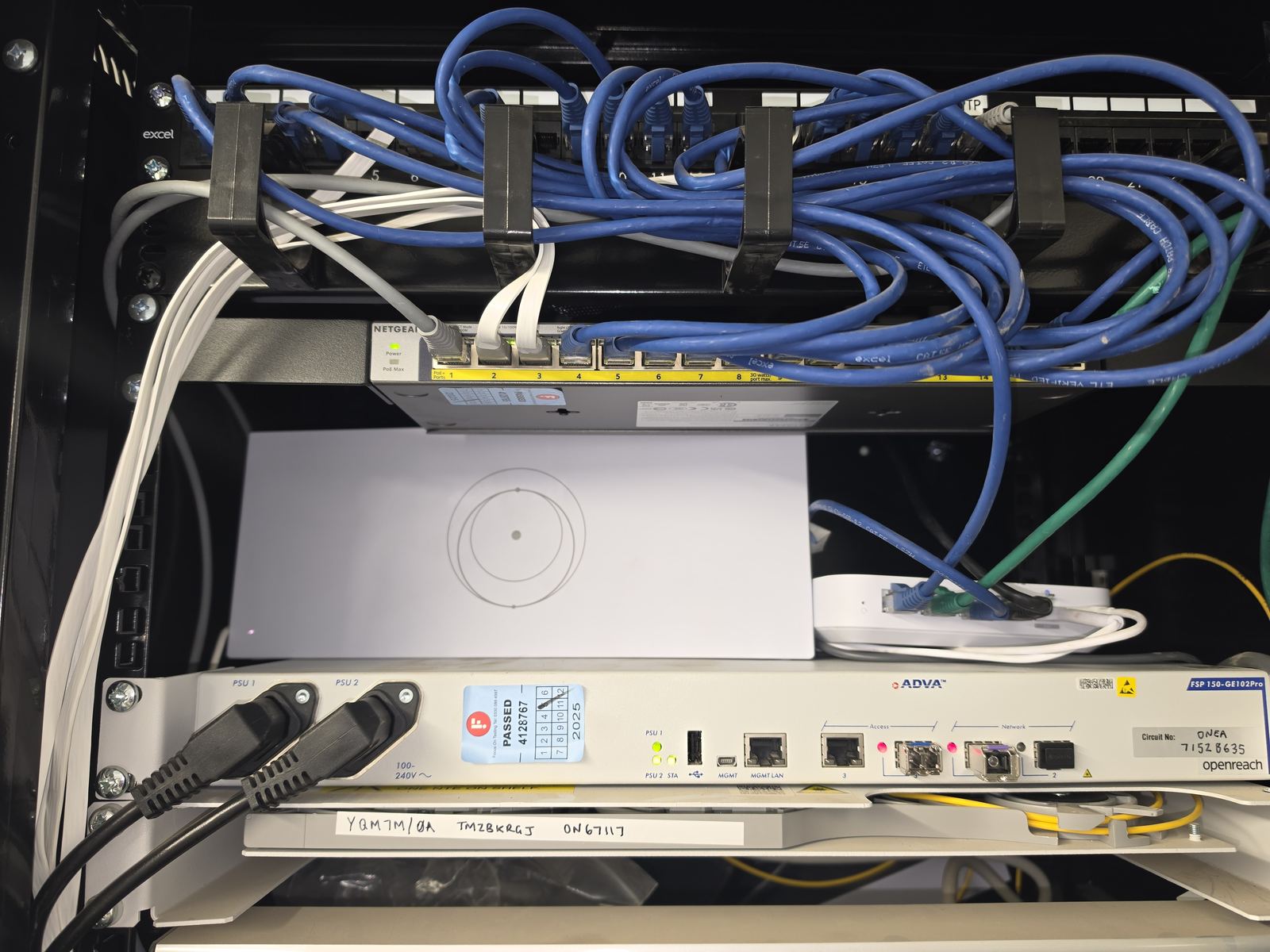
Can Cat5e power Wi-Fi access points and CCTV cameras?
Category alone does not decide whether Power over Ethernet is appropriate. Cable conductor material, gauge, bundle size, route temperature, length, termination and the PoE standard used by the power source and device all matter. Sound standards-compliant Cat5e is used for many PoE applications, but an unidentified or poor-quality installed cable should be assessed before higher power is assumed safe.
What test should be done before rewiring?
Start with the requirement: Gigabit internet access, a faster local link, an access point or a powered device. Then check negotiated speed, errors and real stability, inspect the terminations and route, and use suitable cable test equipment. A basic wire-map result is valuable but does not prove that a channel meets every performance requirement.
This evidence separates a repairable connector fault from cable that genuinely needs replacement. It also prevents a new Cat6 route being installed when the actual bottleneck is a 100Mbps switch port or USB adapter.
Frequently asked questions
Does Cat5e support 1Gbps?
Yes. A standards-compliant Cat5e channel can support 1000BASE-T Gigabit Ethernet within its design limits. The installed route, terminations, patch leads and device ports must all be suitable.
Do I need Cat6 for Gigabit internet?
No. Working Cat5e can carry Gigabit Ethernet. Cat6 is usually a sensible choice for a new permanent installation because it provides more performance margin and upgrade headroom.
Why does my Ethernet connection show 100Mbps instead of 1Gbps?
Common causes include a 100Mbps device or switch port, a damaged patch lead, incorrect termination or a fault on one of the four pairs required for Gigabit. Test the complete link before replacing the cable.
Is Cat6 always faster than Cat5e?
Cat6 has tighter performance specifications, but a device on a correctly working Gigabit Cat5e link will not automatically transfer faster after a cable swap. The slowest network component still sets the result.
Should I replace Cat5e during a renovation?
If routes are already accessible, it is worth reviewing cable condition, outlet locations and future requirements. New Cat6 routes may be sensible, but proven Cat5e does not have to be removed solely because it is older.
Clear written quotation before any chargeable work. Short-notice appointments may be available across Stockport, Greater Manchester and Cheshire.