
Quick answer
A useful warehouse WiFi survey starts with the work the network must support, not with an access-point count. Map the aisles, offices, loading areas and other working zones; identify the important devices; inspect the existing switches and cabling; then assess coverage, capacity, roaming and backhaul together.
A warehouse survey should answer a practical question: where does the network need to work reliably, for which devices, and what physical infrastructure can support it? The answer may be a few repositioned access points, a new wired design, a fibre backbone or a wider network upgrade.
What to collect before the survey
- Approximate warehouse size and a floor plan if one exists.
- Racking layout, mezzanines, offices, loading areas and outdoor zones.
- Current access-point, switch, router and cabinet locations.
- The devices that matter: laptops, phones, handhelds, scanners, CCTV or other IP equipment.
- Specific dead zones, dropouts or work processes affected by the network.
- Any planned racking, building or occupancy changes.
Coverage is only one part of warehouse WiFi design
Strong signal does not prove the network has enough capacity or a healthy wired path. A survey should consider simultaneous users, the application traffic, AP backhaul, PoE switching, uplinks and whether the internet connection is itself a bottleneck.
Plan access-point positions around the aisles and working routes
Mounting positions should be chosen around the real warehouse geometry rather than a one-per-corner rule. Racking height, aisle direction, obstructions, offices and the areas where devices move all influence the design.
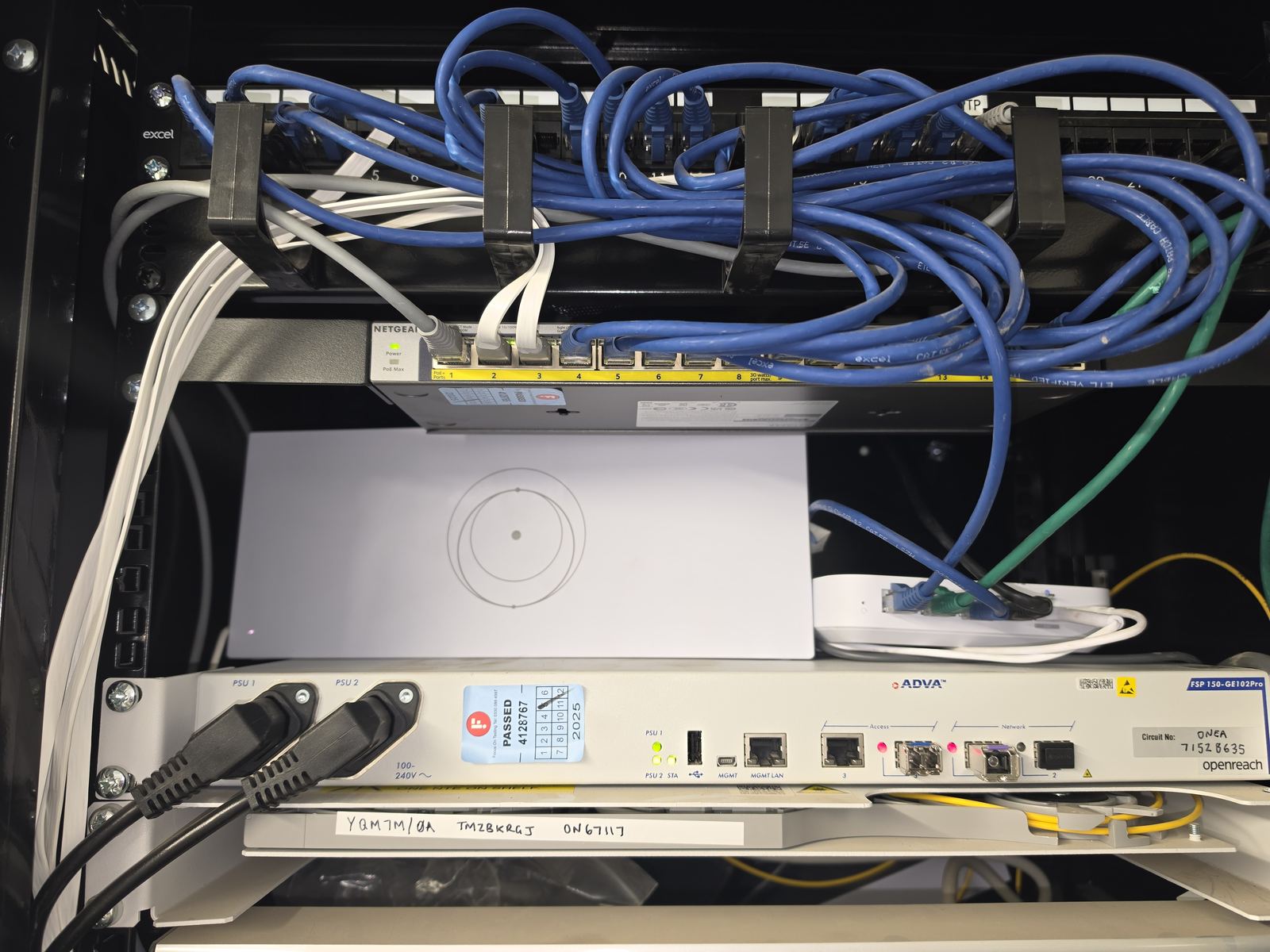
Check the network cabinet before specifying wireless hardware
An access-point upgrade may expose an old switch, insufficient PoE budget, a 100 Mbps uplink, undocumented patching or a weak backbone between parts of the site. Those constraints should be identified before the AP specification is finalised.
When a formal predictive survey or report is required
Some projects require a defined survey deliverable or predictive design. That should be agreed explicitly rather than implied by the word "survey". For ordinary EDD projects, the assessment scope is agreed around the site and the decision that needs to be made; specialist report outputs are only included where specified.
Survey result: a proportionate network plan
If you want the site assessed rather than guessing from product specifications, use our warehouse WiFi and network installation page and send the layout, problem areas and device requirements.
Frequently asked questions
Do you need a warehouse floor plan for a WiFi survey?
It helps, but it is not always essential. Approximate dimensions, racking layout, existing AP locations and clear photos can be enough to start the discussion before a site visit is arranged.
Can a warehouse survey tell us exactly how many access points we need?
The survey should lead to a reasoned access-point design, but final quantity and placement depend on the actual environment, devices, backhaul and agreed coverage requirements.
Do you survey the wired network too?
Where it affects the WiFi project, yes. Switches, PoE, uplinks, cabinet capacity and usable cable routes are part of the assessment because wireless performance depends on them.
Clear written quotation before any chargeable work. Short-notice appointments may be available across Stockport, Greater Manchester and Cheshire.