
Warehouse WiFi problems are usually bigger than the router
A warehouse can have fast incoming broadband and still have unreliable wireless coverage. Long aisles, metal racking, stored stock, mezzanines, loading areas and changing work zones can all alter how the radio signal behaves. The useful question is not how powerful the router is; it is whether the site has the right access-point positions, wired backhaul, switching and network design for the devices that actually need to work.
- Handheld devices or scanners losing connection in parts of the building
- Coverage that changes as stock and racking layouts change
- Office WiFi working while warehouse-floor coverage is weak
- Existing mesh or extenders creating inconsistent backhaul
- CCTV, VoIP or other IP devices sharing an unsuitable network
- Outdoor, loading-bay or separate-building areas with no dependable connection
Survey the working areas before choosing access points
We start with the layout, existing equipment, cable routes and the devices that matter. Coverage, capacity and roaming are considered together. A quotation or non-invasive assessment can be straightforward; deeper measurements or a specified survey report are scoped separately where required. Our warehouse WiFi survey and access-point design guide explains the information worth gathering before installation.
Racking, stock and moving devices change the wireless problem
Warehouses are not empty boxes. Radio paths can be affected by the materials stored, the height and density of racking, doors, vehicles and the routes people actually walk. A design that looks fine from one doorway may still leave poor coverage between aisles. Read our warehouse WiFi dead-zone guide for the common causes and why representative device testing matters.
Use wired backhaul instead of asking access points to relay each other
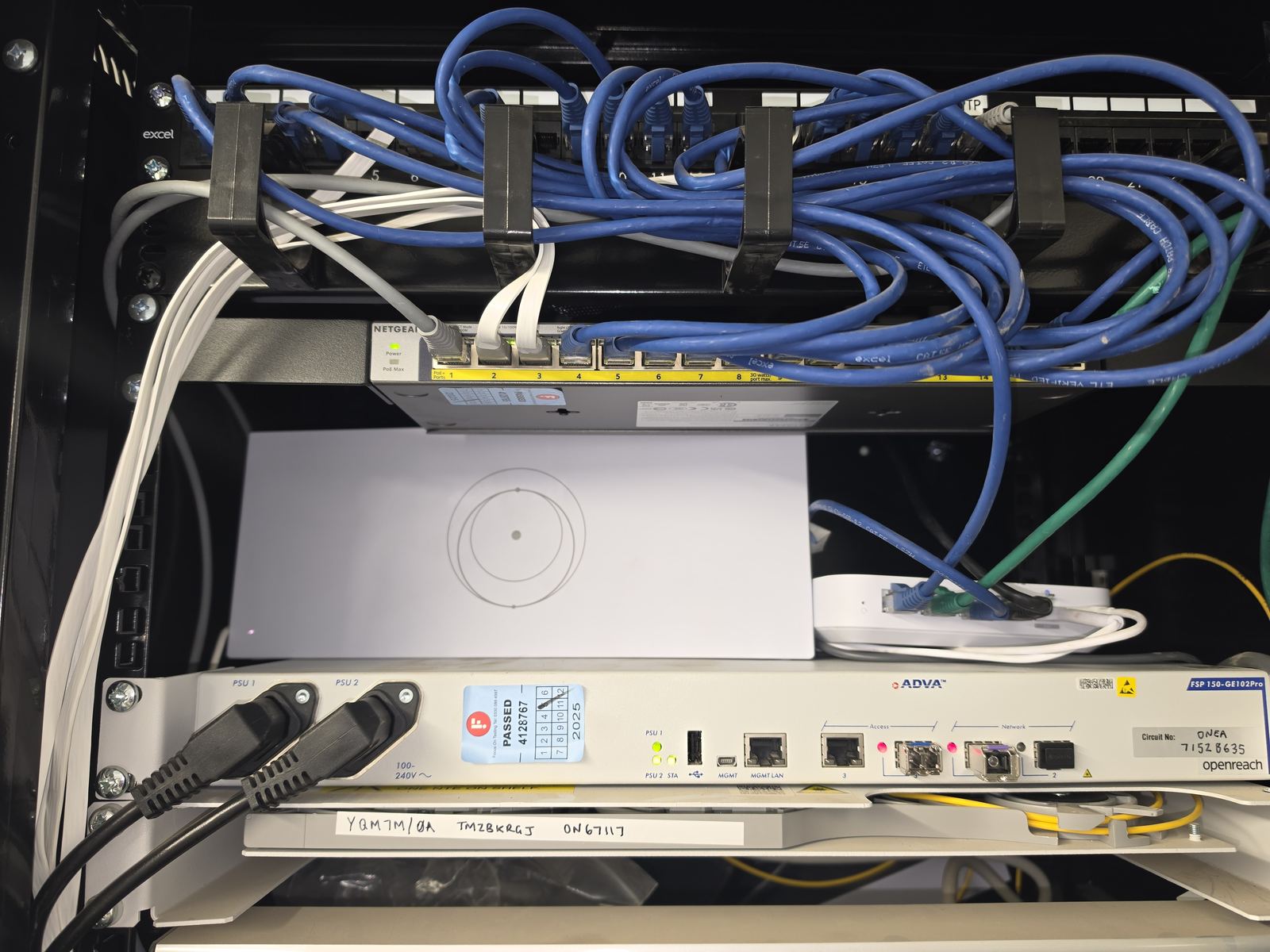
Where practical, warehouse access points are connected back to managed switching using Cat6 or Cat6A structured cabling. Longer backbone routes, separate buildings or electrically awkward links may suit fibre optic network cabling. The switch, PoE budget, cabinet and uplinks are part of the same design, not an afterthought.
Warehouse network design: WiFi, switching and cabling together
A reliable wireless layer still depends on the network underneath it. We can plan the access points alongside the switching, uplinks, cabinets and cable routes, or work with an existing IT provider where they retain responsibility for servers, endpoints and business applications. Our warehouse network-backbone guide shows how WiFi, Cat6, fibre and switching fit together.
Roaming for scanners, phones and handheld devices
Devices make their own roaming decisions, so a network cannot honestly guarantee that every handset or scanner will move between access points without interruption. We configure supported wireless features, sensible radio settings and access-point placement, then test representative devices along the agreed working routes. Where a device has specific vendor requirements, we design around the information available from that manufacturer or system provider.
Keep business, guest and connected-device traffic appropriately separated
Warehouses may have office users, handheld terminals, CCTV, VoIP phones, visitors and operational equipment using the same physical network. Where the equipment supports it and the requirement justifies it, we can use managed switching, VLANs, firewall rules and separate wireless networks so different device groups do not simply sit on one flat network. The exact access rules are agreed with the customer or their IT provider.
Offices, mezzanines, yards and separate buildings
The warehouse floor is often only part of the site. Office areas may need different access-point placement, while yards and loading areas may need outdoor WiFi. A workshop or building across the site may need point-to-point wireless, fibre or another permanent backbone. For a larger multi-building property, Remote Site Connectivity brings those links together.
Internet resilience where warehouse operations depend on cloud systems
WiFi resilience and internet resilience are different problems. If cloud systems, phones, payments or other essential services depend on the connection, our Business Internet service can assess primary and backup connectivity separately from the local network. Failover can reduce disruption but does not guarantee uninterrupted sessions when the WAN path changes.
Upgrade an inherited warehouse network without replacing everything blindly
Existing cabling, switches and access points can often be retained where they remain suitable, supported and accessible. We first work out what is actually installed, what is failing and what the site needs. Where the wider wired and wireless infrastructure needs redesign rather than a WiFi-only fix, use our Commercial Network Installation service.
Ongoing support and ownership after installation
At handover we agree what has been installed, who owns the administration credentials and what remains the responsibility of any third-party IT provider. For suitable managed equipment, ongoing network support can be added under a defined support scope rather than leaving the warehouse with another undocumented network.
Warehouse WiFi projects across the North West
Evolution Data & Digital is Stockport-based and takes on suitable warehouse, industrial and commercial network projects across Greater Manchester, Cheshire, Lancashire and the wider North West. Larger network projects often justify travel beyond our routine domestic service area. Send the postcode and a short description of the site and we will confirm whether it is a sensible fit.
Warehouse WiFi & network planning guides
Three practical guides for warehouse coverage, survey preparation and the wired backbone underneath the wireless network.