
Quick answer
CCTV footage does not last for a fixed number of days. On a local recorder, retention depends on the number of cameras, recording mode, image settings, bitrate/compression and available storage. When the recorder is configured to overwrite, the oldest footage is normally replaced first as storage fills. For organisations, the legal retention period should be based on purpose rather than simply keeping footage for as long as the hard drive allows.
The practical version of this question usually arrives after something has happened: “Will footage from three weeks ago still be there?” Unfortunately, nobody can answer that accurately from camera count or hard-drive size alone.
Two recorders with the same disk capacity can retain very different amounts of video because the streams being written to them are different.
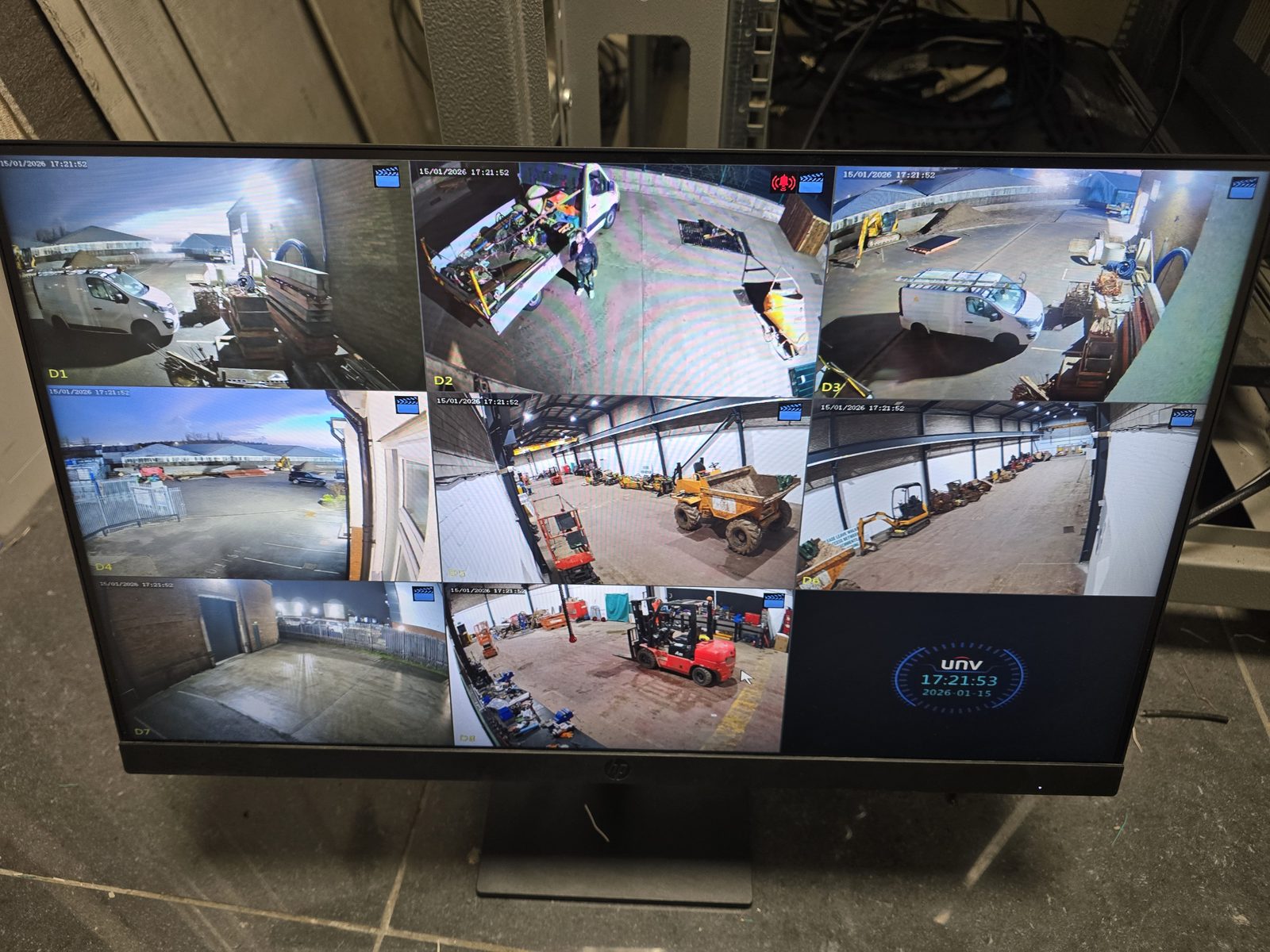
What determines how long CCTV footage is stored?
Does a 4TB or 8TB CCTV hard drive guarantee 30 days?
No. A disk size without the recording settings is not enough information. A small number of modest streams can retain far more history than a larger high-resolution system recording continuously at higher bitrates.
This is why fixed package claims such as “30 days guaranteed” should be treated carefully unless the camera count, stream settings and recording mode are specified and the finished system is actually checked.
How do I check how many days my CCTV currently keeps?
- Open playback rather than the live screen.
- Choose a camera that has been online consistently.
- Move backwards through the calendar or timeline.
- Find the oldest date with usable recordings.
- Repeat on another channel if you suspect recording gaps.
That gives you the real retention the system is currently achieving. If the history is much shorter than expected, check storage health and recording settings before assuming you simply need a bigger disk.
What happens when CCTV storage is full?
Many NVRs and DVRs are configured to overwrite the oldest footage when the disk fills. That creates a rolling history: new footage is saved while the oldest recordings fall off the back of the timeline.
If overwrite is disabled, storage has failed or the recorder is not managing the disk correctly, recording can stop instead. Our live-view but no playback guide explains those faults separately.
Can overwritten CCTV footage be recovered?
Do not assume it can. If footage has genuinely been overwritten, recovery may be impossible or incomplete. If an incident matters, avoid formatting, initialising or factory-resetting the recorder while you are still trying to establish what footage exists.
If a recording may be evidentially important, preserve the system state as far as practical and seek appropriate technical or legal advice rather than repeatedly changing settings.
Incident-preservation checklist
- Stop avoidable changes. Do not format, initialise, factory-reset, update or replace the recorder or disks while relevant footage may still exist.
- Record the time context. Note the real date and time, the recorder's displayed time and any visible offset before searching or exporting.
- Document the starting state. Photograph the recorder screen, model, connections, storage status and the oldest available playback date without exposing credentials publicly.
- Limit access. Nominate who may view, export or receive the footage and record each action taken.
- Use the recorder's supported export. Preserve the native export and required player where available; make a separate working copy rather than repeatedly changing the only copy.
- Check the export. Confirm the file opens, covers the required times and cameras, and record its filename, export time and destination media.
- Escalate early. Contact the police, insurer, solicitor, data-protection lead or a qualified forensic specialist when the incident or evidence standard requires it.
EDD can help identify normal playback, storage health and supported export routes. A forensic or legal specialist should take over where deletion or tampering is alleged, the recorder or disk is damaged or encrypted, formal evidential recovery is required, or footage is likely to be contested in criminal, employment or civil proceedings. No installer can promise recovery once data has been overwritten.
Retention verification: evidence before claims
To check retention on your system, record the camera count, per-stream settings or measured bitrate, recording schedule and usable storage. Compare the estimated retention with the oldest verified playback date and look for gaps. A storage estimate alone does not prove that 30 days of usable footage are available.
On a real system, the estimate is treated as a design input and the oldest usable playback is checked again after representative operation. The handover records both figures and any camera-specific gaps or event-recording limitations; the result applies to that system and its recorded settings.
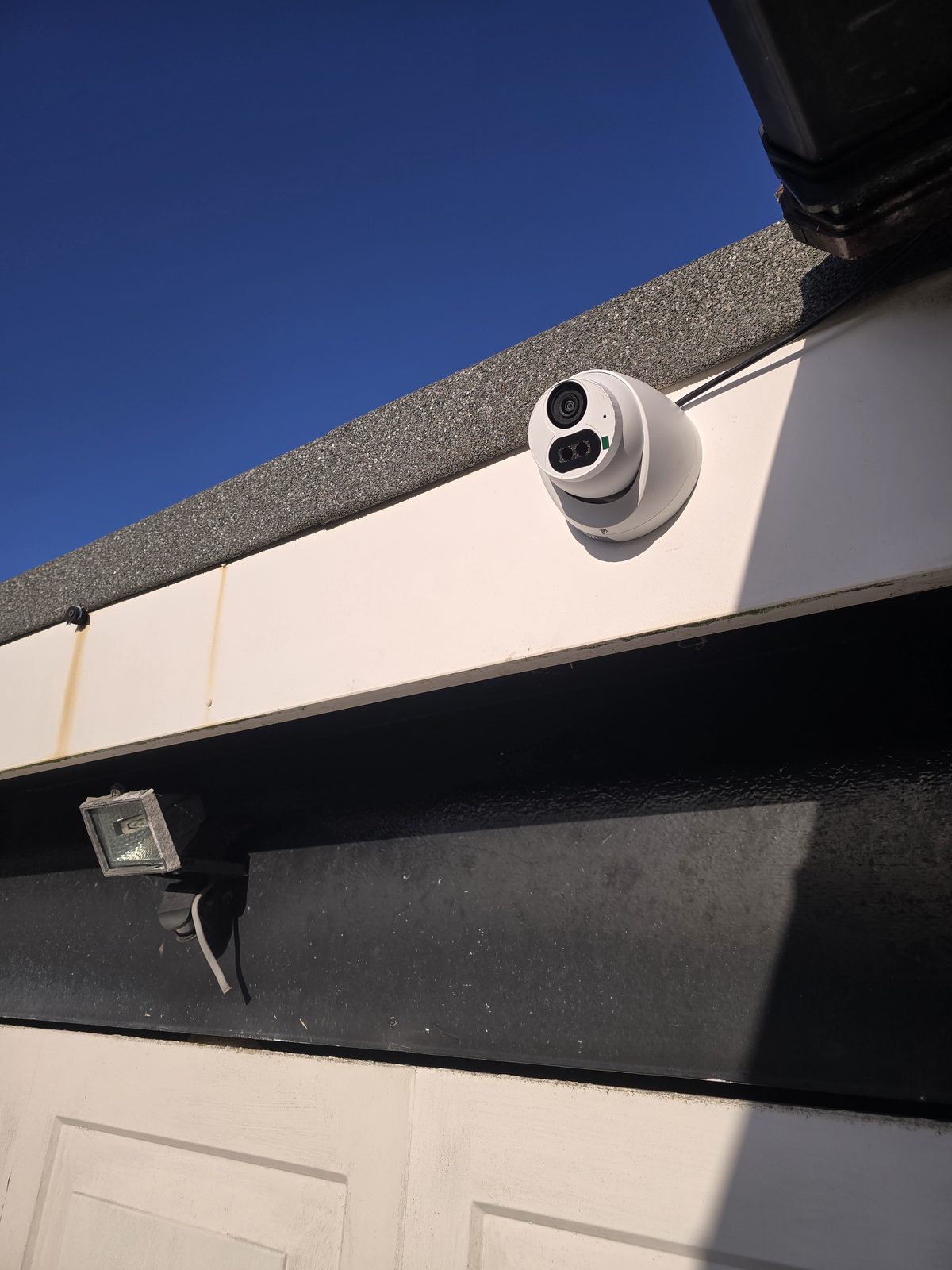
How long should a business keep CCTV footage?
There is no universal UK GDPR rule saying every CCTV system must keep footage for 14, 30 or 90 days. The Information Commissioner's Office says the UK GDPR and Data Protection Act 2018 do not prescribe a specific minimum or maximum retention period for surveillance footage.
The ICO's current surveillance guidance says retention should be determined by the purpose of the processing and should be the shortest period needed for that purpose. It also warns against choosing retention simply because the system has enough storage to keep footage for longer.
That means the technical storage design and the organisation's retention policy need to agree with each other. Buying enough disk for months of footage does not by itself make months of retention appropriate.
Quick answer
Official ICO surveillance guidance checked 3 September 2026. The ICO currently says this guidance is under review following the Data (Use and Access) Act and may change. The organisation acting as controller should document the purpose, selected retention period, review cycle, access controls and secure deletion process in its current policy, then make sure the configured recorder matches that decision.
This page is general information, not legal advice. Where footage concerns employees, vulnerable people, criminal allegations, special-category data or another material-risk use, the organisation should have its policy and circumstances reviewed by its data-protection lead and obtain appropriate legal advice where needed.
What if you need to keep one incident for longer?
A rolling recorder can continue overwriting old footage while a specific clip is exported and preserved separately for a legitimate purpose. The ICO also recognises that information may sometimes need to be retained for longer for a specific reason, such as an active law-enforcement investigation.
The important distinction is between retaining one relevant incident for a defined reason and keeping the entire recorder history indefinitely “just in case”.
Does motion recording always give much longer retention?
Not always. It depends on how active the scene is and how detection is configured. A quiet rear garden may create relatively few events; a busy road or shop entrance may trigger almost continuously and behave much closer to continuous recording.
Motion-only recording can also create evidence gaps if detection settings are poor, so storage efficiency should not come at the expense of the footage the system is actually meant to capture.
How should a new CCTV system be sized?
Start with the coverage and evidence requirement, choose the appropriate cameras and recording mode, then size storage around that finished design and the retention objective. Reversing the process — buying a recorder kit first and hoping the disk is enough — is how systems end up with unexpectedly short history.
If you are planning a new system and need storage sized around a defined retention requirement, use our CCTV installation in Stockport. If an existing recorder is losing footage, failing to overwrite correctly or showing storage faults, use our CCTV repair and recorder fault-finding service. We can check the actual retention being achieved rather than guessing from the label on the hard drive.
Frequently asked questions
How long does CCTV footage last before it overwrites?
There is no fixed period. Retention depends on camera count, bitrate, resolution, recording mode and usable storage. The easiest way to know what your current system achieves is to check the oldest available playback date on a consistently recording channel.
Does CCTV automatically delete old footage?
Many recorders are configured to overwrite the oldest footage when storage fills, creating a rolling history. The exact behaviour depends on the recorder settings and storage health.
Can overwritten CCTV be recovered?
Do not rely on it. Once footage has genuinely been overwritten, recovery may be impossible. Avoid formatting or resetting a recorder if potentially important footage is still being investigated.
How long should a UK business keep CCTV footage?
UK GDPR and the Data Protection Act do not set one universal minimum or maximum CCTV retention period. ICO guidance says the retention period should be based on the purpose and be the shortest period necessary for that purpose.
Will a bigger CCTV hard drive give more days of recording?
Usually more usable storage can extend retention if the recording settings stay the same, but disk size alone cannot tell you the final number of days. Stream bitrate, camera count and recording mode still matter.
Clear written quotation before any chargeable work. Short-notice appointments may be available across Stockport, Greater Manchester and Cheshire.