
Quick answer
If CCTV live view works but playback is empty, the cameras are not necessarily the problem. Live view only proves that you can see the camera now. Recording also depends on the NVR or DVR, its recording schedule, storage, time settings and the connection that existed when the missing footage should have been saved. Check those things before resetting or formatting anything.
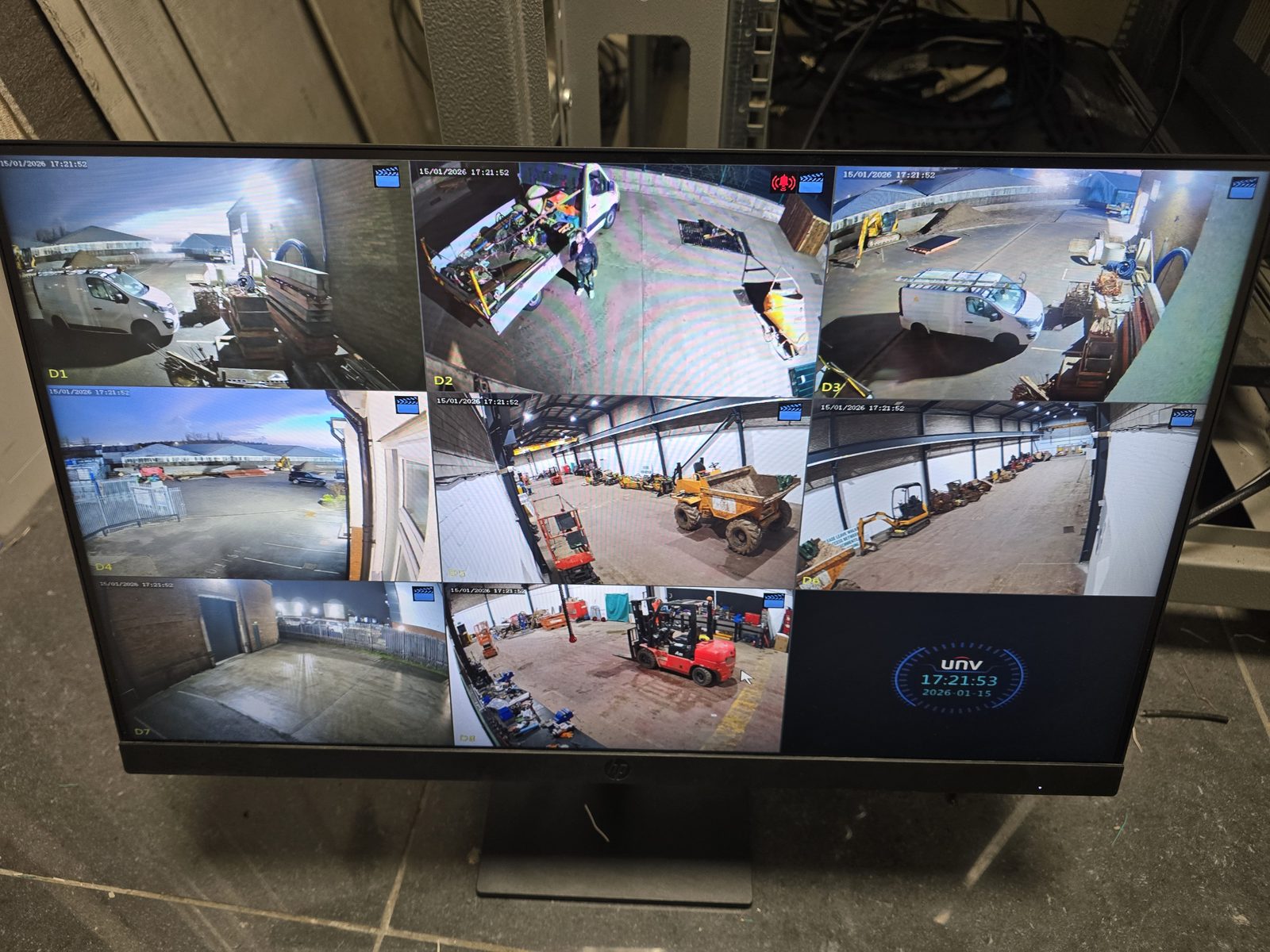
One of the most confusing CCTV faults is opening the app or local monitor, seeing every camera perfectly, then discovering there is no footage when you try to play back yesterday, last night or a particular incident.
That can happen because live viewing and recording are related, but they are not the same function. The camera can be online now while the recorder has a storage problem, the recording schedule can be wrong, the system clock can be out, or the camera may have dropped offline during the period you are trying to review.
Quick answer
Stop and preserve the current state if footage may matter. Note the recorder's displayed time and system status, photograph warnings, storage pages and relevant screens, and record the affected cameras and period. Restrict access and do not change the time, schedule or storage settings, initialise or format a drive, delete footage or factory-reset equipment. Follow the approved incident and evidence process; if the stakes are legal, disciplinary, insurance-related or criminal, escalate to the responsible authority and an appropriate forensic or legal specialist before further changes.
First: do not format the hard drive or factory-reset the recorder
If you are looking for footage that may matter after an incident, start with non-destructive checks. Formatting a hard drive, deleting recordings, initialising storage or performing a factory reset can make the situation worse and may remove settings or footage that could otherwise have been inspected.
We would normally establish what the recorder thinks its storage status is, what dates and times it is using and whether recording was actually enabled before changing anything destructive. That diagnosis-first order protects the evidence you may still have.
Quick checks when CCTV is live but not recording
1. The footage may be there under the wrong date or time
Before assuming the recorder has failed, compare the time shown on the CCTV system with the real time. A recorder with an incorrect clock, time zone or daylight-saving setting can make footage appear to be missing because you are searching the wrong point on the timeline.
This is especially worth checking after a power interruption, recorder replacement, network change or configuration reset. Do not change the clock blindly if you are preserving evidence; first note what the system currently shows so you understand how far the timestamps may be offset.
2. The recording schedule may not cover the period you expected
CCTV recorders can usually be configured for continuous recording, scheduled recording, event or motion-based recording, or combinations of those modes. If the schedule has been changed, copied incorrectly between channels or left disabled for part of the day, live view can be completely normal while the playback timeline has gaps.
Motion recording can create another misunderstanding: the system may only save clips when its configured trigger conditions are met. If detection zones, sensitivity or event rules are wrong, the camera can appear healthy but create far fewer recordings than expected.
3. The NVR or DVR hard drive may have a storage fault
A recorder needs working storage to save footage. If the hard drive is not recognised, reports an error, has become unreliable or is not in a usable recording state, the cameras can still display live pictures because the video is reaching the recorder even though it is not being written to storage correctly.
Look for storage or HDD status pages, warning icons, audible alerts and system logs before taking action. The wording varies by recorder, so avoid assuming that an empty playback timeline automatically means the disk needs formatting.
4. The drive may be full and overwrite may not be behaving as expected
Many systems are configured to overwrite the oldest recordings when storage is full, but that behaviour depends on the recorder settings. If overwrite is disabled, storage is reserved incorrectly or the system has another disk-management problem, recording may stop once available space is exhausted.
This is also why there is no reliable rule such as "four cameras always gives 30 days". Retention depends on the actual camera streams, recording mode, image settings, activity and available storage. Our camera-count guide explains why the recorder should be sized around the finished system rather than a package number.
5. The camera may be online now but was offline when the footage should exist
A cable fault, PoE issue, switch problem, camera reboot or local network interruption can create a recording gap even if the camera has since recovered. That is why checking only the current live screen can miss the original fault.
If several cameras have the same gap at the same time, look for something they share: the recorder, switch, power supply or network path. If only one camera is affected, the fault is more likely to sit somewhere in that individual camera's path.
6. Internet failure is not the same as recording failure
If the recorder and cameras work locally, a broadband outage may stop remote app access without stopping local NVR recording. Conversely, a site can have perfect internet while the NVR storage has failed and no useful footage is being saved.
That distinction is covered in more detail in Does CCTV Work Without Internet?. It is useful whenever an app says a system is offline because it prevents a broadband fault being confused with a camera or recorder fault.
What does a real recorder fault usually look like?
There is no single symptom, but the following combinations deserve proper diagnosis rather than repeated reboots:
- all cameras are live but every playback timeline is empty;
- the recorder reports no HDD, abnormal storage or another disk warning;
- recordings stop at roughly the same point and never resume;
- several channels develop gaps at exactly the same time;
- the recorder repeatedly restarts, freezes or loses its storage;
- the available playback history becomes much shorter than expected without an obvious settings change.
Those symptoms do not prove a particular component has failed, but they are a reason to inspect the recorder, storage and shared infrastructure rather than replacing cameras at random.
What if only one CCTV camera is not recording?
If the other channels record normally, compare the affected camera with a working one. Check whether that channel has the same recording schedule, whether it is consistently online, whether the recorder is receiving the intended stream and whether any event-only rules differ.
A single-channel problem is useful diagnostic information because it makes a recorder-wide storage failure less likely, although it does not rule out configuration or channel-specific issues.
What if the missing footage is important?
Preserve the current state as far as practical. Note the recorder time, take photographs of warnings or storage screens, and avoid formatting, initialising or factory-resetting equipment just to see whether the warning disappears.
Recovery cannot be guaranteed. Missing footage may never have been recorded in the first place, so the first aim is to establish whether it exists, whether it is simply being searched incorrectly, and whether further changes risk destroying useful information.
Live view working is good news — but verify the recording path
A live picture tells you the camera is available now. It does not tell you whether yesterday's footage was written to the disk, whether the schedule was correct or whether the camera stayed connected all night.
Check playback time, schedule, storage status and the camera's history in that order, and avoid destructive changes until you understand what you are looking at. If you are planning a replacement system rather than repairing an old one, see our CCTV installation in Stockport for the design and recording approach we use.
Frequently asked questions
Why is my CCTV live but not recording?
Live view and recording are separate functions. The camera can be online while the recording schedule is disabled, the NVR storage has a problem, the system time is wrong or the camera was offline during the period you are trying to review.
Why is there no CCTV playback even though the camera works?
Check the playback date and recorder clock first, then the channel recording schedule and HDD or storage status. If those are correct, investigate whether the camera or recorder lost connectivity during the missing period.
Should I format the CCTV hard drive if it is not recording?
Not as a first troubleshooting step, especially if missing footage could be important. Formatting can remove recordings. Establish the current storage status and whether footage may exist before making destructive changes.
Can a CCTV hard drive fail while live view still works?
Yes. Live viewing can continue because the recorder is receiving the camera stream, while a storage problem prevents that stream being saved correctly. The exact fault still needs diagnosis rather than assuming the drive is definitely the cause.
Can an internet outage cause missing CCTV recordings?
Not necessarily on a local NVR system. If only the broadband connection fails and the cameras, recorder, local network and power remain healthy, local recording can continue. A local network, power or recorder fault is more likely to interrupt the recording path itself.
Clear written quotation before any chargeable work. Short-notice appointments may be available across Stockport, Greater Manchester and Cheshire.