
Quick answer
Yes — many professionally installed CCTV systems can keep recording when the internet goes down. If the cameras record to a local NVR and the cameras, recorder, local network and power are still working, the footage can continue to be stored on site. What normally disappears first is remote viewing, cloud-dependent features and notifications that need an internet connection.
"Does CCTV work without internet?" sounds like a yes-or-no question, but there are four different failures people often describe as "the CCTV is offline": the broadband connection has failed, the Wi-Fi has failed, the local CCTV network has failed, or the power has failed. Those faults do not have the same result.
The useful question is therefore not simply whether a camera has internet access. It is where the recording happens and which part of the system has actually stopped working.
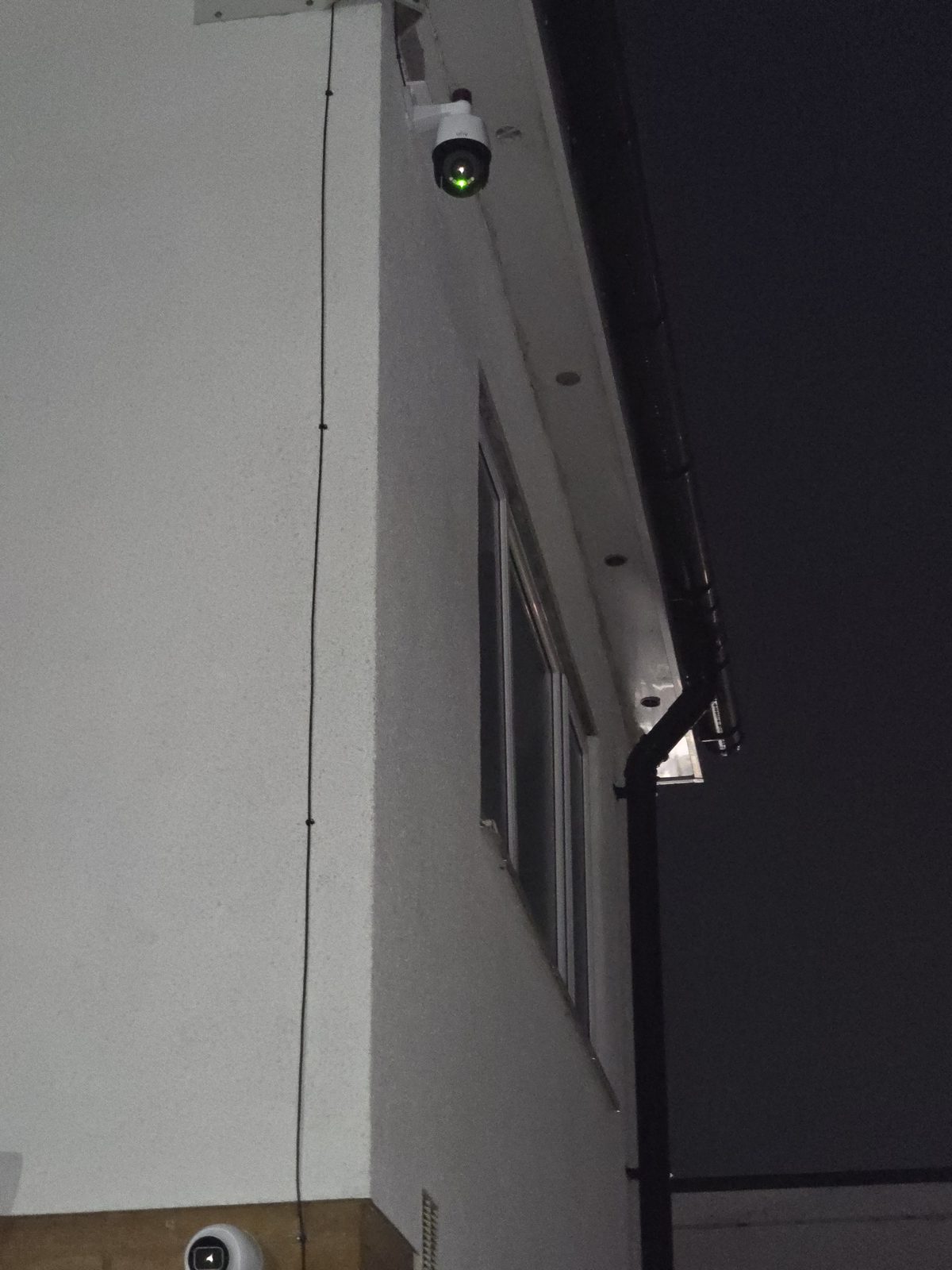
What normally still works if the broadband goes down?
The important distinction: internet, Wi-Fi and the local network are not the same thing
A wired IP CCTV system can have a healthy local network while the broadband router has no connection to the outside world. In that situation, the cameras may still send video to the NVR perfectly normally even though you cannot open the app from another location.
That is very different from the local switch, NVR or camera network failing. If the cameras cannot reach the recorder on the local network, there may be nothing for the NVR to store even though the broadband itself is working perfectly.
Scenario 1: the internet is down, but the CCTV network is healthy
This is the best-case outage. The router has lost its broadband connection, but the PoE switch, cameras and NVR are still powered and talking to each other locally. A local recorder can continue doing the job it was designed to do: receiving and storing footage.
You may lose app access from outside the building until the connection returns. If you are standing next to the NVR with a connected monitor, however, the local live view and playback can still be available.
Scenario 2: the Wi-Fi is down
On a wired PoE system, a Wi-Fi fault does not automatically stop the cameras. The camera traffic is carried over Ethernet, not over the household wireless network. A phone or tablet using Wi-Fi locally may lose access, but the recording path can remain intact.
Wireless and battery cameras are different. Their behaviour depends on whether they can still reach a local hub, recorder or the vendor's cloud service. That is one reason we separate the design question of wired CCTV versus wireless cameras from the question of whether the internet connection itself is available.
Scenario 3: the local network or NVR fails
This is more serious for a local recording system. If the PoE switch fails, the NVR loses its network connection, or the recorder itself fails, the cameras may no longer have a working path to the storage device. The site can still have perfectly good broadband and yet the CCTV recording can be interrupted.
A sensible fault check therefore starts locally: are the cameras powered, are they visible to the recorder, is the NVR healthy, and is the storage working? Our CCTV repair and fault-finding service is built around diagnosing that chain rather than replacing equipment at random.
Scenario 4: the power goes off
Internet resilience does not equal power resilience. If the NVR, PoE switch and cameras all lose power, local recording stops unless the relevant equipment is being kept alive by a suitable backup-power arrangement.
That is why "will my CCTV work if the Wi-Fi goes down?" and "will my CCTV work in a power cut?" are completely different questions. One is mainly about networking. The other is about electrical power and the equipment connected to it.
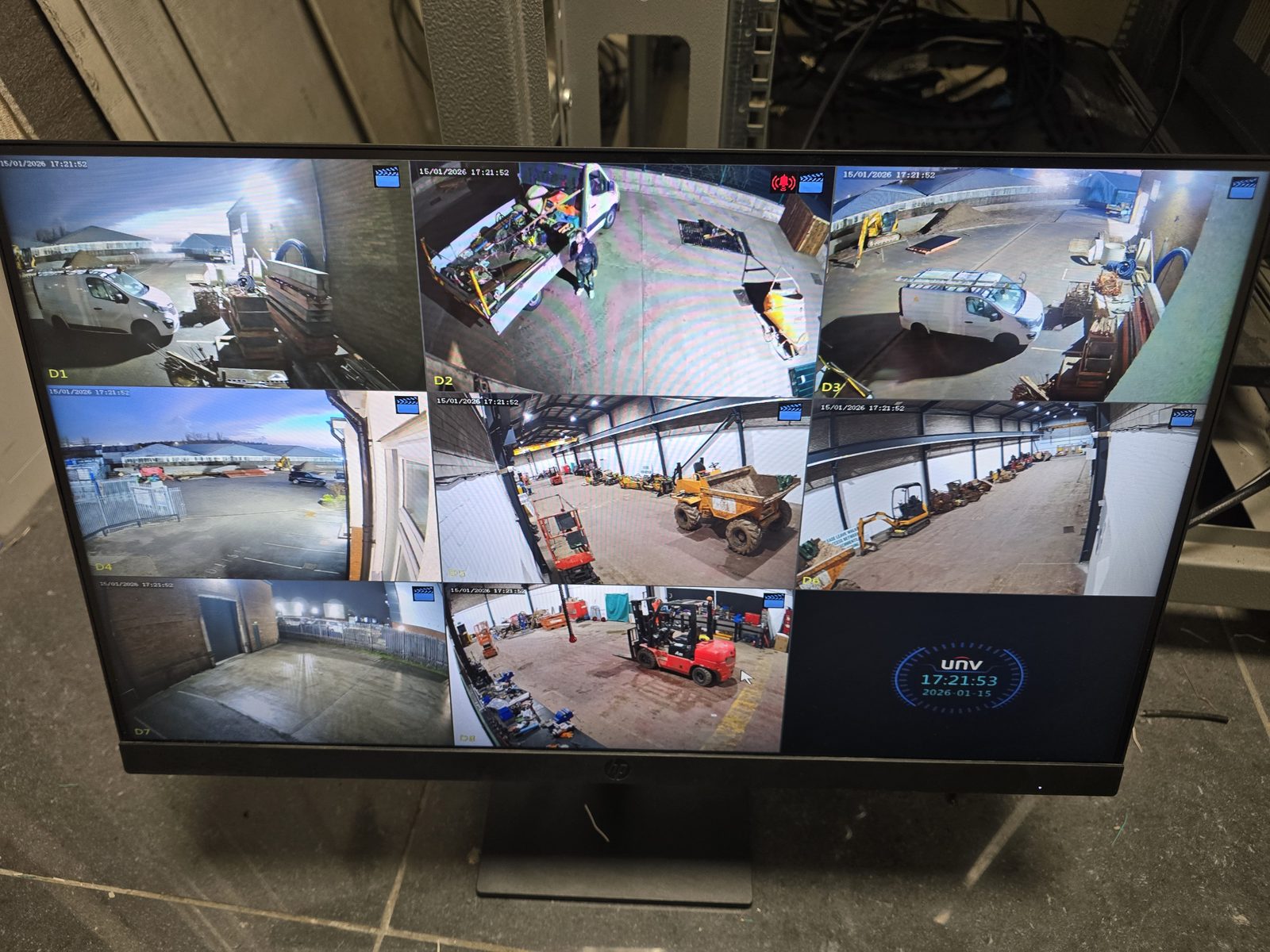
Does an NVR need internet?
An NVR does not necessarily need an active internet connection to record cameras that are connected to it locally. It does need a working local network path to those cameras, enough storage, and power. Internet access becomes important for features such as viewing the system from another location, remote support, some notifications, time synchronisation methods and any cloud-dependent services.
The exact behaviour varies by recorder and camera platform, so the right installation should be tested rather than assumed.
Secure remote access checklist
Remote viewing and remote support should be enabled only through the selected platform's supported method and tested on that exact recorder, app and account setup. We do not publish generic port-forwarding instructions because exposing a recorder directly to the internet can create avoidable risk and bypass the protections the chosen platform expects.
- Account ownership: the customer keeps the primary account, recovery details and an up-to-date list of authorised users.
- Strong sign-in: use a unique password and enable multi-factor authentication where the selected platform supports it.
- Updates: agree who checks recorder, camera and app updates, and how compatibility is verified before changes are applied.
- Least access: give each user only the cameras and functions they need; do not share one administrator login.
- Offboarding: remove former staff, contractors, old phones and installer access promptly, then review the remaining users.
- Support boundary: record who owns the broadband, router, vendor account, subscriptions and ongoing security tasks.
Available controls differ by manufacturer, model, firmware and account type. The handover should therefore state which controls were available and enabled, plus any customer action still required.
Commissioning: prove the outage behaviour
Agree the required behaviour first, then test the actual cameras, recorder, network, app, account and any backup-power equipment installed at that site. Do not assume a result from this article or from another manufacturer. Plan the test so it does not compromise a security-critical recording period, and record any deliberate exception.
- Record the starting state. Note the platform, model and firmware, local topology, storage health, time source, notification path and which equipment is backed by a UPS, if any.
- Confirm normal operation. Save a timestamped local recording, play it back, check the local monitor and confirm the expected remote view and notifications before introducing a fault.
- Remove broadband only. Isolate the WAN path without switching off the local router, PoE switch, cameras or recorder. Confirm whether local live view, recording and playback continue and whether the displayed time remains correct.
- Record what becomes unavailable. Check the off-site app, alerts and any cloud-dependent service. State exactly what stopped, what continued and how the system reported the loss of connection.
- Test power resilience separately. Only where backup power is part of the agreed design, test the supported cameras, switch, recorder, router and backup-internet path as a separate scenario. A broadband-loss test does not prove power-cut operation.
- Restore and verify recovery. Reconnect the WAN, then check remote viewing, delayed or recovered notifications, time synchronisation, recorder health and the stored footage across the outage window.
- Hand over the evidence. Keep the date, test steps, results, exceptions and customer-approved resilience requirement with the site record. Re-test after material platform, firmware, account or network changes.
Can CCTV work with no broadband service at the property at all?
It can, if the requirement is local recording and local playback. A self-contained wired system can be designed around cameras, a PoE network and an NVR without relying on a household broadband package for the basic recording path.
What you would not have without another internet connection is normal remote access from your phone when you are away. In rural, temporary or awkward sites, that remote path can sometimes be provided separately using 4G/5G connectivity or, where it suits the site, Starlink.
What should a reliable CCTV installation be designed around?
- Local recording that does not depend on a cloud subscription for every frame of footage.
- A clear PoE and network layout so cameras have a dependable path back to the recorder.
- Enough storage for the required retention period, based on the real camera setup rather than a generic guess.
- Remote access treated as a separate layer from the core local recording function.
- Fault ownership. If a camera is offline, the installer should be able to work out whether the problem is camera, cable, PoE, switch, recorder, router or internet rather than calling all of it a "Wi-Fi problem".
So, will your cameras record if the internet goes down?
If you have a local NVR system and only the broadband connection has failed, there is a good chance the recording path is still working. But do not assume that "offline in the app" means "not recording" — and do not assume the opposite either. Check the local recorder or monitor and confirm that the camera feeds are still being stored.
If you are planning a new system, our CCTV installation in Stockport explains how we approach wired cameras, local recording and remote viewing across homes and businesses in Stockport, Greater Manchester and Cheshire.
Frequently asked questions
Will CCTV still record if the internet goes down?
A local NVR-based system can often continue recording if only the broadband connection has failed, provided the cameras, NVR, local network and power are still working. Remote viewing and cloud-dependent features may stop until the internet returns.
Does CCTV need Wi-Fi to record?
Not if the cameras use wired Ethernet or PoE to reach a local recorder. Wireless cameras are different and depend on how that particular system sends and stores footage.
Can I view CCTV on my phone without internet?
Not normally when you are away from the property, because your phone needs a network path back to the CCTV system. Local viewing may still work when your phone is on the same functioning local network, depending on the system.
Will CCTV work in a power cut?
Not unless the cameras, switch and recorder that need power are being supported by a suitable backup-power arrangement. A power failure is different from an internet failure.
Does an NVR need broadband?
Not necessarily for local recording. It needs power, storage and a working network connection to the cameras. Broadband is normally needed for remote access and other internet-dependent features.
Clear written quotation before any chargeable work. Short-notice appointments may be available across Stockport, Greater Manchester and Cheshire.