
Quick answer
If Sky Glass keeps buffering, first separate the broadband connection from the Wi-Fi connection to the TV. In official guidance checked on 4 September 2026, Sky recommended at least 25Mbps for Sky Glass, rising to 30Mbps for UHD or an extra Sky Stream puck. Those provider thresholds can change and do not prove that the television is receiving a stable connection. Recheck Sky's live guidance and test at the Glass before buying boosters or changing broadband provider.
Sky Glass is a streaming television, so buffering can come from more than one place. The broadband line can be slow, the router can be fine while the Wi-Fi at the television is weak, the home network can be busy, or the TV can be connected through a poor mesh or extender path.
The useful question is not simply “what speed package do I pay for?” It is what connection is Sky Glass actually getting where the TV is installed?
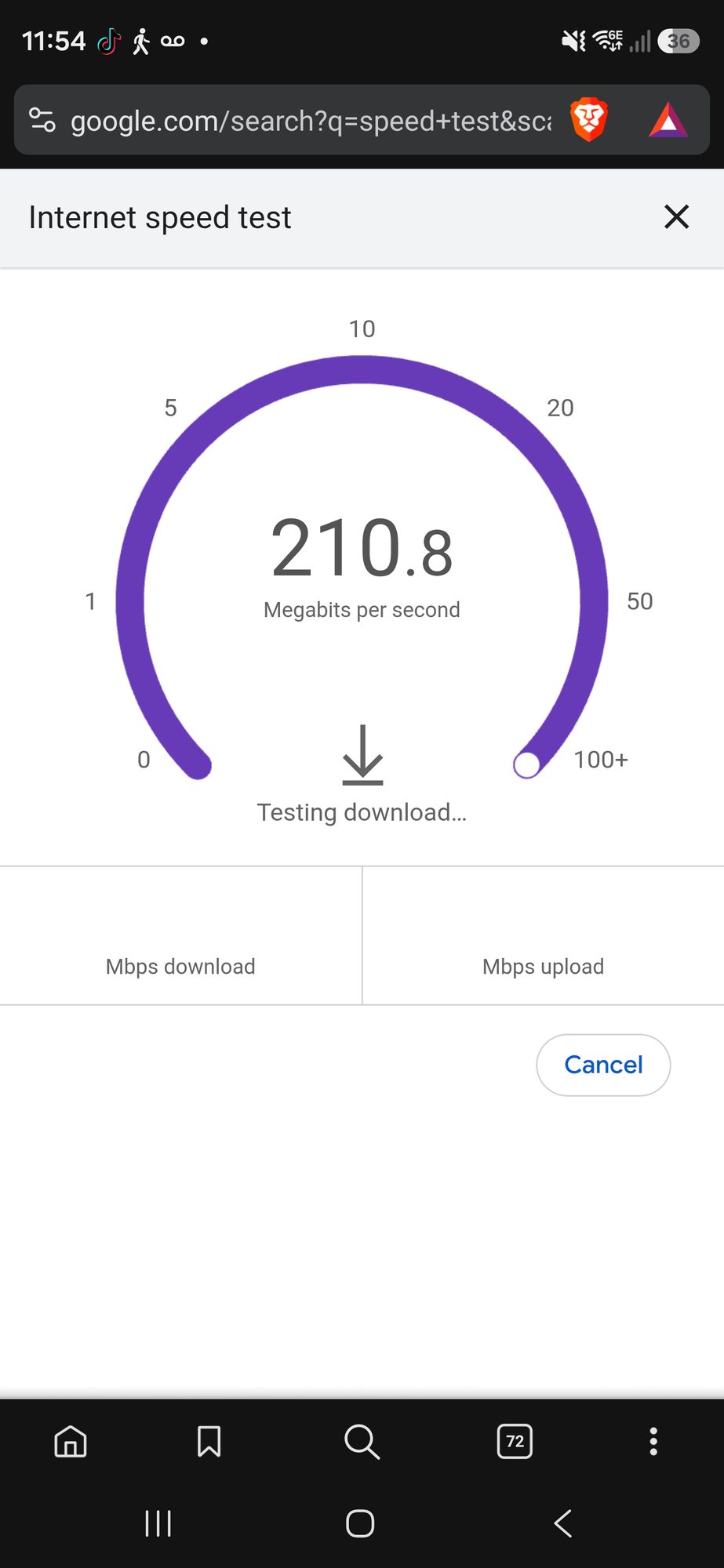
What broadband speed does Sky Glass need?
Sky's Sky Glass guidance, checked 4 September 2026, recommended a minimum broadband speed of 25Mbps, or 30Mbps if an extra Sky Stream puck is added or UHD is watched. Sky also noted that more simultaneous streaming can require more capacity. Evolution Data & Digital owns the next review; the live Sky support page and the customer's current product/account information remain authoritative.
Those numbers describe the connection available for streaming. They do not mean a 30Mbps package will perform perfectly in every room, and they do not mean a 500Mbps package cannot buffer. If the Wi-Fi link between the router and the Glass is unstable, the headline broadband package is almost irrelevant to that local wireless fault.
Broadband speed vs Wi-Fi speed: the distinction that matters
Why can Sky Glass buffer even with fast broadband?
1. The TV is in a weak Wi-Fi area
Thick walls, multiple floors, extensions, foil-backed insulation, fireplaces and simply placing the router at the opposite side of the property can all reduce the useful signal reaching the television. A speed test beside the router will not reveal that.
2. A mesh node or extender is badly placed
A mesh unit needs a decent connection back to the rest of the network. Putting a wireless node inside the dead spot may give the television a strong-looking local signal while the node itself has a poor backhaul connection. The result can still be buffering, latency and inconsistent speed.
Sky's own broadband speed guidance also notes that boosters and extenders can improve coverage while reducing the speed available to a device connected through them.
3. Too many devices are sharing the same connection
Streaming televisions, games consoles, cloud backups, CCTV uploads, video calls and several Sky Stream devices can all use the connection at the same time. A network that feels perfectly quick with one person browsing can behave differently when several high-bandwidth activities happen together.
4. The broadband line itself is the bottleneck
If a wired or close-to-router test is also poor, the problem may sit upstream of the Wi-Fi. That can mean the incoming broadband connection, router, provider network or another fault outside the television room. This is why we avoid treating every buffering problem as “buy another mesh unit”.
What is the quickest way to diagnose Sky Glass buffering?
- Check the broadband speed near the router. Establish whether the connection itself is healthy.
- Test in the room where Sky Glass is installed. Use a phone or laptop in the same area as a rough comparison.
- If practical, try Ethernet. A stable wired test is one of the cleanest ways to separate Wi-Fi from broadband.
- Check whether the problem only happens at busy times. That can point towards total connection capacity or congestion.
- Look at the whole Wi-Fi layout. Router position, mesh node placement and wireless backhaul matter more than the number of boxes in the house.
Will a Wi-Fi booster fix Sky Glass buffering?
Sometimes, but it should not be the automatic answer. A booster can extend a usable signal into a room that genuinely lacks coverage, but it can also add another wireless hop and make a weak network more complicated.
In larger homes we often compare three routes: better mesh placement, Ethernet backhaul between mesh units, or properly positioned wired access points. Our mesh vs access-point guide explains the difference in more detail.
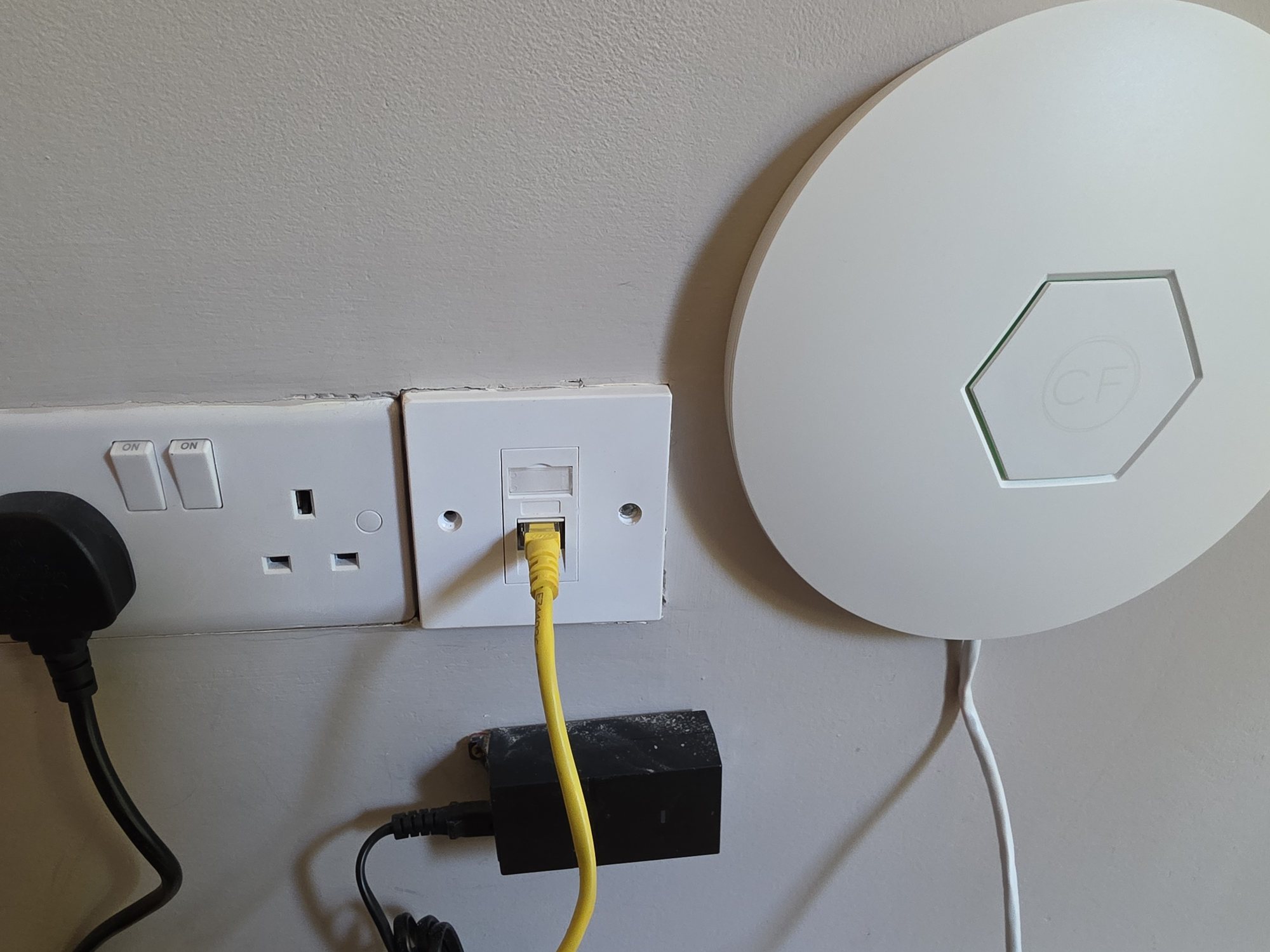
Is Ethernet better for Sky Glass?
Where a sensible cable route exists, Ethernet removes the radio link between the television and the local network. That does not fix a slow broadband line, but it can remove Wi-Fi interference, weak signal and wireless backhaul from the equation.
If the room already has data cabling, testing the Glass on Ethernet is particularly useful. If it does not, our data-cabling service covers discreet Cat6 routes where a wired connection makes sense rather than forcing cable into every room unnecessarily.
What if Sky Glass buffers but every other device seems fine?
Compare like with like. A phone loading websites does not use the network in the same way as a television maintaining a high-quality video stream. Test another streaming device in the same room, check the Glass connection itself and compare wired versus wireless if possible.
If the issue remains isolated to the television after the local network has been proved healthy, the next step is device or Sky-service troubleshooting rather than rebuilding the house Wi-Fi around one symptom.
When is it worth getting the Wi-Fi professionally checked?
If buffering affects several rooms, mesh units keep dropping, coverage is inconsistent between floors or you are about to spend more money on extenders without knowing what the fault is, a structured Wi-Fi check is usually cheaper than trial-and-error hardware.
Evolution Data & Digital provides whole-home Wi-Fi and network installation across Stockport, South Manchester and Cheshire. For Sky Glass mounting and the physical TV installation itself, see our Sky Glass wall-mounting service.
Frequently asked questions
Why does Sky Glass keep buffering when my broadband is fast?
The broadband package speed and the Wi-Fi speed at the television are different things. A fast connection at the router can still reach the Sky Glass poorly because of distance, walls, interference or weak mesh backhaul.
What internet speed does Sky Glass need?
When checked on 4 September 2026, Sky recommended at least 25Mbps for Sky Glass, rising to 30Mbps for UHD or an additional Sky Stream puck. Treat those as provider guidance for that date, recheck the live Sky page and allow for other simultaneous use.
Will Ethernet stop Sky Glass buffering?
Ethernet can remove Wi-Fi weakness and interference from the local connection, so it is a useful diagnostic test and can be a strong permanent option. It will not fix a slow or unstable broadband service upstream.
Should I buy another mesh node for Sky Glass?
Not automatically. First establish whether the existing mesh node has a good backhaul connection and whether the room actually lacks coverage. More wireless nodes can make a badly planned network more complicated rather than faster.
Can EDD fix Sky Glass Wi-Fi problems?
We can diagnose the home network, Wi-Fi coverage, mesh placement, Ethernet options and the connection reaching the TV. If the local network proves healthy and the fault is within the Sky device or service, that part should then be taken back to Sky.
Clear written quotation before any chargeable work. Short-notice appointments may be available across Stockport, Greater Manchester and Cheshire.