
Quick answer
Sky Stream can buffer even when you pay for fast broadband because package speed is not the same as a stable connection at the puck. Weak Wi-Fi, a poor mesh backhaul path, congestion from other devices or an unstable broadband link can all interrupt streaming. Test beside the router, at the puck and—if practical—over Ethernet before buying another booster or changing provider.
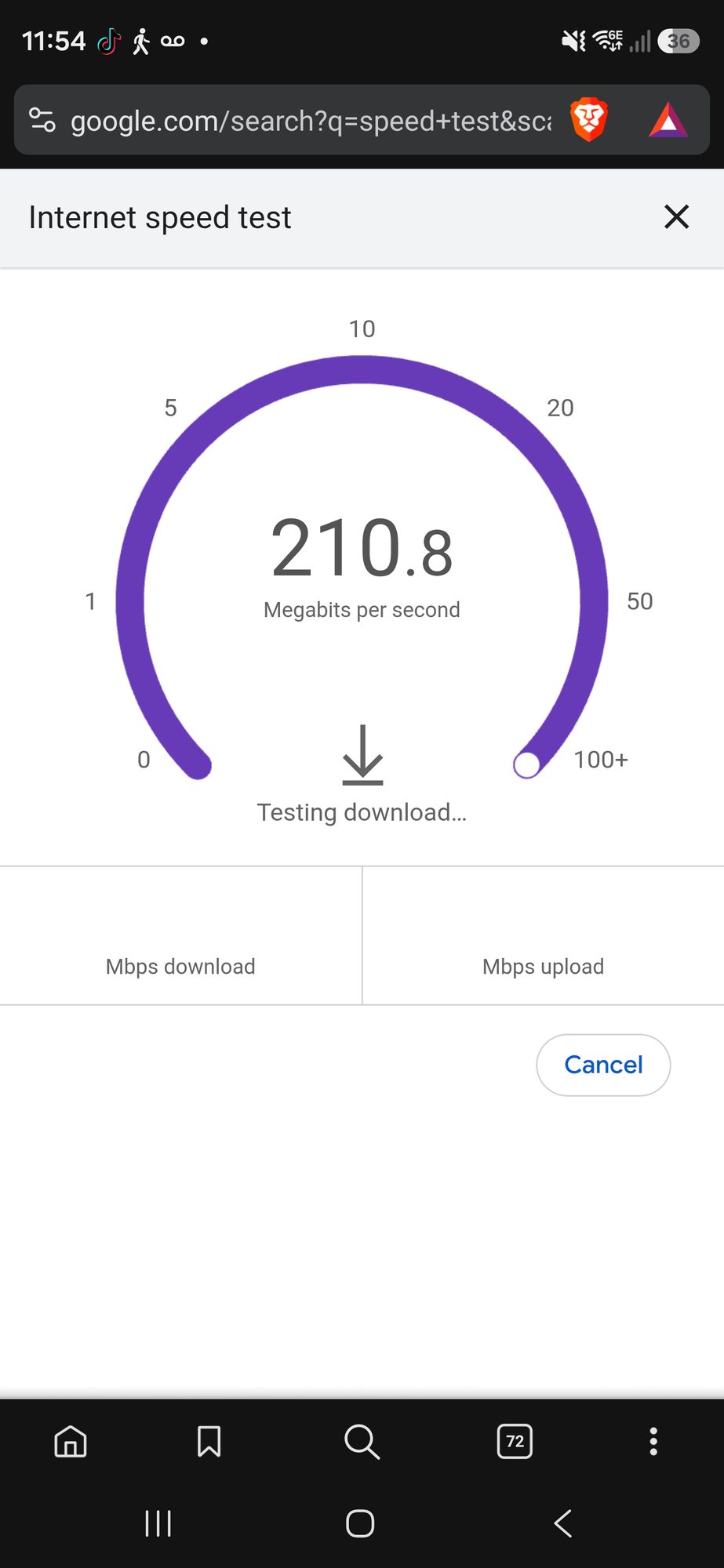
A speed test showing hundreds of megabits per second does not automatically clear the home network. It may have been run beside the router while the Sky Stream puck sits behind two walls, connects to a distant mesh unit or shares wireless capacity with several other devices.
The most useful diagnostic question is: what speed and stability reach the puck at the moment buffering happens? That separates the broadband package you buy from the complete route the stream actually uses.
What broadband speed does Sky Stream need?
In guidance checked on 5 September 2026, Sky's broadband speed guide listed 3Mbps for standard definition, 25Mbps for high definition and 30Mbps for ultra-high definition. Sky's current Sky Stream FAQs also said UHD requires a minimum of 30Mbps, rising to 35Mbps for UHD with Whole Home. Provider requirements can change, so the live Sky guidance and your current product information remain authoritative.
Those figures are minimum connection guidance, not a guarantee that any line just above the threshold will never buffer. Other devices need capacity too, Wi-Fi performance varies from moment to moment, and a speed test is only a snapshot. A healthy design needs some headroom and, above all, consistency.
Fast broadband and fast Wi-Fi are not the same thing
Why does Sky Stream buffer with a good speed-test result?
1. The test was run in the wrong place
A result beside the router proves very little about the television room. Distance, solid walls, foil-backed insulation, extensions, floor construction and nearby electronics can all weaken the wireless path. Repeat the test beside the puck and at the time the issue normally occurs.
2. The mesh node has weak backhaul
A puck may show a strong connection to a nearby mesh unit while that unit has a poor route back to the main router. This creates the misleading combination of strong signal bars and unreliable streaming. Moving the mesh unit out of the dead spot, reducing unnecessary hops or using Ethernet backhaul can help.
Adding more nodes is not automatically the answer. Our guide to too many mesh Wi-Fi units explains how excess overlap and wireless hops can make a network worse.
3. Other devices are using the connection
Cloud backups, game downloads, video calls, CCTV uploads and other streams can all consume capacity. If buffering only happens when the household is busy, compare the total activity rather than treating the puck as an isolated device. Multiple Sky Stream devices also increase the demand on the broadband and local network.
4. The connection is fast but inconsistent
Streaming depends on a steady flow of data. Short pauses, packet loss or sharp changes in latency can cause trouble even when an average speed result looks impressive. Run several tests rather than relying on one peak number, and note whether the fault is time-specific or weather-related.
5. The issue is with the puck, app or service
If the network remains stable on Ethernet, other services work normally and the problem is isolated to one app or device, continue with Sky's device and service troubleshooting. Rebuilding the Wi-Fi is unlikely to repair a fault that sits outside the local network.
What should you check first?
- Restart the affected equipment once. Follow Sky's current support steps for the puck and restart the router without repeatedly power-cycling the system.
- Check whether one puck or every puck is affected. One-room problems often point to the local connection; whole-home problems may sit closer to the router, broadband or service.
- Test at the router and the television. Record results at both positions during normal viewing and during the fault.
- Pause a large download or backup. If buffering stops, total network demand may be part of the problem.
- Try Ethernet if a safe temporary route is possible. This is a diagnostic step, not proof that every television needs permanent cabling.
Will a Wi-Fi booster stop Sky Stream buffering?
It may help when the puck genuinely lacks coverage and the booster can itself receive a good connection. But a repeater placed beside the television inside the same weak area may add another wireless hop without fixing the underlying route.
Where coverage is poor across several rooms, assess the complete layout: router position, mesh placement, backhaul and channel use. A properly positioned wired access point can be a better long-term answer than a chain of extenders. See our home Wi-Fi and network installation service for the options we cover.
Is Ethernet better for Sky Stream?
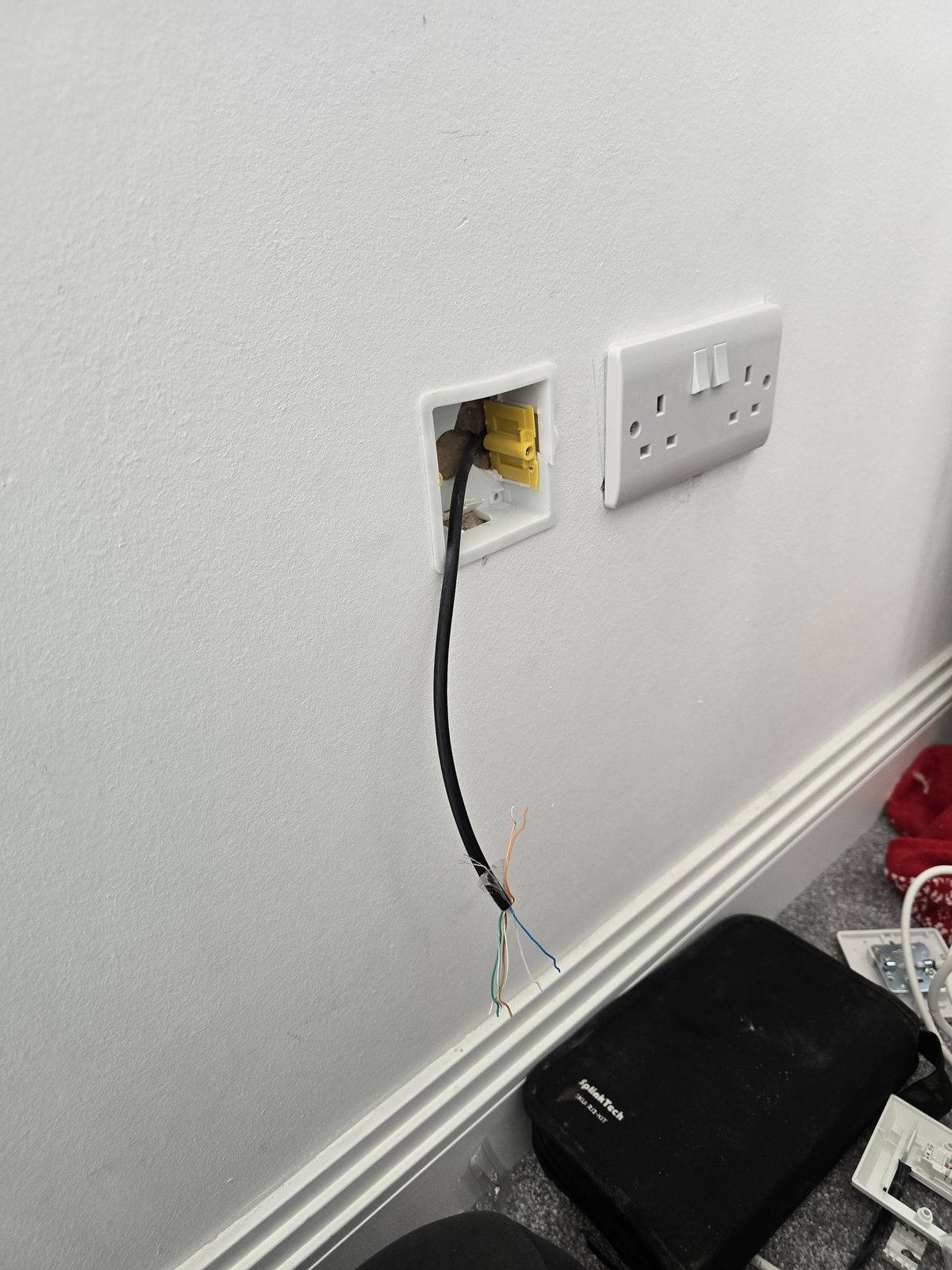
A wired connection removes Wi-Fi signal strength, interference and roaming from the puck's route to the router. It cannot improve the broadband line itself or prevent an external Sky service issue, but it is often the cleanest way to make a fixed television device independent of wireless conditions.
Permanent cabling should still be planned sensibly. Cable category, route, termination, testing and the available network ports all matter. One discreet data point at the main television can also free wireless capacity for the mobile devices that actually need Wi-Fi.
What if only one Sky Stream puck buffers?
Compare the affected room with a working room. Swap the pucks temporarily if Sky's current guidance permits it and you can do so safely. If the fault follows the device, investigate the puck or its software. If it remains in the room, investigate that room's Wi-Fi or wired connection.
This simple comparison prevents a whole-home equipment change when the actual issue is one location or one device.
Sky Stream vs Sky Glass buffering
The network logic is similar because both depend on broadband, but the physical setup differs. Sky Stream uses a separate puck, which may be hidden behind a television or placed in a cabinet where Wi-Fi conditions are poor. Sky Glass integrates streaming into the television. If that is your product, use our dedicated Sky Glass buffering guide.
Frequently asked questions
Why does Sky Stream buffer when my internet speed is fast?
A headline broadband speed does not prove the puck has a stable connection. Weak room-level Wi-Fi, mesh backhaul, competing traffic, packet loss or a device or service issue can all cause buffering.
What speed does Sky Stream need?
Sky guidance checked on 5 September 2026 listed 3Mbps for SD, 25Mbps for HD and 30Mbps for UHD, while the Sky Stream FAQs listed 35Mbps for UHD with Whole Home. Recheck the live Sky guidance because requirements can change.
Can I connect a Sky Stream puck with Ethernet?
Ethernet can be a useful diagnostic and permanent local-network option where the current device and setup support it. Follow Sky's current connection instructions and remember that cable will not fix an upstream broadband or Sky service fault.
Should I add another mesh unit beside the TV?
Only if that position gives the new unit a healthy backhaul connection. A node inside the same dead spot can show a strong local signal while still passing traffic through a weak route.
Why does only one Sky Stream puck buffer?
That often points towards the device or the network conditions in one room. Compare it with a working puck and room before changing the entire broadband or Wi-Fi system.
Clear written quotation before any chargeable work. Short-notice appointments may be available across Stockport, Greater Manchester and Cheshire.