
Quick answer
Yes. Adding too many mesh Wi-Fi units can make a network slower or less stable. Nodes that are too close together can compete for airtime, devices may stay connected to the wrong unit, and every wireless backhaul hop can reduce usable capacity. The right number depends on the property, construction, node placement and whether the units have wired backhaul.
Mesh Wi-Fi is often sold as a simple coverage fix: add another unit wherever the signal is poor. That can work, but only when the new unit has a good connection to the rest of the mesh and fills a genuine coverage gap. More boxes do not create more broadband speed, and an overcrowded layout can introduce new problems.
If your mesh feels worse after adding a node, the useful question is not “how many units can the system support?” It is how many well-placed units does this building need?
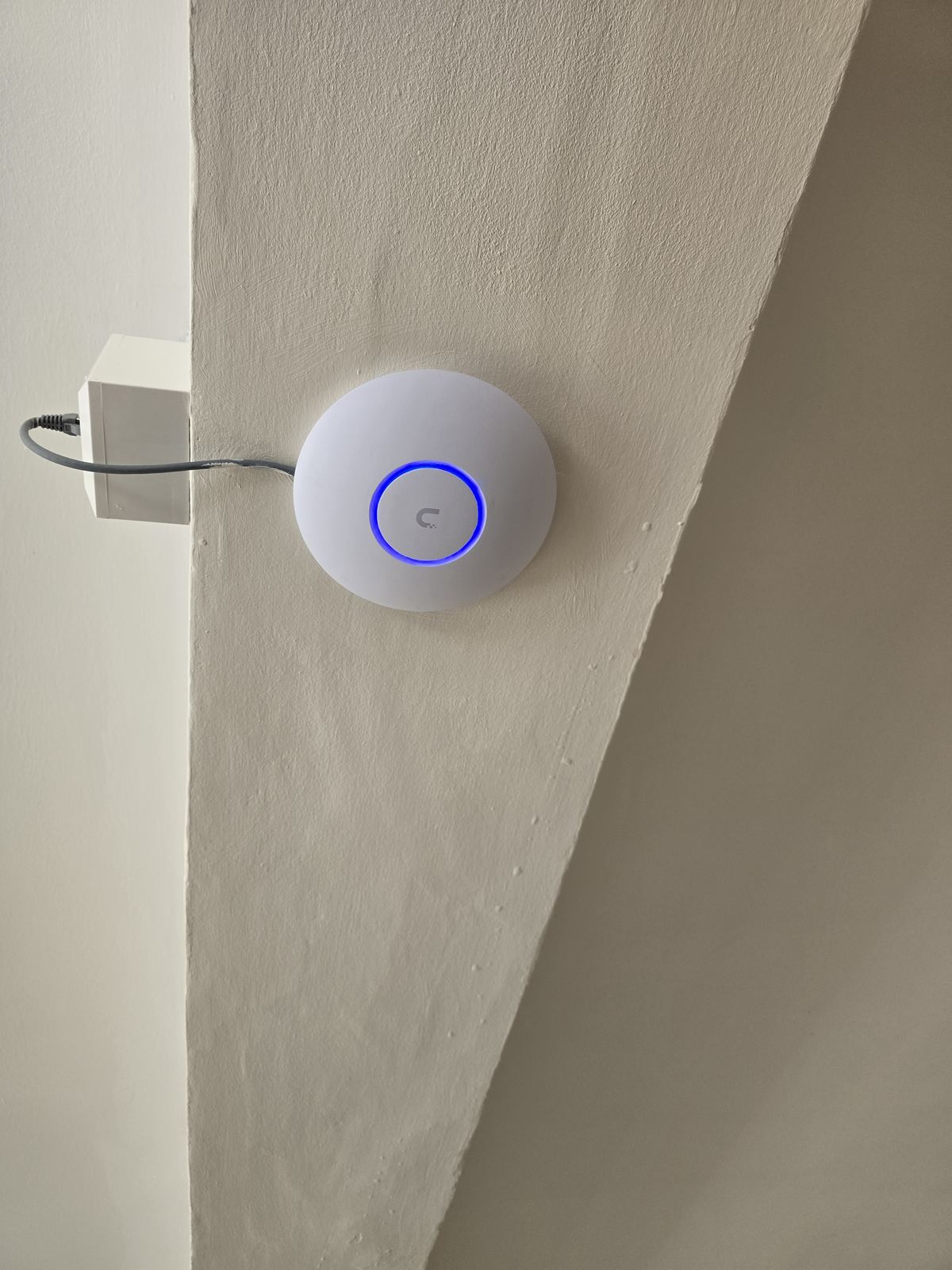
Why can extra mesh units make Wi-Fi worse?
1. The nodes compete for the same airtime
Wi-Fi is a shared radio system. Nearby units and client devices take turns transmitting on the available channels. If several mesh nodes cover the same small area, they can create more competing traffic without adding useful coverage. The signal bars may look excellent while real performance becomes inconsistent.
2. Wireless backhaul uses capacity
A wireless mesh node must receive data and then pass it onwards. On systems where client traffic and backhaul share radio capacity, that extra hop can reduce the bandwidth available to the device. Adding another wireless hop between the router and the far room can compound the problem.
Tri-band systems and well-designed radios can manage this better, but they cannot rescue a node placed where its own connection is already poor. Ethernet backhaul changes the calculation because the link between units no longer depends on the same wireless path.
3. Devices may roam badly
Phones, laptops, televisions and consoles usually decide when to leave one access point and join another. A device can remain attached to a more distant node even when a nearer one is available. With too much overlapping coverage, that decision can become less predictable and appear as slow Wi-Fi, brief pauses or calls that stutter while moving through the property.
4. A strong signal can hide a weak route
A mesh node inside a dead spot may give your phone a strong local signal. But if that node has a weak backhaul connection to the main router, the complete route is still poor. This is one of the most common reasons an extra unit looks helpful in an app while streaming and gaming remain unreliable.
Signs that your mesh may have too many units
How many mesh units should a house have?
There is no dependable one-unit-per-floor rule. A compact timber-framed property and a long, extended house with solid internal walls may need very different layouts. Floor area is only one input; wall construction, floor construction, router position, room use, neighbouring networks and the location of high-demand devices all matter.
Manufacturer coverage figures are useful for rough planning, not a promise for a real building. Start with the fewest units that provide complete useful coverage, position each one where it can still communicate well with the previous node, then measure performance in the rooms that matter. Our guide to planning access-point numbers explains the same principle for wired wireless networks.
Should mesh nodes be close together or far apart?
They need enough separation to extend coverage, but not so much that the backhaul becomes weak. Placing two units beside each other adds little. Placing the second unit at the very edge of an unusable signal is also a poor starting point. A better position is normally between the main unit and the problem room, where it can receive a healthy connection and pass it onwards.
Do not hide nodes in metal cabinets, behind televisions, on the floor among cables or beside large sources of electrical noise if a clearer position is available. Small placement changes can matter more than buying another unit.
Is wired backhaul better than adding more wireless nodes?
Often, yes. Ethernet backhaul gives each compatible mesh unit a wired path to the network. That can preserve wireless capacity for phones, laptops and televisions and make placement less dependent on one node hearing another through walls.
It does not mean every room needs a data socket. A small number of well-positioned, wired units can be more effective than a larger chain of wireless repeaters. In properties that need predictable roaming and capacity, purpose-positioned wired access points may be the cleaner long-term option. See mesh Wi-Fi vs wired access points for the practical differences.
What should you try before buying another mesh unit?
- Run a wired or close-to-router test. Confirm the broadband connection itself is healthy before changing the Wi-Fi layout.
- Test beside each mesh node. A poor result beside a node can expose a weak backhaul path.
- Move the problem node towards the main unit. Test an open, intermediate position rather than the centre of the dead spot.
- Temporarily turn off the newest node. If stability improves, excessive overlap or the added hop may be involved.
- Check for an Ethernet option. Existing data cabling may let you backhaul a node or connect a fixed high-demand device directly.
- Update and restart methodically. Apply current firmware, then change one thing at a time so you know what actually helped.
If the main symptom is repeated disconnection rather than weak coverage, use our separate guide to mesh Wi-Fi dropouts to narrow down backhaul, interference, software and broadband faults.
Frequently asked questions
Can too many mesh units slow down Wi-Fi?
Yes. Closely packed units can add radio competition and roaming problems, while extra wireless backhaul hops can reduce usable capacity. The effect depends on the system, channels, placement and whether the nodes use wired backhaul.
Is three mesh units too many?
Not automatically. Three may be appropriate in a large or difficult property and unnecessary in a compact one. Judge the layout by measured coverage, backhaul quality and stability rather than the unit count alone.
Where should I put an extra mesh node?
Place it where it can still receive a healthy connection from the main router or another node while extending coverage towards the problem area. The middle of an existing dead spot is usually too late in the signal path.
Will Ethernet backhaul make mesh faster?
It can improve consistency and preserve wireless capacity by moving the connection between mesh units onto cable. It cannot increase the broadband speed entering the property.
Should I use mesh or wired access points?
Mesh is convenient where cabling is impractical. Wired access points are often better when predictable coverage, roaming and capacity matter and suitable cable routes are available.
Clear written quotation before any chargeable work. Short-notice appointments may be available across Stockport, Greater Manchester and Cheshire.