
Quick answer
A CCTV system can often keep recording without internet, but it cannot keep recording through a mains power cut unless the equipment it depends on still has power. For a typical local NVR system that can mean the recorder, PoE switch or camera power supplies, cameras and any network equipment required by the design. A correctly sized UPS can provide temporary backup, but the useful runtime depends on the real connected load and the equipment being protected.
Internet failure and power failure are two different faults. That distinction matters because a local CCTV recorder may continue recording perfectly well when broadband drops, while the same system can stop immediately if the recorder or camera power disappears.
The useful question is therefore not simply “does CCTV work without electricity?” It is: which parts of this particular CCTV system need power, and which of those parts are backed up?
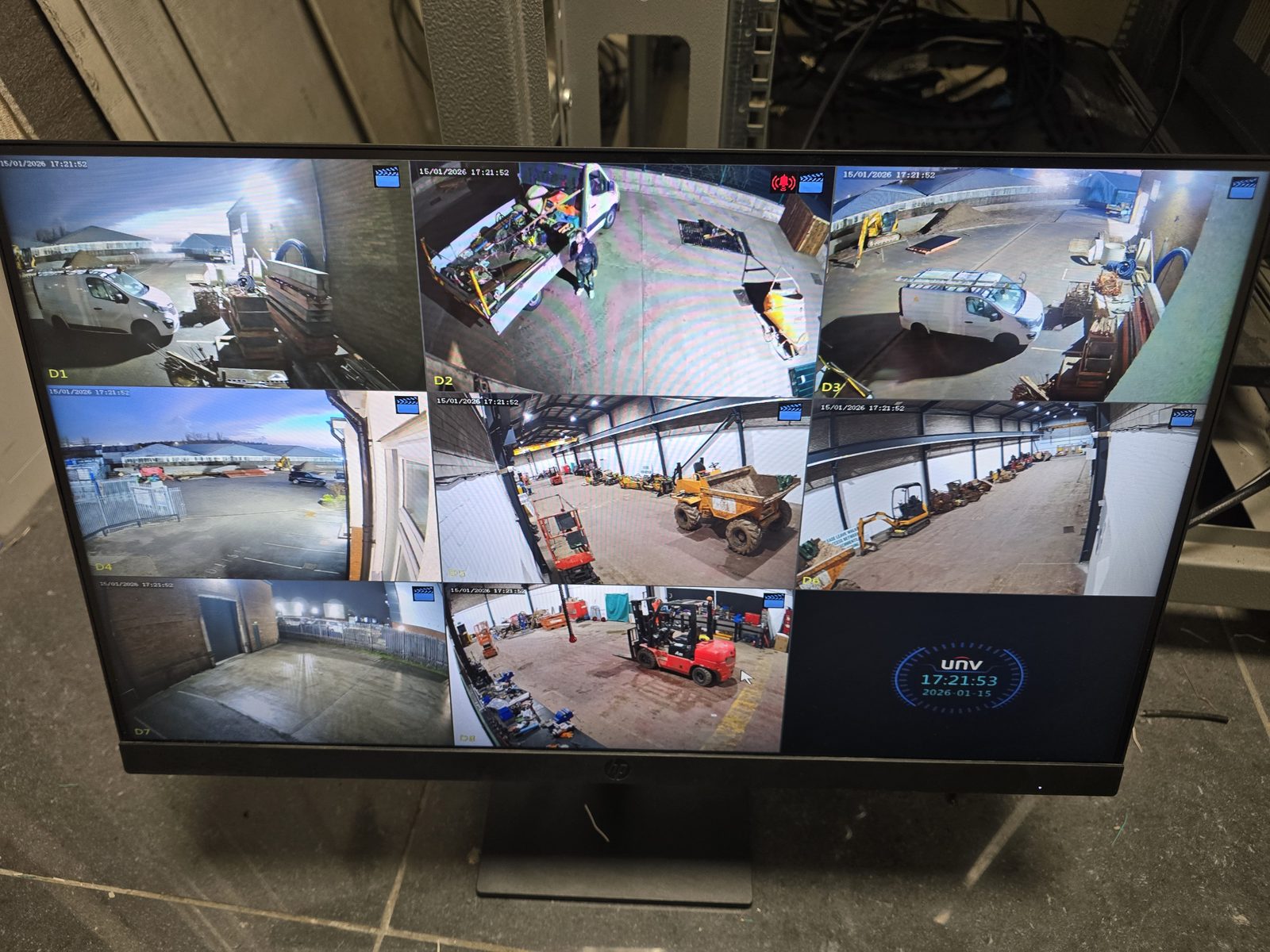
Internet down vs power cut: what normally changes?
Does CCTV need electricity to record?
Yes. Cameras, recorders and network equipment are active electronic devices. They need a power source while they are operating. The exact arrangement varies: some cameras are powered directly, some receive Power over Ethernet from a PoE switch or NVR, and some systems use separate power supplies.
That is why keeping only the NVR on a battery backup may not be enough. If the cameras are powered by a PoE switch that has already gone off, the recorder has nothing useful to record.
What equipment may need UPS backup?
Start with the real signal and power path rather than assuming every CCTV installation is the same. Depending on the system, the protected chain can include:
- NVR or DVR — the local recording device.
- PoE switch or PoE NVR ports — where cameras receive their power.
- Camera power supplies — where separate supplies are used.
- Router or network equipment — only where remote access, alerts or the system design depends on them.
- Display equipment — only if live local monitoring during an outage is part of the requirement.
How long will CCTV run on a UPS?
There is no honest universal runtime. It depends on the UPS battery capacity, its condition, the combined electrical load and which equipment is connected. Eight cameras and a PoE switch can create a very different load from a small four-camera recorder.
If backup time matters, measure the actual system load, select equipment within the UPS manufacturer's limits and test the completed arrangement under controlled conditions. Battery condition also changes with age, so a runtime measured when the UPS is new should not be treated as permanent.
Will cameras still record if the internet goes down but the power stays on?
Many local NVR/DVR systems can. Their cameras and recorder communicate locally rather than sending every recording through the public internet. What usually disappears first is remote viewing or cloud-dependent functionality.
Our CCTV without internet guide goes deeper into that distinction. If your live view works but playback is missing, use the separate live-view-but-no-recording troubleshooting guide instead.
What about Wi-Fi cameras with batteries?
Battery cameras are a different design. A charged camera may remain powered during a local mains outage, but recording, notifications and remote access depend on the exact product and whether it records locally, to a hub or to a cloud service. If the home router has also lost power, a camera that depends on Wi-Fi or cloud connectivity may lose those functions even though its own battery is still charged.
Check the manufacturer's current behaviour for the exact model rather than assuming “battery-powered” means the whole CCTV system is outage-proof.
How to plan CCTV resilience properly
- Identify the recording method. Local NVR/DVR, local camera storage, cloud or a mixture.
- Trace how every camera is powered. PoE switch, NVR PoE ports, separate supply or battery.
- Decide what must survive. Recording only, local live view, remote app access, alerts or all of them.
- Protect the whole required chain. Backing up one box is useless if another required box loses power first.
- Test the failure modes. Confirm what happens when broadband is removed and what happens when mains power is removed using a safe, controlled test.
- Review the batteries. UPS and camera batteries are consumable items and should not be assumed to retain their original runtime indefinitely.
Safety: do not improvise mains backup wiring
CCTV resilience does not require opening mains-powered equipment or improvising electrical connections. Use manufacturer-approved power equipment and have fixed electrical work handled by an appropriately competent person. The CCTV side can then be designed around the safe power arrangement provided.
When should the CCTV system itself be checked?
If a system repeatedly fails to recover after outages, loses cameras, corrupts recording history or has uncertain power/network dependencies, it is worth checking the recorder, storage, PoE load, camera links and network as one system rather than replacing random components.
If you are planning a new CCTV system and want recording behaviour during internet or power failures considered from the start, see our CCTV installation in Stockport. If an existing system stopped recording, lost cameras or developed faults after an outage, use our CCTV repair and fault-finding service. We keep the recommendation proportionate: serviceable cameras, recorder hardware and cabling do not need replacing simply because resilience is being reviewed.
Frequently asked questions
Does CCTV work during a power cut?
Only if the equipment the CCTV system depends on still has power. A local NVR, PoE switch, cameras and other required equipment may need suitable backup power for recording to continue during a mains outage.
Will CCTV still record if the internet goes down?
Many local NVR and DVR systems can continue recording without public internet access as long as the cameras, recorder and local network remain powered and connected. Remote viewing and cloud features may stop.
Can a UPS keep CCTV recording?
Yes, where it is correctly selected for the equipment and real connected load. The UPS needs to protect the complete chain required for recording, not just one device, and useful runtime should be tested rather than assumed.
How long will a CCTV system run on a UPS?
There is no fixed runtime. It depends on UPS capacity and condition plus the recorder, PoE, camera and network load connected to it. Measure the actual load and test the finished arrangement if runtime matters.
Do PoE CCTV cameras stop in a power cut?
They normally stop if the PoE switch or PoE-capable recorder supplying them loses power. If that power source has suitable backup, the cameras may continue for the available backup runtime.
Are battery Wi-Fi cameras unaffected by power cuts?
Not necessarily. The camera itself may stay powered, but Wi-Fi, hubs, cloud recording, notifications and remote access can still depend on other mains-powered equipment and on the exact product design.
Clear written quotation before any chargeable work. Short-notice appointments may be available across Stockport, Greater Manchester and Cheshire.