
Sky Glass and Sky Q both carry the same Sky content but they get to your living room in completely different ways — and the choice between them changes what we install, what it costs, and what happens on the wall.
Sky Q in one sentence
Sky Q is the traditional Sky setup — a satellite dish on the wall, an LNB, coax down into a Sky Q box under the TV, and (optionally) Sky Q mini boxes in other rooms over the home network. Content comes from the satellite; extras stream over broadband.
Sky Glass in one sentence
Sky Glass is a Sky-branded TV. There's no dish, no box, no coax — Sky content is streamed entirely over your home broadband. You just need power, network and a wall (or a stand).
The install differences that actually matter
- Dish: Sky Q needs one aligned to 28.2°E. Sky Glass needs none.
- Cabling: Sky Q needs coax from dish to box. Sky Glass needs a power socket close by; ideally a network cable too.
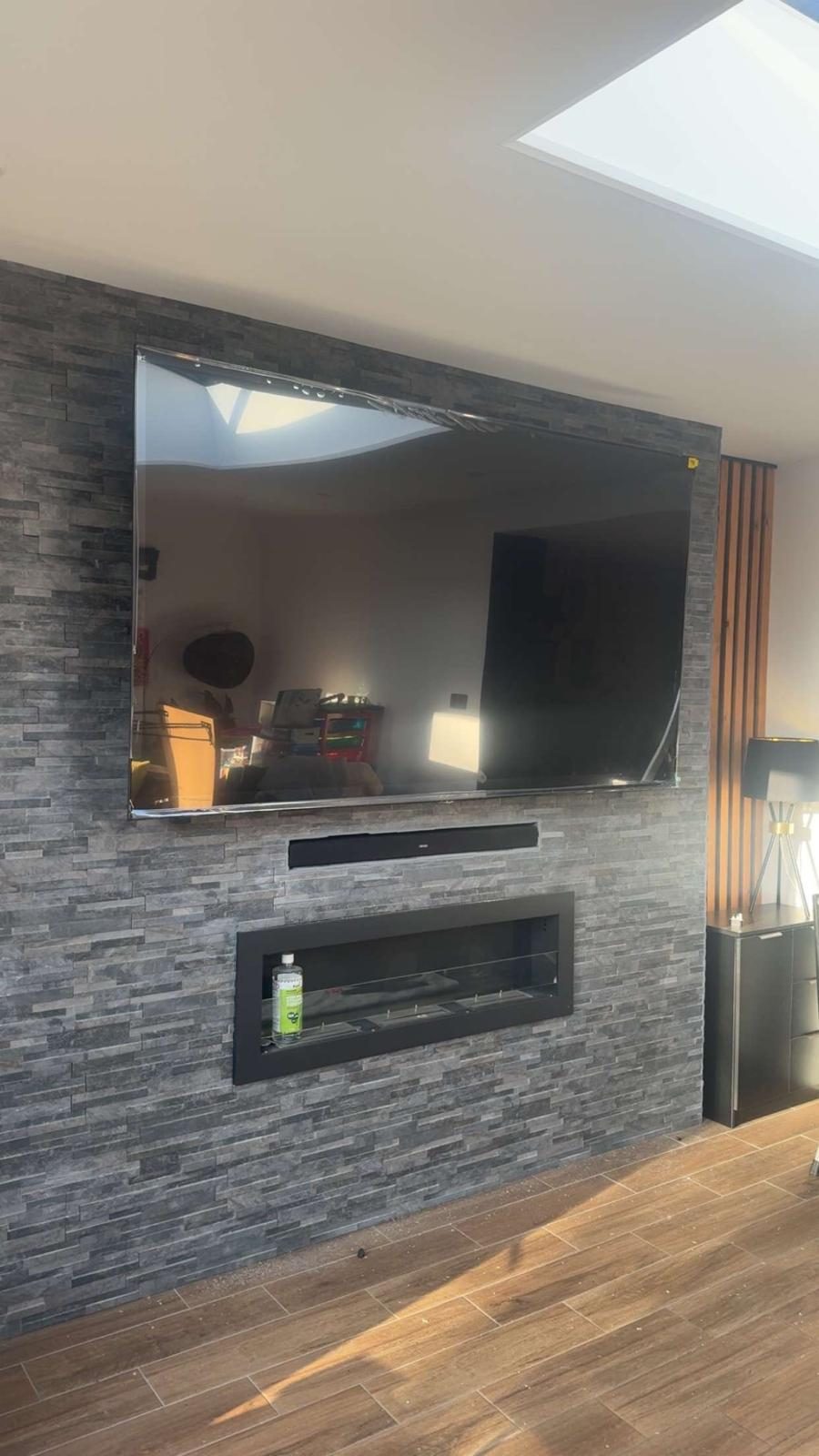
- Wall mounting: Sky Q box sits on a shelf. Sky Glass is a TV that wants a proper flat wall or media wall — we do a lot of Sky Glass wall mounts across Stockport.
- Broadband dependency: Sky Glass streaming and app features depend on a suitable broadband connection. On a supported Sky Glass TV, digital terrestrial TV and radio may remain available through a connected, configured aerial input; the available services and setup are separate from the Sky streaming subscription. Check the current Sky instructions and the actual receiving system.
- Second rooms: Sky Q uses mini-boxes (physical hardware). Sky Glass uses Sky Stream pucks over broadband.
Which one is right for your house?
A quick honest guide from actual Stockport installs:
- Choose Sky Glass if: You have fibre broadband, a strong Wi-Fi signal in the room, and you want zero dishes / boxes / clutter — especially on a new media wall.
- Choose Sky Q if: Your broadband isn't reliable, you want the picture to keep working when the internet drops, or you already have a Sky dish and it's easier to keep going.
- Choose neither: If you don't watch enough Sky-specific content to justify the monthly fee, look at Freesat or a Freeview box with streaming apps.
The bit nobody mentions — Wi-Fi
Sky Glass buffering, resolution drops or freezing do not prove a Wi-Fi fault. The cause can sit with the broadband service, Sky service, the television or software, the local Ethernet/Wi-Fi path, or congestion elsewhere in the home network. Start by checking current Sky and broadband status, then compare a wired or close-to-router baseline with the connection at the TV. If the baseline is healthy and only the room connection degrades, investigate Wi-Fi placement, backhaul, interference and client behaviour. If wired and wireless tests fail together, keep the investigation upstream rather than selling a Wi-Fi upgrade by assumption. Where testing does show a local-network limit, a wired drop or correctly placed access point may help. See our Wi-Fi diagnosis guide.
Frequently asked questions
Do I need a dish for Sky Glass?
No — Sky Glass is fully streamed over broadband. There's no dish, no LNB, no coax and no external box.
Can Sky Glass be wall mounted like a normal TV?
Yes — Sky Glass takes a standard VESA bracket and mounts like any other TV. We regularly wall-mount Sky Glass across Stockport, including onto media walls and above fireplaces.
Is Sky Glass better than Sky Q?
Neither is universally better. Compare the current product, contract, available receiving systems, broadband and Wi-Fi path, room setup and second-room requirements. Sky Glass streaming depends on broadband, while supported terrestrial viewing through a configured aerial input is a separate fallback.
Will my existing Sky dish work with Sky Glass?
You don't need it — Sky Glass ignores dishes entirely. If you're moving from Sky Q to Sky Glass and want the dish gone from the wall, we'll take it down safely and seal the holes.
Can Sky Glass work over Wi-Fi or does it need Ethernet?
It works over Wi-Fi if the signal is strong. For a reliable 4K picture we always recommend a wired network drop — same as we do for Apple TV, Fire TV and any other streaming device.
What if I want to keep Sky in another room too?
With Sky Glass you add Sky Stream pucks — small streaming boxes that plug into any other TV. With Sky Q you use Sky Q mini-boxes over the home network. Either way we can set up the Wi-Fi or cabling to support it.
Need help with TV signal problems in Stockport, South Manchester, Tameside or East Cheshire? Evolution Data & Digital is a local, engineer-led business — not a call centre or franchise. We test the system properly, explain the fault and agree the price before any repair or installation work begins. Call 0161 399 1757 or contact us online.
Clear written quotation before any chargeable work. Short-notice appointments may be available across Stockport, Greater Manchester and Cheshire.