
Quick answer
Starlink is designed for a range of weather, but significant weather can still affect the radio link. In Starlink guidance checked on 4 September 2026, moderate to heavy rain, snow and hail can cause momentary dropouts, while heavy snow covering the dish could interrupt service. Hardware, software and support wording can change; if the connection fails whenever weather changes, check the current guidance. Also check the mount, cable, obstructions and indoor network.
Weather gets blamed for a lot of Starlink faults because the dish is outside and the timing feels obvious: rain starts, connection drops, therefore rain must be the whole problem. Sometimes that is true. Sometimes the weather is exposing a weak installation that was already marginal.
The useful approach is to separate a normal short weather-related interruption from a repeatable installation, cable, obstruction or Wi-Fi fault.
What Starlink says about rain, snow and bad weather
Evolution Data & Digital checked Starlink's weather guidance on 4 September 2026. It said significant weather can degrade the radio link, with moderate to heavy rain, snow and hail capable of momentary dropouts; storms near ground stations can also affect performance.
The wider environmental guidance checked on the same date described operation in wet conditions and a wide range of weather, while warning that extreme heavy rain or wind can cause slower speeds or a rare outage. Starlink's current support page and the installed hardware generation remain authoritative.
Does normal rain stop Starlink?
Usually, normal rain should not make a properly installed system unusable. Performance can vary, but a connection that completely collapses during every ordinary shower deserves more investigation than “satellite internet does that”.
If the dish already has partial obstruction, a poor connector, a marginal cable route or an unstable local network, wet weather can coincide with symptoms that make the real fault look purely weather-related.
Can heavy rain reduce Starlink speed?
Yes. Starlink explicitly says significant weather can cause service degradation and momentary interruptions. The exact effect at one property will vary, so we would not promise a fixed percentage speed reduction for a particular amount of rain.
If you are trying to understand a speed problem, compare several tests across normal and poor conditions rather than treating one storm-time result as the system's permanent performance. Our Starlink speed UK guide explains the other factors that can move a speed test around.
What about snow and ice?
Starlink's snow and ice guidance, checked 4 September 2026, described Snow Melt functionality that uses additional power drawn by the dish to help reduce snow accumulation. Available modes, controls and behaviour can differ by hardware generation, software and region, so follow the current instructions for the exact kit rather than assuming every dish exposes the same setting.
Heavy snow covering the dish can still interrupt service. Do not chip, scrape or heat the equipment using a method that conflicts with current Starlink instructions. Where snow or ice creates a physical hazard or blocks movement, use the hardware-specific guidance and a safe, maintainable installation position.
Can wind affect Starlink?
Wind can matter in extreme conditions, but ordinary wind should not make a properly fixed dish flap around. If service changes because the pole, wall bracket or temporary mount visibly moves, that is a mounting problem as much as a weather problem.
We would inspect fixing security, pole movement, bracket condition and cable strain before assuming the satellite network is responsible.
Trees, wet leaves and weather can overlap
A tree that only clips the edge of the required sky view can create intermittent obstruction. Wind moves branches, leaves return in spring and wet foliage can change the pattern of interruptions, so a connection that “only goes bad in poor weather” may actually have an obstruction problem underneath it.
Our Starlink and trees guide covers obstruction scanning and dish-position decisions in more detail.
How can you tell whether the problem is weather or Wi-Fi?
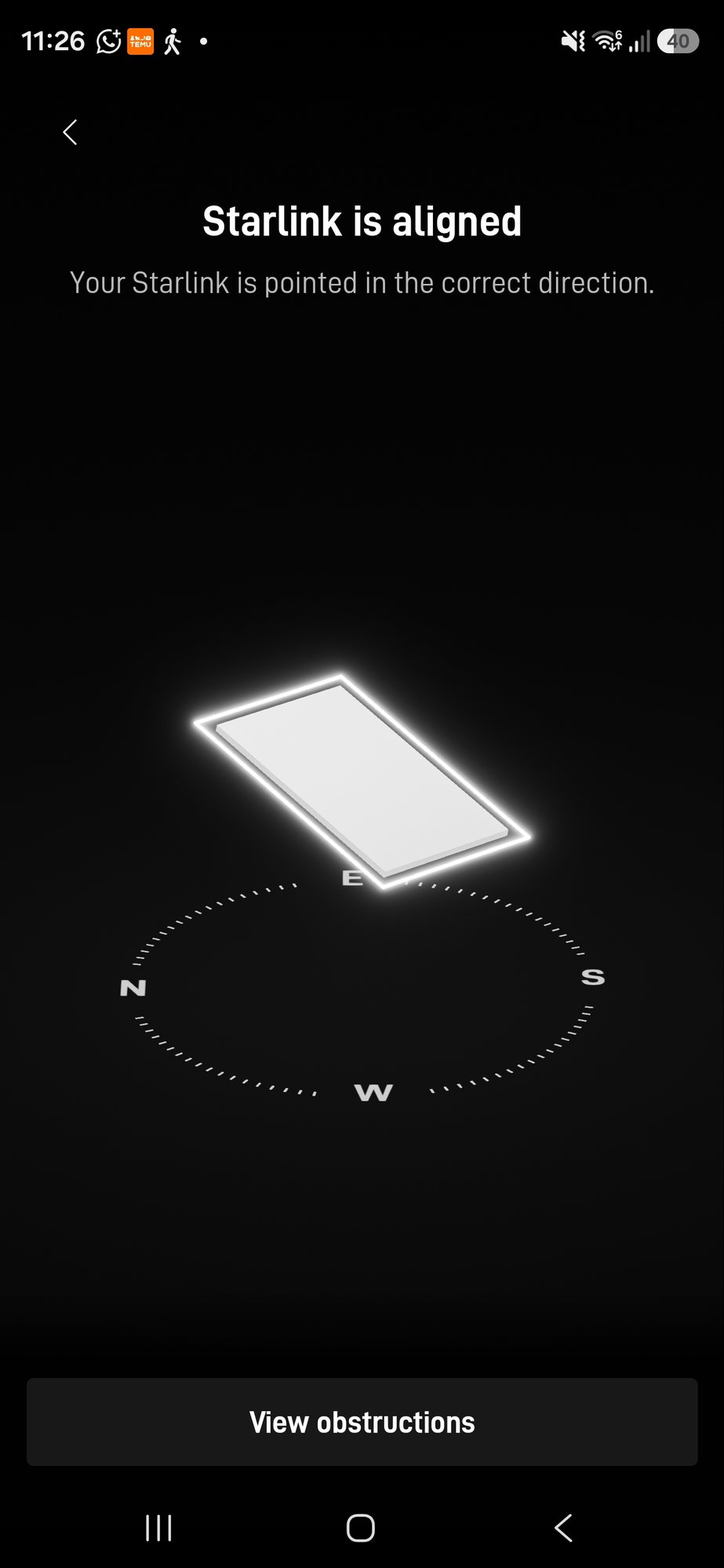
Check the Starlink app and the local network separately. If the Starlink connection reports healthy uptime but a device at the far end of the house is buffering, the dish may not be the problem at all.
Conversely, perfect Wi-Fi cannot fix a dish that is obstructed or genuinely losing the satellite link. Our guide to slow Starlink Wi-Fi explains how to split those two layers.
What to record when Starlink drops during bad weather
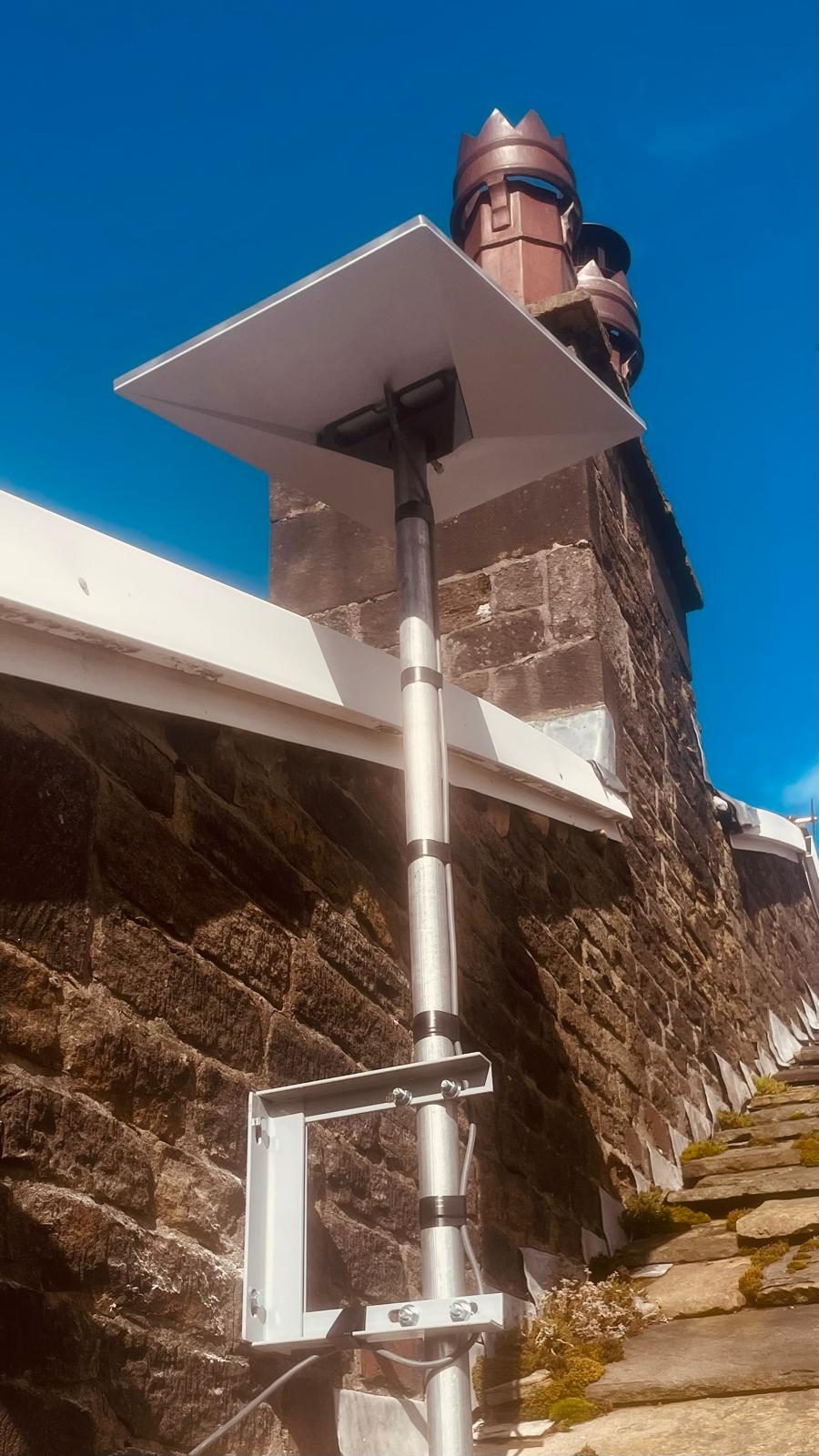
The installation photographs above show EDD work; they do not establish a weather-related performance outcome. If you are reporting a fault, record the timing, app messages and indoor-network behaviour so the diagnosis can separate a weather event from an obstruction, cable, power or Wi-Fi problem.
Keep account details private when sharing fault information. Note what was observed, what was not measured and whether Starlink support or another specialist has already investigated. A result on one installation is not a universal speed or resilience promise.
When should an existing Starlink installation be checked?
It is worth a proper fault check if the connection repeatedly drops in ordinary weather, the dish or mount moves, the app reports obstruction, cable errors appear, or performance changed suddenly after previously being stable.
Evolution Data & Digital provides Starlink repair and fault finding as well as new Starlink installation across Stockport, Greater Manchester, Cheshire and surrounding North West areas. The first aim is to prove which part of the system is actually failing rather than replace the dish at random.
Frequently asked questions
Does Starlink work in heavy rain?
Starlink is designed for wet conditions, but its own guidance says significant weather and moderate to heavy rain can cause service degradation or momentary dropouts. Performance should normally recover as the weather passes.
Why does my Starlink drop out every time it rains?
Heavy rain can affect the satellite link, but repeatable dropouts in ordinary rain are also a reason to check the dish position, obstructions, cable, connectors, mount and indoor network rather than assuming weather is the only cause.
Does Starlink melt snow?
Starlink guidance checked on 4 September 2026 described Snow Melt functionality, but available modes and behaviour can depend on the installed hardware and software. Follow the current instructions for the exact kit; heavy accumulation can still interrupt service.
Can wind move a Starlink dish enough to cause problems?
A secure permanent installation should not move significantly in ordinary wind. If the dish, pole or bracket visibly moves and performance changes with it, inspect the mounting rather than treating that as normal network behaviour.
Can wet trees affect Starlink?
Trees are physical obstructions whether wet or dry. Wind, leaves and seasonal growth can change how often branches enter the required sky view, so an apparent weather problem can sometimes be an obstruction problem underneath.
Clear written quotation before any chargeable work. Short-notice appointments may be available across Stockport, Greater Manchester and Cheshire.