
Quick answer
Starlink can stay usable with some partial tree obstruction, but trees can still cause interruptions. Starlink now detects obstructions and switches between available satellites to route around many of them, but its own guidance still recommends a completely clear view of the sky for best performance. The right first step is to scan the exact proposed mounting position with the Starlink app before deciding where the dish goes.
A tree near a Starlink dish is not automatically a failed installation, and a few red areas in the obstruction map do not automatically mean the connection will be unusable. But the opposite advice — "Starlink works through trees now, so the view no longer matters" — is not right either.
Starlink satellites move rapidly across the sky. The dish needs access to the part of the sky it expects to use, and branches, leaves, roofs and other objects can temporarily block that path. Current Starlink software is much better at working around those blockages than early systems were, but the cleanest installation still starts with the clearest practical field of view.
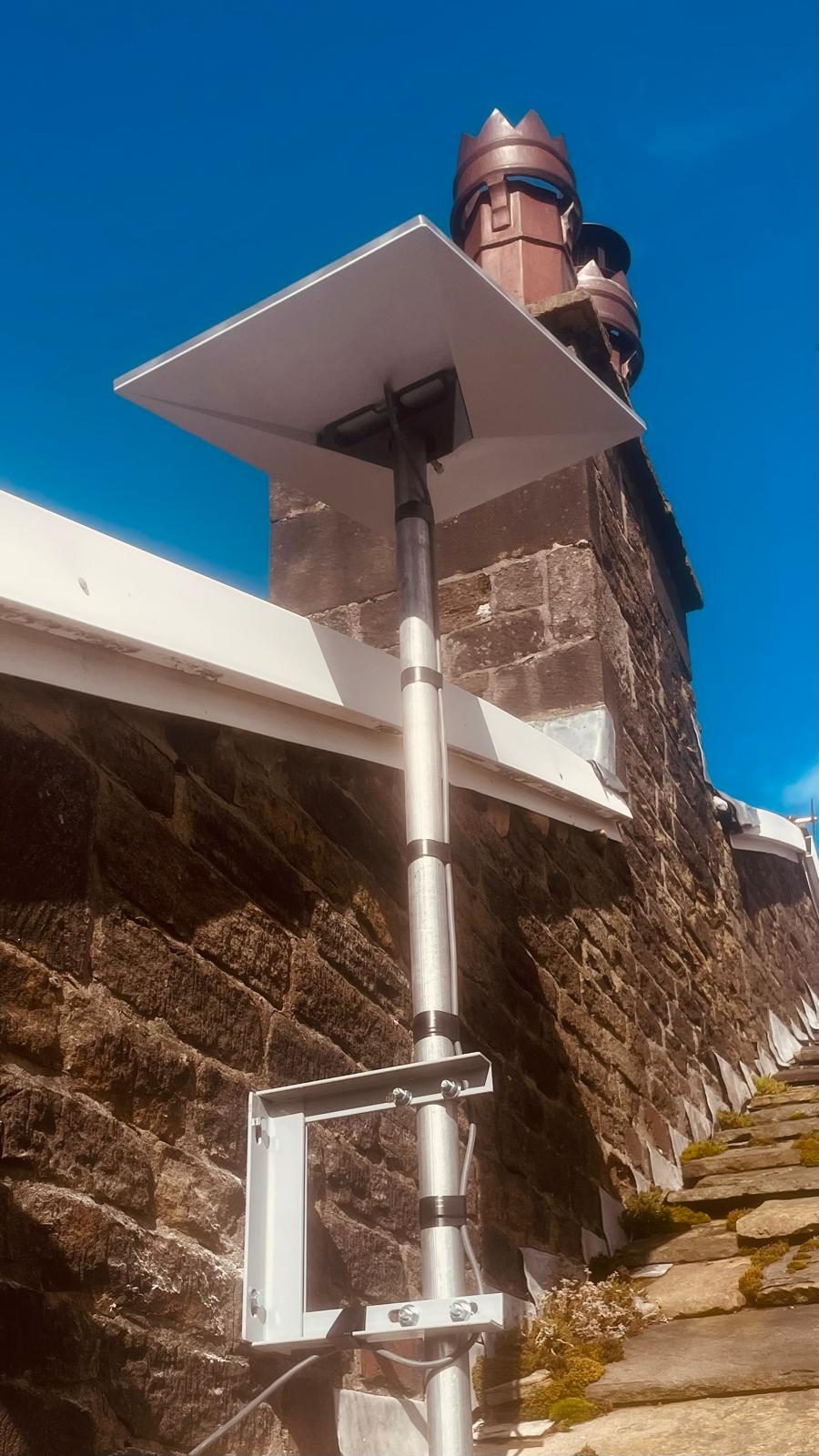
Official Starlink obstruction guidance checked 3 September 2026. Starlink currently directs customers to use the app's obstruction tool to compare locations and seek a clear field of view. Guidance and app behaviour can change, so use the live support page and current app for the installation being assessed.
What Starlink itself says about trees and obstructions
Starlink's current obstruction-map guidance explains that the system detects obstacles such as trees and buildings and proactively switches between satellites to maintain a connection. It also says that a completely clear view of the sky remains the recommendation for best performance, because interruptions can still occur when the available satellite paths are obstructed.
That is the sensible middle ground: modern Starlink is more resilient to partial obstruction, but a tree is still a physical obstruction. You should design the installation to reduce it rather than assume software will make it irrelevant.
How to check whether trees will be a problem before you install
Use the Starlink app's Check for Obstructions tool to compare realistic proposed locations. The result needs to represent the dish's eventual view, but that does not make unsafe access acceptable.
Quick answer
Never climb onto a roof, use an unsecured ladder or reach an unsafe position to perform an app scan. Scan only from a place you can access safely. If the proposed dish will be elevated and a representative safe scan is not possible, ask a competent installer to assess the mounting position, access method and cable route using suitable access equipment.
- Choose realistic candidates from a safe position. Compare parts of the property that could support a permanent mount and cable route without climbing to test them yourself.
- Use the closest safe perspective available. Treat any ground-level or indoor scan as preliminary when the final dish would be much higher.
- Complete the app's full sky scan. Let the tool assess the whole required field of view rather than checking only the obvious tree.
- Compare safer alternative positions. A modest sideways move can change the view without forcing an unnecessarily difficult elevated mount.
- Escalate elevated assessment. A competent installer should select the safe access method, verify the representative view and check the permanent fixing and cable route.
Starlink's own pre-install obstruction guide recommends doing this before ordering in heavily obstructed areas.
What different tree situations usually mean
Will leaves make Starlink worse in spring and summer?
They can. Starlink's own obstruction troubleshooting lists new branches and leaves as common reasons a previously clear installation can start reporting obstructions. A winter survey therefore needs a little common sense: a bare branch that only just clears the field of view may look very different once the tree is in full leaf.
The answer is not to guess at a fixed "safe distance" from a tree. Tree height, slope, mounting height and the required sky view vary from property to property. The app scan from the real mounting position is more useful than a generic rule measured in metres.
Does a red obstruction map mean Starlink will be unusable?
Not necessarily. Once the dish is operating, it builds its own live obstruction map from the satellite paths it actually uses. Current Starlink guidance says the system continuously learns the surrounding obstructions and can proactively select other satellite paths.
But the map should be interpreted alongside the real connection. Short interruptions matter differently depending on what you do online. Buffered video can hide a brief dropout that a live call, remote desktop session or online game exposes immediately. If the property depends on Starlink for work, VoIP or business systems, we would be less tolerant of avoidable obstruction than for casual browsing in a holiday cabin.
If the dish is clear but the speed around the house is poor, that is a different problem. Our guide to slow Starlink Wi-Fi, routers and mesh separates dish performance from the indoor network, while our Starlink speed guide explains the other parts of the connection that can affect a speed test.
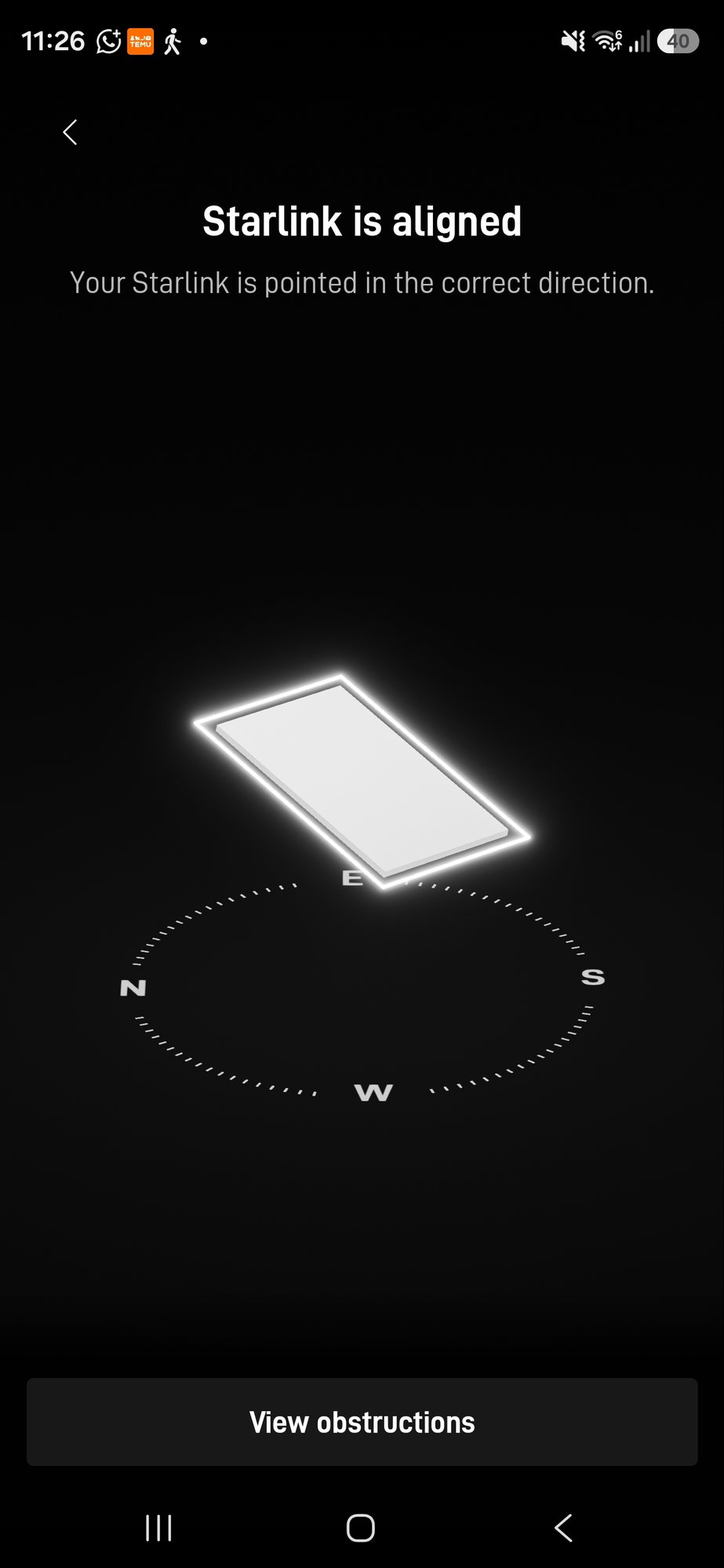
What can you do if trees are obstructing Starlink?
Starlink's current obstruction-fix guidance gives three broad options: relocate the dish to a clearer position, clear the physical obstruction where appropriate, or raise the dish above it using a suitable mounting arrangement.
Move the dish sideways
This is often overlooked. Moving a dish along a gable, to another roof face or around the corner of a building can change the angle to a nearby tree dramatically without adding much height.
Raise the dish
A suitable wall mount, pole or other elevated position can move the required sky view above nearby branches. More height is not automatically better, though: wind loading, fixing strength, safe access and the cable route all still matter.
Remove or trim the obstruction
A branch may sometimes be the simplest obstacle to deal with, but only where the tree is yours to work on and the job can be done safely and lawfully. We would not design an installation around assuming somebody else's tree will be cut back later.
Choose another connection
If every safe mounting position is heavily obstructed, Starlink may simply not be the right primary connection for that site. Depending on local availability, fixed broadband or 4G/5G internet may be the more proportionate answer.
Do you need the dish completely obstruction-free?
For best performance, that remains the target. Starlink's recent guidance is more nuanced than older "any red pixel is fatal" advice because the network can now route around many partial blockages. That resilience is useful; it should not become an excuse for a lazy mounting position.
On a professional installation, we would still compare the available positions, use the app at the correct mounting height, and choose the cleanest safe position that also gives a proper permanent cable route. If a slightly different bracket position removes an avoidable tree obstruction, there is little reason to leave the obstruction there.
Planning a Starlink installation around trees
Our Starlink installation service covers the complete job: assessing the sky view, choosing the mounting position, planning the cable route, commissioning the dish and then checking whether the indoor Wi-Fi is actually delivering the connection where it is needed. We cover homes and businesses across Stockport, Greater Manchester, Cheshire and surrounding North West areas.
If an existing installation has started reporting obstructions or dropping unexpectedly, see our Starlink repair and fault-finding service rather than assuming the dish itself has failed.
Frequently asked questions
Does Starlink work through trees?
Starlink can route around some partial obstructions by switching between available satellites, but trees can still cause interruptions. A clear view of the sky remains the recommended target for best performance.
How do I know if a tree will block Starlink?
Use the Starlink app's Check for Obstructions tool from as close as practical to the exact height and position where the dish will be mounted. Repeat the scan from alternative positions if trees enter the required field of view.
Can I put Starlink on a pole to get above trees?
An elevated pole or mount can help where it safely moves the dish above an obstruction, but the structure, wind loading, fixing method, access and cable route still need to be suitable. Height should solve a real obstruction rather than be added automatically.
Can leaves cause new Starlink obstructions?
Yes. Starlink specifically lists new branches and leaves as possible new obstructions, so a position that looks clear around a bare tree in winter can become more obstructed after seasonal growth.
Should I cut a tree down for Starlink?
Not automatically. First compare alternative dish positions and mounting heights. If every safe position remains badly obstructed, it may be more sensible to consider another internet option than make disproportionate changes to the property or trees.
Clear written quotation before any chargeable work. Short-notice appointments may be available across Stockport, Greater Manchester and Cheshire.