
Quick answer
Starlink can be good for gaming in UK properties with a clear view of the sky, especially where the fixed-line alternatives are slow or unreliable. It is not automatically the best gaming connection: latency varies, brief obstructions can cause dropouts and the local Wi-Fi still matters. Test the games you actually play, at the times you play them, before treating one speed result as the verdict.
Gaming suitability cannot be reduced to download speed. A Starlink connection may download a large update quickly and still feel inconsistent in a latency-sensitive match if the dish is obstructed, the local Wi-Fi is weak or the connection experiences short interruptions.
The practical answer depends on four parts: the sky view at the property, current Starlink network performance, the connection between the gaming device and router, and how sensitive the game is to latency variation.
What latency does Starlink have in the UK?
In Starlink's UK fixed-service contract summary checked on 5 September 2026, the listed Residential service-plan figures included 25–50ms latency during peak hours. The same document makes clear that actual performance varies by location, time and other factors and that the figures are not guaranteed. Current Starlink terms and plan information remain authoritative.
A result inside that range may be fine for many online games, but average latency does not show the whole experience. Jitter, packet loss and brief interruptions can matter more than a single good ping. Competitive players also tend to notice variation that is irrelevant to browsing or video streaming.
Our broader Starlink speed and latency guide includes one real Hope Valley commissioning snapshot of 78Mbps down, 16Mbps up and 23ms latency. That is evidence from one installation at one moment—not a forecast or guarantee for another property.
Is Starlink good for different types of gaming?
Why can Starlink lag or disconnect during gaming?
1. Trees or buildings interrupt the sky view
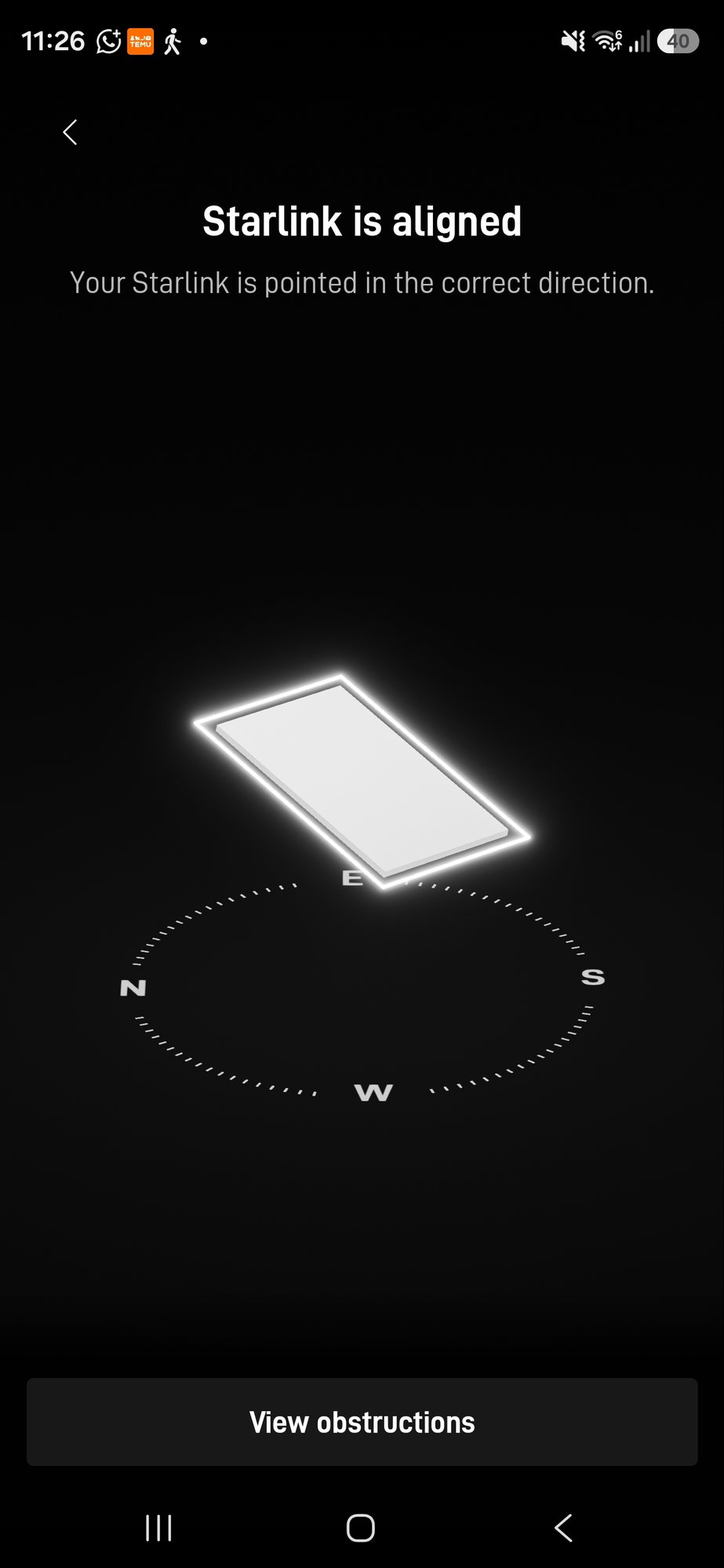
A dish needs the clear field of view shown by the current Starlink app. A branch, chimney, roofline or neighbouring structure that crosses the working view can create short interruptions. Those may be barely noticeable while a video buffer absorbs them but obvious in a live game or voice chat.
Check our dedicated guide to Starlink and tree obstructions before assuming a higher mounting position automatically solves the site.
2. Latency varies
Satellite movement, network routing, local demand and wider internet conditions mean latency is not a fixed number. One low result proves the connection can be responsive at that moment; repeated measurements show whether it remains consistent during the period you care about.
3. The gaming device is on weak Wi-Fi
Starlink can deliver a healthy connection to the router while the console or PC receives poor Wi-Fi in another room. Thick walls, distance, a badly placed mesh node and wireless interference are local-network problems, not satellite problems. Compare a close-to-router or wired test with the normal gaming position.
4. Other devices are sharing the connection
Game downloads, cloud backups, video streaming, CCTV uploads and calls can all use capacity or create queues. If the problem appears only when the household is busy, test with other large transfers paused. A better local network cannot create more upstream Starlink capacity, but it can stop an avoidable Wi-Fi bottleneck from being added.
5. Weather or an installation fault is involved
Severe conditions can affect the radio link, but repeated dropouts should not automatically be blamed on normal rain. Check dish status, cabling, power, connector condition and the obstruction view, then compare the timing with weather. Our Starlink weather guide explains the distinction.
Is Starlink better than fibre for gaming?
A healthy full-fibre or other stable fixed-line service will often provide lower and more consistent latency, so Starlink is rarely the first recommendation purely to improve gaming where a strong fixed option already exists. Starlink becomes more compelling where the available copper line is very slow, unreliable or unavailable.
Compare the real services at the property, not the technology names alone. A poor fixed line can be worse than a well-installed Starlink service, while an obstructed Starlink dish can be worse than a modest but stable wired broadband connection.
Should a gaming PC or console use Ethernet with Starlink?
Where the current Starlink hardware and network layout support a wired connection, Ethernet can remove local Wi-Fi interference and weak room coverage from the path. Follow the instructions for the exact router and dish generation, because adapters and ports vary.
Ethernet does not remove the satellite portion of the connection, so it cannot eliminate every latency change or dropout. It is valuable because it isolates one variable: if the game remains inconsistent on a direct wired test, the fault is less likely to be room-level Wi-Fi. Our Ethernet vs mesh gaming guide covers this local network choice in more detail.
How should you test Starlink for gaming?
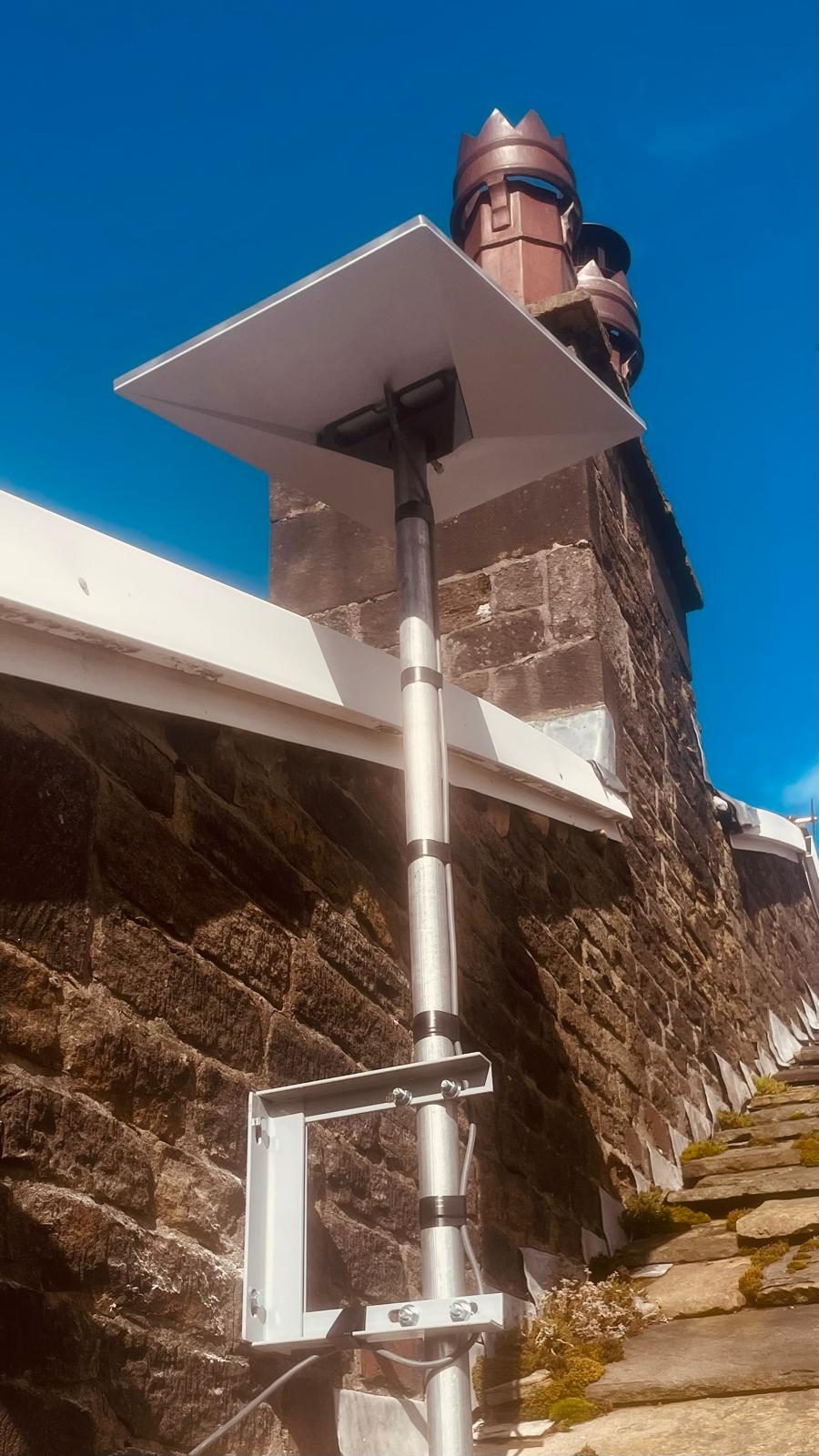
- Use the current Starlink obstruction check. Assess the proposed or installed position over time rather than judging the view from ground level.
- Test on Ethernet where practical. This helps separate the satellite connection from room-to-room Wi-Fi.
- Measure repeatedly. Record latency, jitter, packet loss and speed at different times, including your normal gaming hours.
- Play the actual game. A generic ping target cannot reproduce every game's server location, routing and tolerance for variation.
- Check voice chat and party features. They can expose short interruptions even when downloads look healthy.
- Test with and without other heavy traffic. This shows whether household demand contributes to the symptom.
Can Starlink have strict NAT or port-forwarding problems?
Some games rely only on outbound connections, while hosting, remote access or particular peer-to-peer features may need different inbound network behaviour. Starlink plans, IP addressing and router features can change, so check the current service documentation and the game's requirements rather than assuming traditional port forwarding will be available.
If self-hosting is essential, confirm that requirement before ordering or redesigning the network. A game working for normal matchmaking does not prove that an inbound server will be reachable.
Starlink for gaming: the practical verdict
Starlink can be a strong gaming option when it solves a poor fixed-line situation, the dish has a clear view and testing shows stable performance at the times that matter. It is less attractive where a good fixed service is available or the only mounting positions remain obstructed.
Do not choose from one peak speed result. Prove the sky view, local network, busy-time behaviour and the specific game before deciding whether the connection is good enough for your needs.
Frequently asked questions
Is Starlink fast enough for gaming in the UK?
It can be. Download speed alone is not the deciding factor: a clear sky view, consistent latency, low packet loss and a stable local connection matter. Test the games and times of day that are important to you.
What ping does Starlink get?
Starlink's UK fixed-service contract summary checked on 5 September 2026 listed 25–50ms latency during peak hours for the referenced Residential plan, while stating that actual performance varies and is not guaranteed.
Can you play competitive games on Starlink?
Some players will find it usable, but competitive games are more sensitive to latency variation and short interruptions. A stable fixed line may be preferable where available; otherwise test the specific game on an unobstructed installation.
Will Ethernet improve Starlink gaming?
Ethernet can remove weak Wi-Fi and wireless interference between the gaming device and router. It cannot remove latency or interruptions created on the satellite, provider or game-server parts of the route.
Do trees affect Starlink gaming?
Yes. If trees cross the dish's required field of view, they can cause short interruptions that are especially noticeable in real-time games and voice chat. Check the obstruction view before finalising the mount.
Clear written quotation before any chargeable work. Short-notice appointments may be available across Stockport, Greater Manchester and Cheshire.