
Quick answer
There is no single best way to get internet to a garden office or outbuilding. A direct Ethernet link can be excellent where the route and building arrangement suit copper; fibre is often the cleaner backbone for longer or electrically separate building links; a point-to-point wireless bridge can avoid digging when there is a suitable path; mesh only works when it has a genuinely good backhaul; and 4G/5G or Starlink can give the outbuilding its own internet connection where extending the house network is impractical.
The mistake is choosing the Wi-Fi product first. A garden office needs two separate things: a reliable backhaul that gets the network or internet connection to the building, and then useful Wi-Fi or wired network coverage inside it. If the backhaul is poor, putting an expensive access point in the office does not fix the problem.
The right option depends on the distance, the cable route, whether the buildings are electrically separate, whether there is clear line of sight, what the office is used for and whether it needs to remain independent from the house connection.
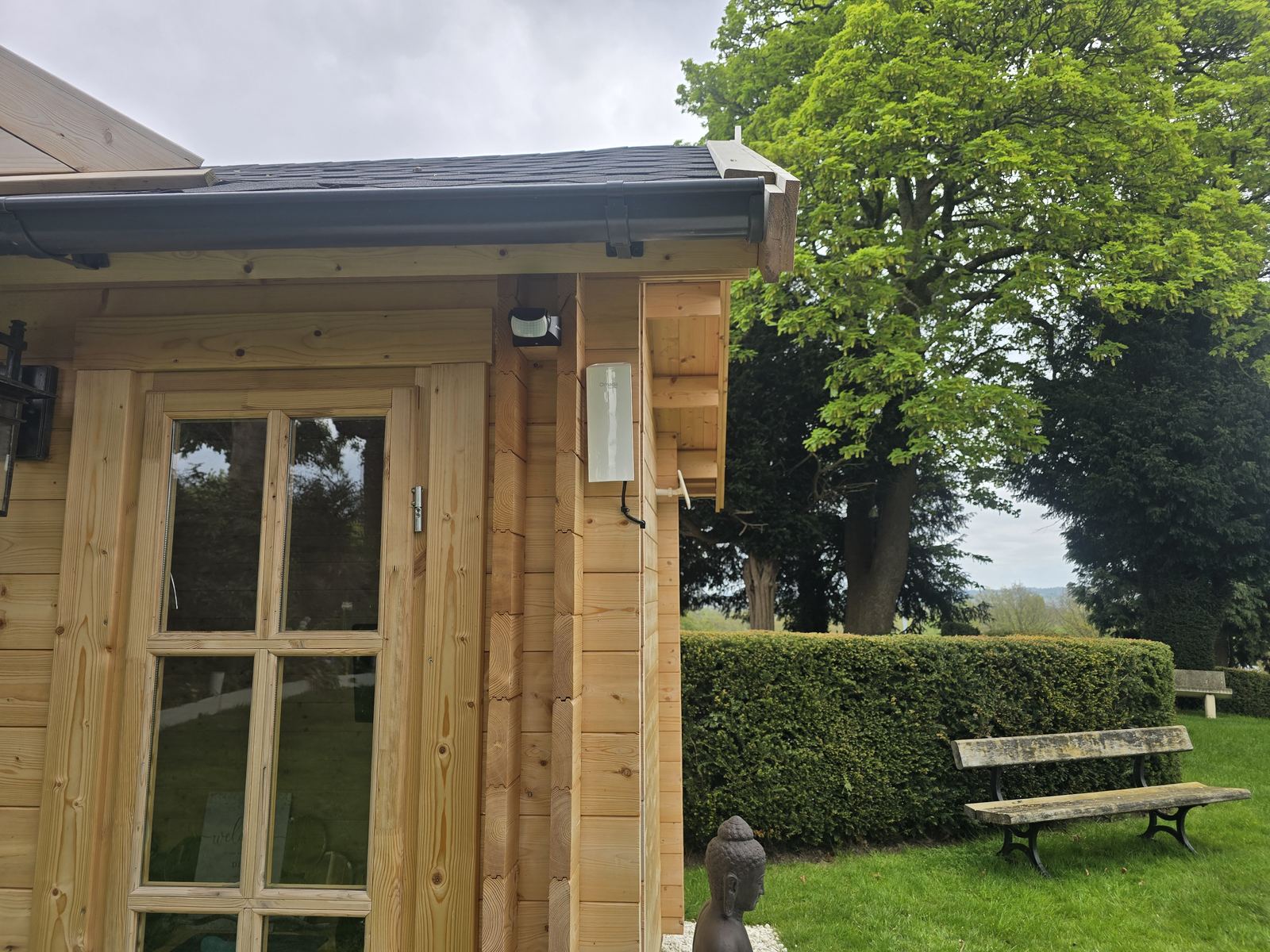
Site survey and competent-design boundary
Quick answer
Do not choose a buried cable, overhead route or building entry from a generic diagram or depth rule. Before a physical link is specified, a competent network designer and, where electrical work or building safety is involved, the appropriate qualified trades should assess the actual route, building relationship, services, protection and reinstatement. The survey must also confirm who owns and may authorise every part of the route.
HSE guidance says work near underground electrical cables should use planning, service information, locating devices and safe digging practices together. Review the current HSE underground-cable guidance and, for relevant work in England, the current Approved Document B fire-safety guidance.
The six main ways to get internet to an outbuilding
Option 1: run Ethernet to the garden office
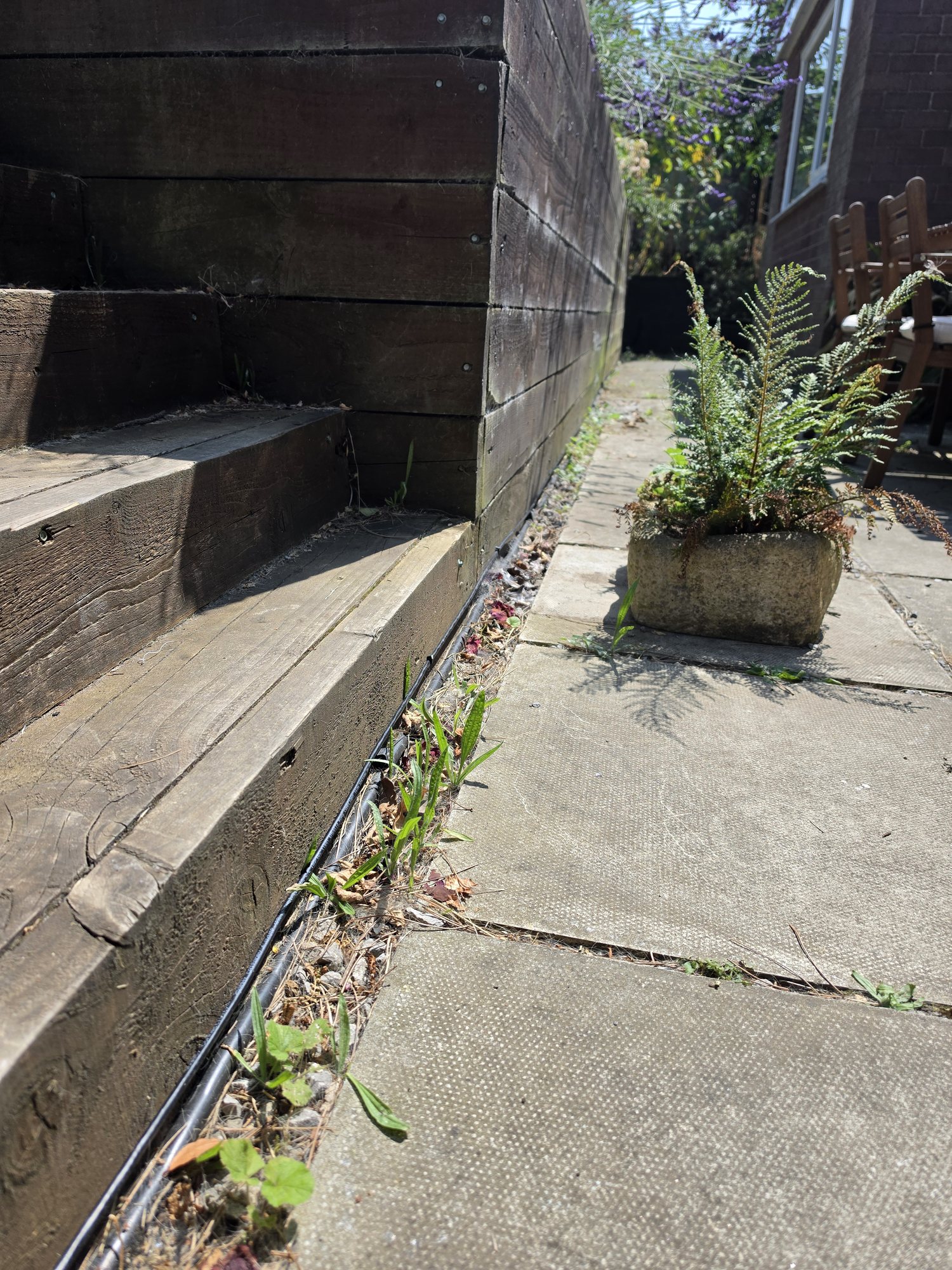
Where a suitable route exists, a wired Ethernet backhaul is simple and predictable. The cable carries the network from the house router or switch to the outbuilding, where it can feed a local switch, a Wi-Fi access point and wired devices such as a desktop computer, printer, TV or VoIP phone.
The important part is not simply buying a reel labelled Cat6. External routes need cable and protection suited to the route, sensible building entry points and a plan for future digging or garden work. Between separate buildings, distance and electrical considerations can also make fibre the better backbone rather than copper.
Our data cabling service covers structured copper cabling, and our guide on when Cat6 makes more sense than relying on Wi-Fi goes deeper into the wired-versus-wireless decision.
Option 2: fibre between the buildings
Fibre is worth considering when the outbuilding is further away, when a building-to-building backbone needs electrical isolation, or when the link is being treated as permanent infrastructure rather than a simple home-office extension. The fibre connects network equipment at each end and then the office gets its own local switch or access point.
It is not automatically necessary for every shed at the bottom of a garden. For a modest domestic route, copper may be the simpler answer. But where fibre solves a real distance, backbone or electrical problem, it can be the cleaner long-term design. Our fibre optic network cabling page explains the customer-owned building-link work we take on.
Option 3: use a point-to-point wireless bridge
A wireless bridge uses a dedicated radio at each building to carry the network across the gap. It is different from asking the house router to "reach the shed". One radio connects to the main network; the second receives the link at the outbuilding and hands it into the local network there.
This is particularly useful when digging or routing cable would be awkward but the buildings have a suitable path between them. Trees, buildings, terrain, mounting positions and local radio conditions all affect the design, so it should be surveyed rather than specified from distance alone.
For larger outbuildings, workshops, farms and multi-building commercial sites, our dedicated point-to-point wireless installation and building-to-building network service is the route for a surveyed, designed and installed wireless bridge rather than a generic Wi-Fi extender.
Option 4: mesh Wi-Fi or an outdoor access point
Mesh can be a perfectly reasonable answer when the outbuilding is close to the house and the mesh node can sit somewhere with a strong connection back to the main network. The common failure is putting a node inside the dead zone and expecting it to create bandwidth from nothing.
An outdoor access point can also extend useful coverage around a property, but ordinary outdoor Wi-Fi and a dedicated building-to-building bridge solve different problems. If you need coverage in a patio, garden or yard, see our outdoor Wi-Fi installation page. If the remote building itself needs a dependable network connection, the backhaul should be designed first.
Our mesh versus access points guide explains why the quality of the connection between nodes matters as much as the Wi-Fi bars shown on the device.
Option 5: give the office its own 4G or 5G connection
Sometimes the simplest solution is not extending the house internet at all. If the outbuilding gets strong, usable mobile service, a properly positioned 4G/5G router can provide an independent connection. That can suit a remote office, temporary building, workshop or backup connection where sharing the main house network would create more work than value.
Mobile performance varies with signal quality, available bands, congestion, the network and the building itself, so we test the real site rather than promising a speed from a coverage-map colour. Our 4G/5G internet installation page covers that route.
Option 6: use Starlink as the outbuilding's internet connection
At rural properties, farms and remote sites, the outbuilding can sometimes be the best place for the incoming Starlink connection — especially if it has a better sky view than the main house. The Starlink service can then feed the office directly or be backhauled to the rest of the property if required.
Starlink is not a universal answer. The dish still needs the required field of view, and the indoor network still needs designing after the satellite connection arrives. Our Starlink installation service covers the complete connection, while our new guide on Starlink and tree obstructions explains how to assess a difficult sky view.
What about powerline adapters?
Powerline adapters send data over the electrical wiring. They can work well enough in some properties, but performance depends heavily on the wiring, circuit layout, consumer units and electrical noise. An outbuilding being on a different circuit or supply arrangement can make the result especially unpredictable.
We would not dismiss a powerline kit that is already working reliably for a light-use garden room. But for a work-critical office, we would compare it with a proper wired or surveyed wireless backhaul rather than designing the whole connection around the hope that powerline behaves well on that particular electrical installation.
Which option is best for video calls and working from home?
Video calls do not require an enormous headline download speed, but they quickly expose instability, packet loss, latency and poor wireless backhaul. That is why a 500 Mbps broadband package can still produce a terrible Teams call in a garden office if only a tiny, unreliable part of that connection reaches the room.
For regular work, we would prioritise a stable backhaul and consistent local Wi-Fi over chasing the biggest speed-test number. Wired Ethernet or fibre is normally the easiest to make predictable where a suitable physical route exists; a properly surveyed wireless bridge is a strong alternative where it does not.
How we choose between Ethernet, fibre and wireless
A real example: when extending the main connection was not the best answer
On a remote care-office project, the practical answer was to give the office its own Starlink connection and then build the local Wi-Fi around that, rather than forcing a weak or awkward link back to another building. That project is covered in our remote care office Starlink and Wi-Fi case study.
For the opposite type of problem — keeping the internet source at one outbuilding and carrying it back to another building — see our Crewe Starlink and approximately 80m wireless-bridge case study.
That is the principle we apply to outbuildings generally: choose the simplest connection that fits the site and the reliability requirement. Sometimes that is a cable. Sometimes it is fibre. Sometimes it is a wireless bridge. Sometimes the remote building should have its own internet service.
Need internet installed in a garden office?
Our garden office internet and Wi-Fi installation service is the local installation route for Stockport and surrounding areas. We assess the building, the existing connection and the available backhaul options first, then quote the work as a defined scope rather than selling a mesh kit before we know what the property needs.
Frequently asked questions
What is the best way to get internet to a garden office?
It depends on the property. Ethernet is excellent where a suitable copper route exists, fibre suits many longer or separate-building backbones, point-to-point wireless avoids digging where the path is suitable, and 4G/5G or Starlink can give the office an independent connection. The route and reliability requirement should decide the technology.
Can I just put a Wi-Fi extender in the garden office?
Only if the extender can already receive a strong, stable upstream Wi-Fi signal. Putting an extender inside an existing dead zone usually gives a strong-looking local signal with a poor connection behind it.
Do I need to dig a trench for garden office internet?
Not always. An existing external route, suitable containment or a surveyed point-to-point wireless bridge may avoid new digging. If a buried route is the best option, the containment and depth should be planned from the actual site rather than copied from one generic rule.
Is fibre overkill for a garden office?
Sometimes it is, and sometimes it is exactly the right backbone. Fibre becomes more useful for longer runs, permanent building links or where electrical isolation makes copper less attractive. A nearby domestic office with an easy route may be perfectly well served by Ethernet instead.
Can Starlink be installed on a garden office?
Yes, where the building gives the dish the required sky view and a safe permanent mounting and cable route. In some rural properties the outbuilding is actually a better Starlink entry point than the main house.
Can the garden office have a separate internet connection from the house?
Yes. 4G/5G or Starlink can sometimes provide an independent connection where extending the house network is impractical or where the office needs separate resilience. The best option depends on the mobile signal, sky view and available fixed services at the site.
Clear written quotation before any chargeable work. Short-notice appointments may be available across Stockport, Greater Manchester and Cheshire.